

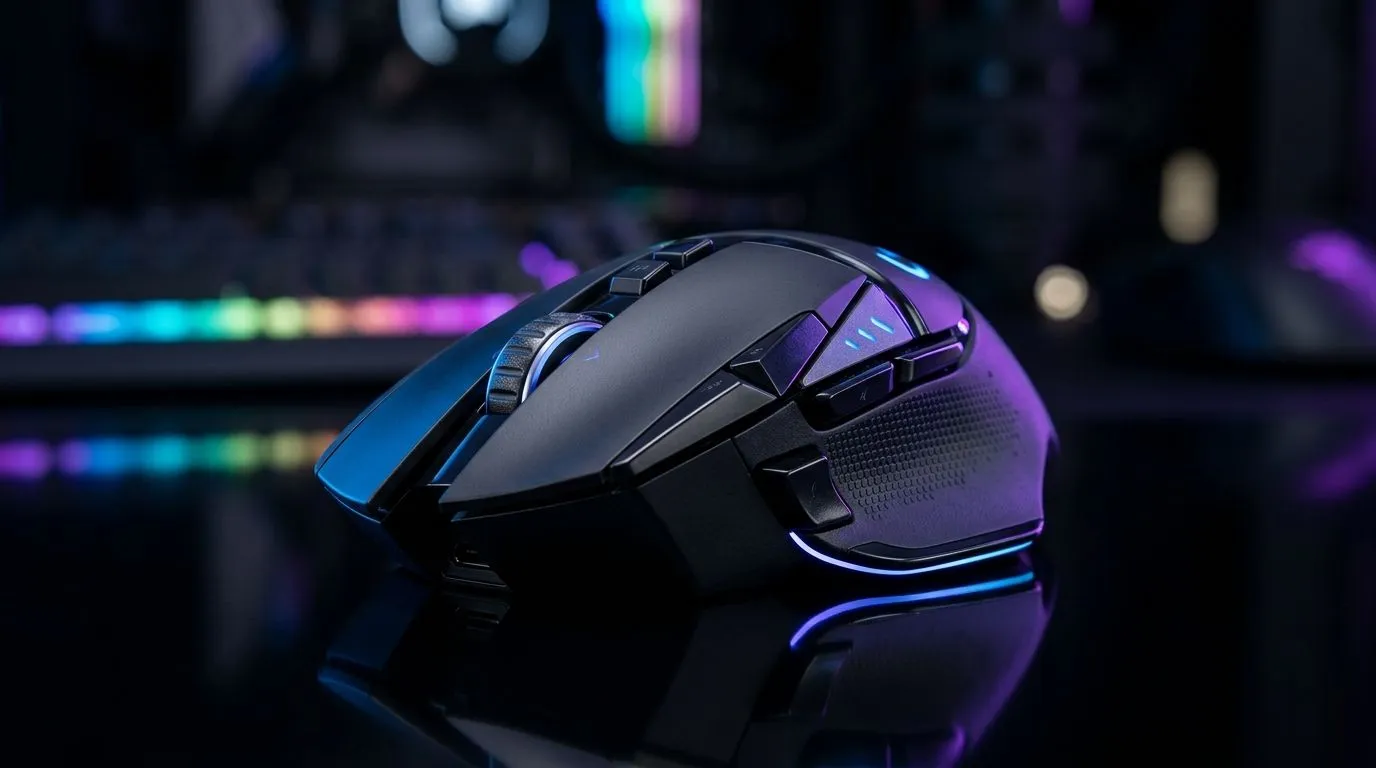
Wireless Gaming Mouse Battery Life: Get 100+ Hours
If your mouse dies mid-raid, you already know the frustration. In South Africa, power cuts, long gaming nights, and fast-paced ranked sessions demand reliability… not guesswork. ⚡ The good news? Wireless mice can absolutely hit long runtime, and some models are built for 100+ hours when tuned right. This guide shows you what to check, how to extend battery life, and when you should switch to wired for zero-worry sessions. 🚀
Wireless Gaming Mouse Battery Life: the real-world number that matters
Battery life specs can be confusing. “Up to” depends on polling rate, brightness, connectivity mode, sensor type, and your usage pattern. For gaming buyers, the practical approach is simple: choose a mouse with wireless performance you can trust, then tune settings to match your playstyle.
Before we talk optimisation, make sure you’re shopping in the right direction:
- If you want maximum battery life and fewer cable moments, start with a quality wireless gaming mouse selection.
- If you prioritise consistency and zero battery anxiety, wired options still win on simplicity and uninterrupted play.
The big settings that drain (or save) battery
Wireless runtime usually drops when you increase workload:
- High polling rates (like 1000 Hz) increase power draw.
- RGB lighting adds continuous drain.
- Distance and interference can force the mouse to work harder.
- Continuous tracking at high DPI may affect consumption depending on the sensor.
If you’re chasing “100+ hours”, you typically need a mouse that supports low-power wireless modes and efficient sensor/firmware behaviour. Start by reviewing the wireless models available from Evetech, then compare features that influence power usage:
- Battery-friendly connectivity options
- Adjustable polling rate
- RGB control or optional lighting
Wireless Gaming Mouse Battery Life: practical tips to reach 100+ hours
Let’s get tactical. Here’s what South African gamers can do today to push wireless runtime closer to the long-life promises. ✨
Productivity Pro Tip ⚡
On Windows, reduce power draw by setting your mouse’s power management options to allow the device to sleep when inactive. Also lower RGB effects and polling rate when you’re not actively aiming in-game. This keeps your wireless mouse ready for the next match without burning battery between sessions.
Small changes, big runtime gains
Try these in order:
- Lower RGB brightness or switch to a static profile.
- Cap polling rate to what feels best. If you’re grinding casually, 500 Hz may save more power than you expect.
- Use a lower DPI for most games, then bump DPI temporarily during aiming.
- Disable unnecessary features like motion-controlled effects if your model supports them.
- Keep firmware updated. Many efficiency improvements land through updates.
Don’t ignore the “accessories” angle
Even if the mouse is efficient, poor charging habits can shorten effective lifespan. Use good-quality charging accessories and keep a simple routine: charge fully, then avoid topping up to 100% multiple times per day.
If you’re building a setup for long sessions, shop smart:
- Consider the right mouse accessories for better charging and handling. 🔧
Shop mouse accessories at Evetech
Wireless Gaming Mouse Battery Life: when wired still makes sense
Here’s the truth many competitive players eventually learn… reliability beats optimisation. If you’re the type who raids for 5+ hours and hates battery checks, a wired mouse removes the variable entirely.
If you want that “plug in and forget” experience, explore wired options here:
And if you’re staying wireless but want to compare models and power-focused designs, start with Evetech’s wireless range:
For a deal-first approach, keep runtime in mind when the price drops. Some bundles and specials include models known for long battery performance.
Want to narrow down by sensor, shape, and performance class? Use Evetech’s category browsing to shortlist the right fit.
Wireless Gaming Mouse Battery Life: final checks before you buy
Before checkout, confirm three things:
- Adjustable polling rate (or power-saving profiles)
- RGB control (or minimal lighting)
- Realistic battery expectations based on your settings
If you want long-life wireless that actually lasts through your weekend sessions, this process will save you from buying twice.
Ready to Find Your Perfect Match? The Mac vs Windows debate is complex, but for maximum power, choice, and value in South Africa, Windows is hard to beat. Explore our massive range of laptop specials and find the perfect machine to conquer your world.











