

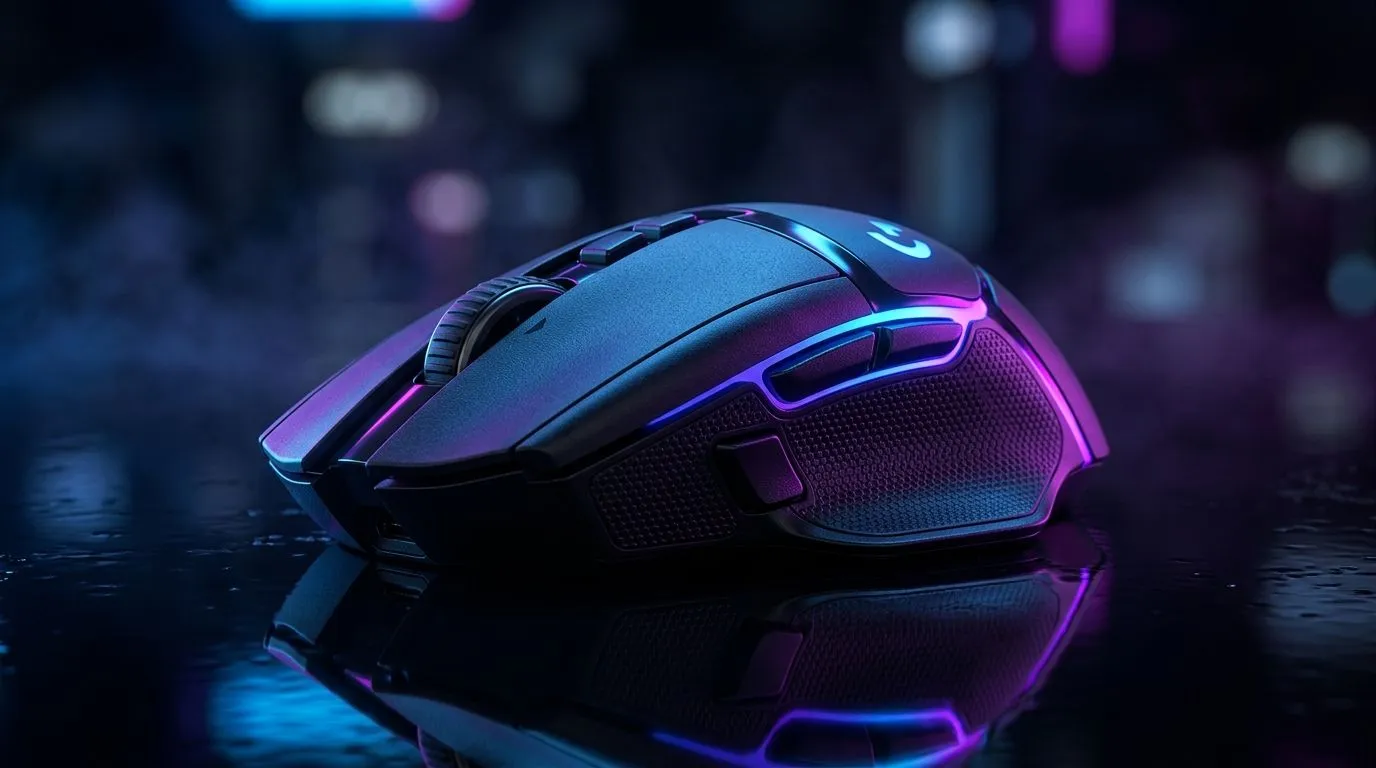
Wireless Gaming Mouse Lag Fix: Causes and Quick Solutions (and What to Do First)
If your aim feels “floaty” or your clicks register late, you’re not alone. In South Africa, where load shedding and Wi‑Fi congestion can be real, wireless lag can be extra frustrating. ⚡
The good news? Most wireless gaming mouse lag has a few predictable causes. Start with the basics, then move to smarter settings. 🔧
Let’s get you back to consistent tracking, fast response, and smoother gameplay.
Wireless Gaming Mouse Lag Fix: The Most Common Causes
1) Battery voltage and low-charge behaviour
A wireless mouse can keep moving even when the battery is dying… but its response time and signal stability often drop first. If you’re playing with a “nearly empty” battery, lag spikes are common.
2) Interference from Wi‑Fi and other 2.4 GHz devices
Many wireless mice use 2.4 GHz. Routers, cordless phones, and even nearby laptops can crowd the airwaves. The result is stutter, micro-delays, or inconsistent cursor movement. ⚡
3) Too much distance or blocked signal
USB receivers plugged at the back of a PC, or behind metal desks, can reduce signal strength. Even a small change in receiver placement can help.
4) Polling rate mismatch (or using the wrong setting for your setup)
High polling rates are great, but only if your PC and software are configured correctly. When settings don’t match, you can see uneven performance.
5) Surface and sensor mismatch
Some sensors hate glossy or textured surfaces. If your desk mat is worn or uneven, tracking can “hunt”, which looks like lag.
Wireless Gaming Mouse Lag Fix: Quick Solutions You Can Try Today
Step-by-step fixes in under 10 minutes
- Swap the batteries or charge fully. Start here every time.
- Move the USB receiver to the front/side of your PC using an extension cable.
- Change mouse polling rate to a sensible match for gaming. If you’re unsure, start with 1000 Hz and test.
- Try a different surface. A proper gaming mouse mat often fixes “lag-like” tracking issues.
- Reduce interference: turn off nearby Bluetooth devices you’re not using, and try a different Wi‑Fi channel if you control your router.
Productivity Pro Tip ✨
On Windows, disconnect and reconnect the mouse’s wireless receiver (or remove and reinsert the batteries) before changing settings. Then verify your mouse sensitivity stays consistent so you can tell if the fix improved latency rather than “feeling different” settings.
When to switch from “tinkering” to upgrading
If you’ve tested power, receiver placement, and surfaces, and the lag keeps returning during matches, it may be time to upgrade to a mouse with stronger wireless performance or a better internal tracking setup. Start by comparing options carefully, not just DPI.
You can browse Evetech’s wireless choices here: Wireless gaming mouse options at Evetech.
If you want the lowest-risk path for competitive play, you might also consider wired. No wireless, no interference: Buy wired gaming mice at Evetech.
Or, if you’re building a full setup, check the ecosystem that supports stable inputs: Mouse accessories for performance tweaks.
Wireless Gaming Mouse Lag Fix: What to Look for Before You Buy
Practical checklist for South African gamers
- Receiver quality and cable length (front-panel placement matters)
- Polling rate support (and whether the software is stable)
- Sensor consistency on your desk mat
- Battery reliability (especially for long weekend sessions)
For deal hunters chasing value in ZAR, keep an eye on what’s discounted this week. You can see current offers here: Best gaming mouse deals at Evetech.
If you prefer choosing by sensor and feature set, start with Evetech’s gaming mouse category page: Gaming mouse options and specifications.
Wireless Gaming Mouse Lag Fix: Final Thoughts (and a Simple Test)
Before you blame the mouse, run a quick test: move slowly across the mat for 30 seconds, then do fast flicks. If the “lag” appears only during movement bursts, it’s often interference, receiver placement, or tracking. If it’s constant, battery or surface is more likely.
Ready for a clean, stable competitive feel? Let’s get you the right mouse, not just a temporary fix. 🚀
Ready to Find Your Perfect Match? Wireless lag is annoying, but the fix is usually within reach… and sometimes the best move is choosing better hardware. For maximum power, choice, and value in South Africa, explore the right peripherals and upgrades from Evetech. Shop the best gaming mouse deals and lock in a setup that feels consistent from the first match to the last.











