

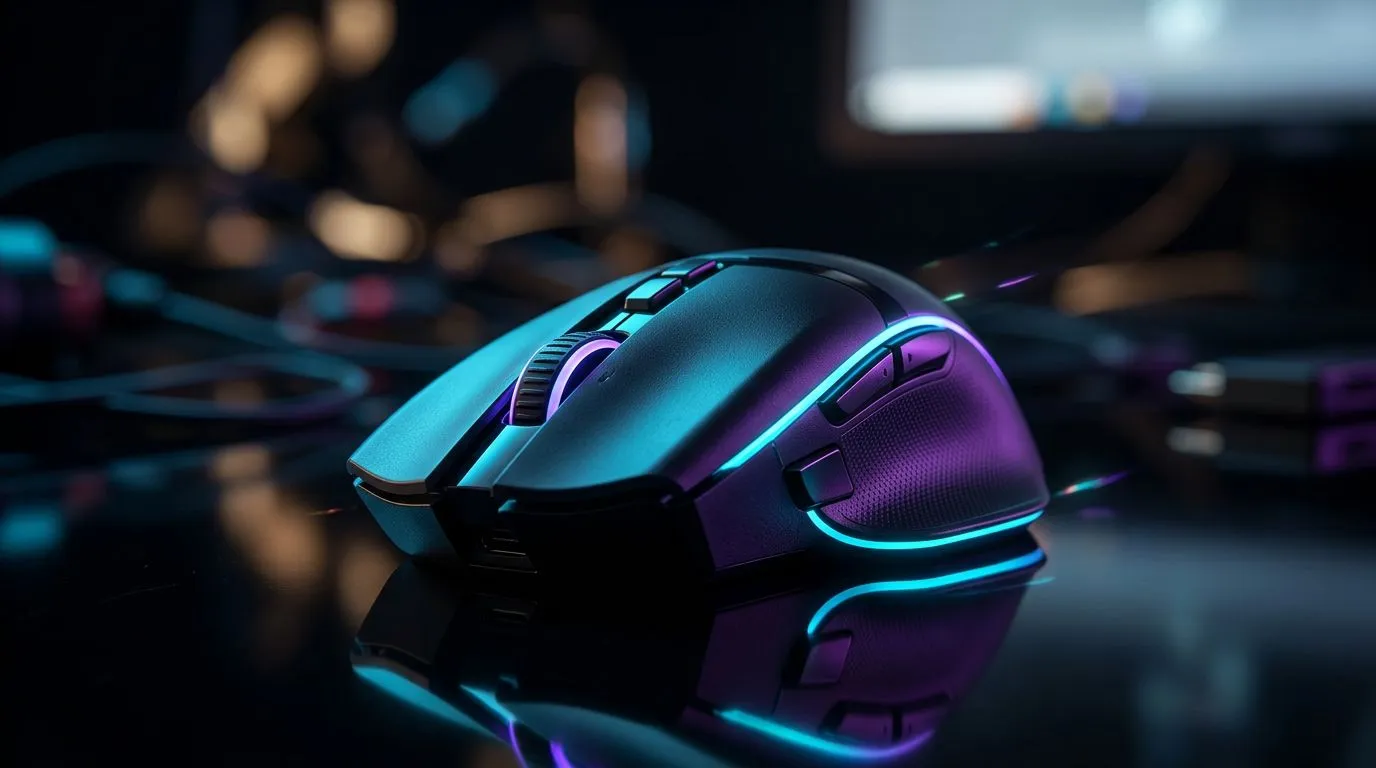
Wireless Gaming Mouse Performance During Loadshedding: quick read for SA gamers ⚡
Loadshedding hits hard when you're mid-match. Want to know how a wireless gaming mouse holds up — and what to pack in your battle kit? This short guide explains real-world risks, quick fixes, and the best Evetech pages to shop so you can stay competitive when the lights go. 🎮
Wireless Gaming Mouse Performance During Loadshedding — the core issues
When the power blinks, your PC rig and any wired peripherals might survive if your UPS or generator keeps them alive. A wireless mouse introduces two extra points of failure: battery/charging and the receiver's connection. For a clear view of available wireless options, browse Evetech’s wireless mouse range to match features like battery life and dongle type Evetech wireless mice selection.
If reliability is non‑negotiable during loadshedding, consider wired backups. Evetech lists reliable wired mice ready for tournaments and everyday play Wired mice at Evetech. Mixing a wireless primary with a wired spare is a simple resilience strategy.
Battery, polling rate and latency — what matters
Polling rate and sensor quality determine responsiveness; battery level controls uptime. Low battery can increase latency or force power-saving modes, so keep a charging plan. Evetech’s gaming mouse category helps you compare specs and sensor types directly Gaming mouse category. For price-aware shoppers, Evetech often has deals in ZAR — check current offers to see mouse deals from about R300 upwards and premium options above that on the deals page Current mouse deals.
Quick compatibility check
- Does the mouse use a detachable USB-C or micro‑USB cable for wired fallback?
- Is there a low-latency 2.4GHz dongle or Bluetooth only?
- Can the mouse be charged during play with a cable that also offers wired mode?
Accessories like charging cables, dongles and bungees can make transitions seamless. Evetech’s accessories selection lists spares and cables to keep you online during a power dip Mouse accessories and spares.
Loadshedding Lifesaver ⚡
a short-charge routine: a 10–15 minute top-up before prime-time gaming restores enough battery for most wireless mice. If your mouse supports pass-through wired mode, plug while charging to avoid interruptions.
Practical setup tips for South African gamers
- Keep a low-cost wired mouse in your LAN kit. It’s insurance and cheap peace of mind.
- Use a USB power bank with 5V output and a charging cable rated for data to simulate a wired connection if the mouse supports it.
- Label dongles and keep them in a small hard case; losing a tiny receiver is a common and avoidable fault.
- Optimise mouse firmware and power settings before match day… and test them in a simulated outage.
Buying checklist — what to choose in South Africa
Look for models that explicitly support wired pass-through charging, offer strong sensor performance, and have user-replaceable cables. For price-conscious shoppers, check Evetech’s deals and full listings to compare ZAR pricing and local stock. If you want to browse all options and filter by feature, start at Evetech’s main gaming mouse category Shop gaming mice.
Ready to Find Your Perfect Match? The Mac vs Windows debate is complex, but for maximum power, choice, and value in South Africa, Windows is hard to beat. Explore our massive range of laptop specials and find the perfect machine to conquer your world.











