

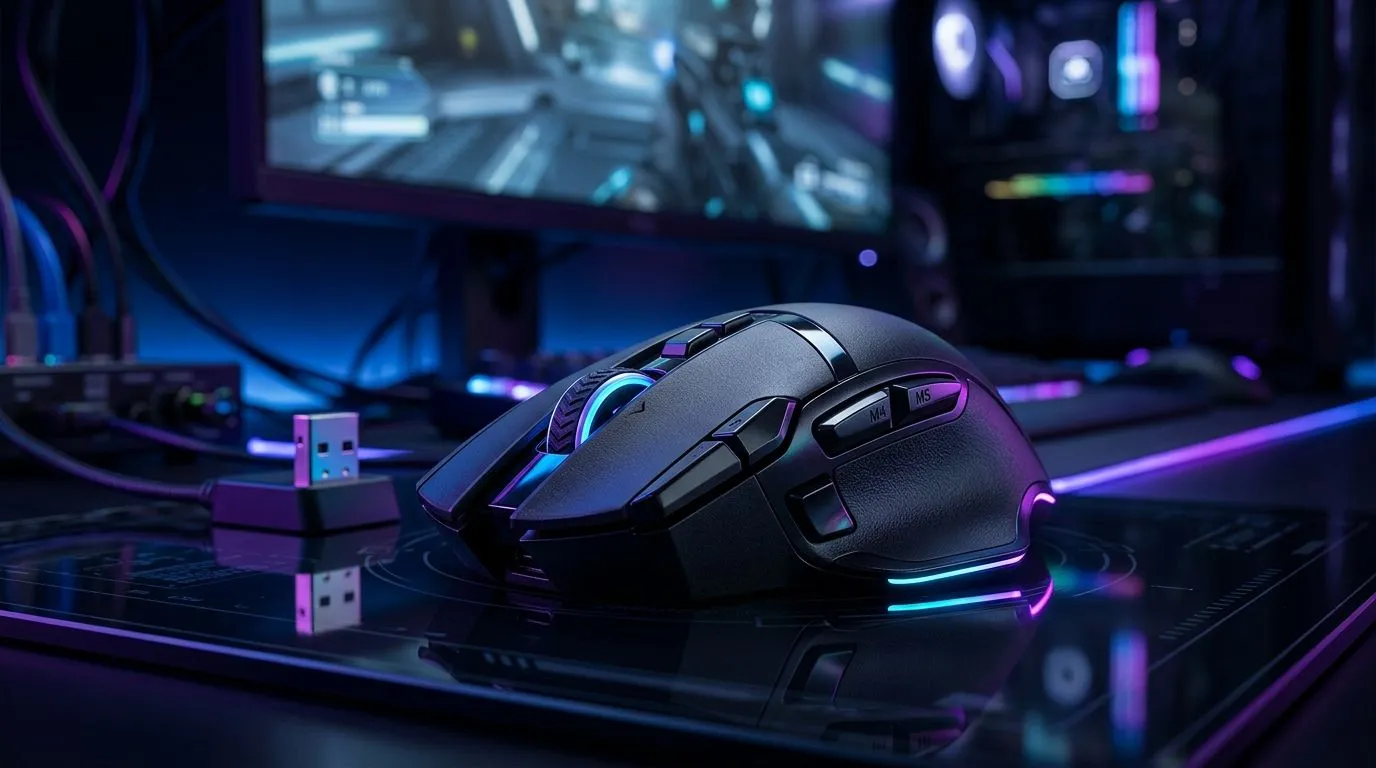
Unlock Your Wireless Gaming Mouse Setup for 26K DPI and 4K Polling
South African gamers know precision matters. Imagine slipping into your next game armed with a wireless gaming mouse setup boasting a staggering 26K DPI and a blazing 4K polling rate. That’s lightning-fast responsiveness paired with razor-sharp accuracy — the combo every serious player craves. If you’ve been hunting the best tech to elevate your gameplay or workstation responsiveness, you’re in the right neighbourhood. 🔧
To deliver those hyper-accurate swipes and clicks, you’ll want peripherals that match your ambition, starting with your mouse accessories. Check out Evetech’s range of mouse accessories designed to complement high-DPI performance without drag or input lag.
Why 26K DPI Matters for Precision Gaming
DPI, or dots per inch, measures how far the cursor moves relative to your mouse’s physical movement. At 26,000 DPI, tiny hand motions translate to swift, precise cursor shifts on your screen. For competitive gamers playing fast-paced shooters or hit registries in MOBAs, this scale of sensitivity is a must-have advantage.
However, simply having a high DPI isn’t enough — ensuring your mouse maintains consistent tracking and control at these speeds is crucial. South African gamers can explore wired mice options too, given their inherent stability and lower latency. Evetech offers an outstanding selection of wired mice that provide top-tier performance for those who prefer the steady connection.
4K Polling Rate: The Secret Sauce for Smooth Tracking ⚡
Polling rate refers to how often your mouse reports its position to the computer each second. A 4K polling rate, or 4000 Hz, means your mouse updates its position 4000 times per second. This ultra-high polling rate drastically reduces input delay and smooths cursor movement, which is essential when every millisecond counts.
Many wireless mice used to lag behind here, but modern tech now supports these speeds wirelessly. To feel this difference, check out Evetech’s expert-picked wireless mouse options, blending freedom of movement with professional-grade responsiveness.
Setting Up Your Mouse for Peak Wireless Performance
Getting that 26K DPI and 4K polling rate to work flawlessly together demands more than just hardware. You’ll need to configure your settings properly and keep firmware updated. Begin by setting your DPI in your mouse’s dedicated software, ensuring you understand each increment to avoid oversensitivity.
To reduce interference, remember your wireless mouse should operate on a clear frequency band, away from common home WiFi or Bluetooth devices. Pair that with quality mouse pads and accessories, like those offered by Evetech’s best gaming mouse deals, which optimise glide and precision in tandem with your mouse’s sensors.
Optimise Your Wireless Setup
Try setting DPI increments to multiples of 400 to match typical screen refresh rates. It sharpens control and syncs cursor movement with on-screen action.
Upgrade Wisely: Choosing Your Gaming Mouse Components
Selecting components for your setup means knowing what benefits each part offers. Sensor technology, weight, grip shape, and battery life should mesh with your playstyle. Luckily, sites like Evetech have specialist guides and inventories specifically listing gaming mouse components, perfect for customising or upgrading your gear.
South African gamers looking for a balance between mobility and elite performance now have access to gear that rivals wired setups in speed and accuracy, making wireless a solid choice for tournaments or casual play.
Unleash Ultimate Precision Now Elevate your game with the wireless gaming mouse setup built for serious players. Shop now at Evetech for performance that leaves lag in the dust.











