

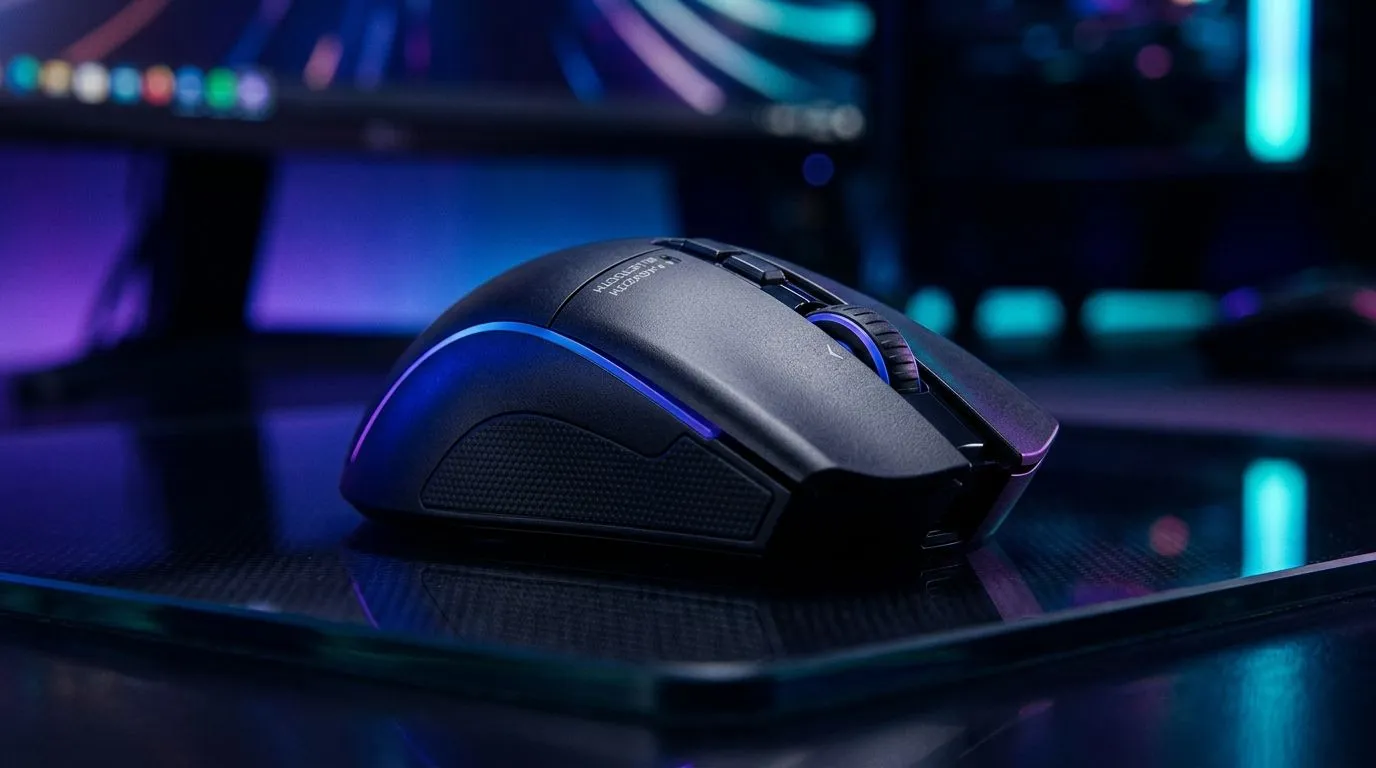
Why wireless mouse input lag happens in the first place ⚡
You’re lining up the shot in Valorant, or flicking through a hectic spreadsheet, and your mouse feels just a touch behind. That tiny delay is enough to throw off your rhythm. For South African gamers and power users, wireless should feel clean and cable-free, not sluggish. The good news? In many cases, the fix is simple: use dual-mode connectivity and switch to the right mode for the right job.
Wireless lag is usually not about “wireless” being bad. It’s about signal quality, interference, battery state, and the connection type your mouse is actually using. A strong 2.4 GHz dongle connection often feels much snappier than Bluetooth for gaming. Bluetooth is brilliant for convenience, but it can add delay in some setups. If you need a quick refresher on what to compare, Evetech’s wireless mouse range is a useful place to start.
Fix wireless mouse input lag with dual-mode connectivity 🔧
Dual-mode mice give you options. That matters more than people think. One mode can be tuned for everyday use, while the other is built for lower-latency performance. In practice, this means you can keep things tidy for work, then switch to a faster link when it is time to queue up.
Here’s the simple approach:
1) Use the 2.4 GHz mode for gaming
If your mouse supports both Bluetooth and 2.4 GHz, the dongle connection is usually the better pick for responsiveness. It keeps the link dedicated to the mouse, which can help reduce interference from other devices.
2) Keep the battery healthy
Low battery can cause erratic behaviour or stutter. Charge the mouse before a long session. It sounds basic, but it solves more issues than most people expect.
3) Reduce wireless interference
Keep the dongle close to the mouse. A front USB port or an extension cable can help. Also try to move it away from Wi-Fi routers, USB hubs, and crowded rear I/O panels.
4) Update firmware and drivers
Some brands offer firmware updates that improve connection stability. If your mouse software includes this, it is worth checking.
5) Test on another device
If the lag remains, test the mouse on a different PC or laptop. That helps separate a mouse issue from a system issue.
Performance Pro Tip ⚡
When a wireless mouse feels delayed, try plugging the USB receiver into a front port or a short extension cable. Keeping the dongle closer to the mouse often improves signal stability without spending a cent.
Choose the right mouse setup for your desk and budget
Not every user needs the same thing. A casual office setup can live happily with Bluetooth. Competitive players usually want the faster path. If you are shopping around, it helps to compare accessories and alternatives before you buy. Evetech’s mouse accessories page is handy if you need replacement parts or small upgrades.
If you suspect your current mouse is the weak link, it may be worth looking at a wired mouse instead. Wired still has a loyal following for a reason. No battery. No pairing fuss. No surprises during a clutch moment.
And if you want to shop smart, keep an eye on the best gaming mouse deals. In South Africa, value matters. A well-priced upgrade in rand can make more sense than fighting an old mouse for another six months.
How dual-mode connectivity helps everyday South African users
A dual-mode mouse is practical. That is the real appeal. You can use Bluetooth with a laptop while travelling, then switch to the 2.4 GHz receiver at home for a tighter feel. It suits hybrid work, study, and gaming setups. Nice and simple.
For anyone building a more serious battlestation, Evetech’s gaming mouse selection gives you a broader view of what is available across different shapes, sensor styles, and feature sets. That makes it easier to compare before buying.
Final thoughts on wireless mouse input lag
If your mouse feels slow, do not blame the whole category. Start with the connection mode. Check the battery. Move the dongle. Update the firmware. Most of the time, you can get a big improvement without replacing your whole setup.
And if your current mouse cannot keep up, a better dual-mode option may be the cleaner answer. A few smart checks now can save a lot of frustration later… especially when the lobby is already full.
Ready to Find Your Perfect Match? The Mac vs Windows debate is complex, but for maximum power, choice, and value in South Africa, Windows is hard to beat. Explore our massive range of laptop specials and find the perfect machine to conquer your world.











