

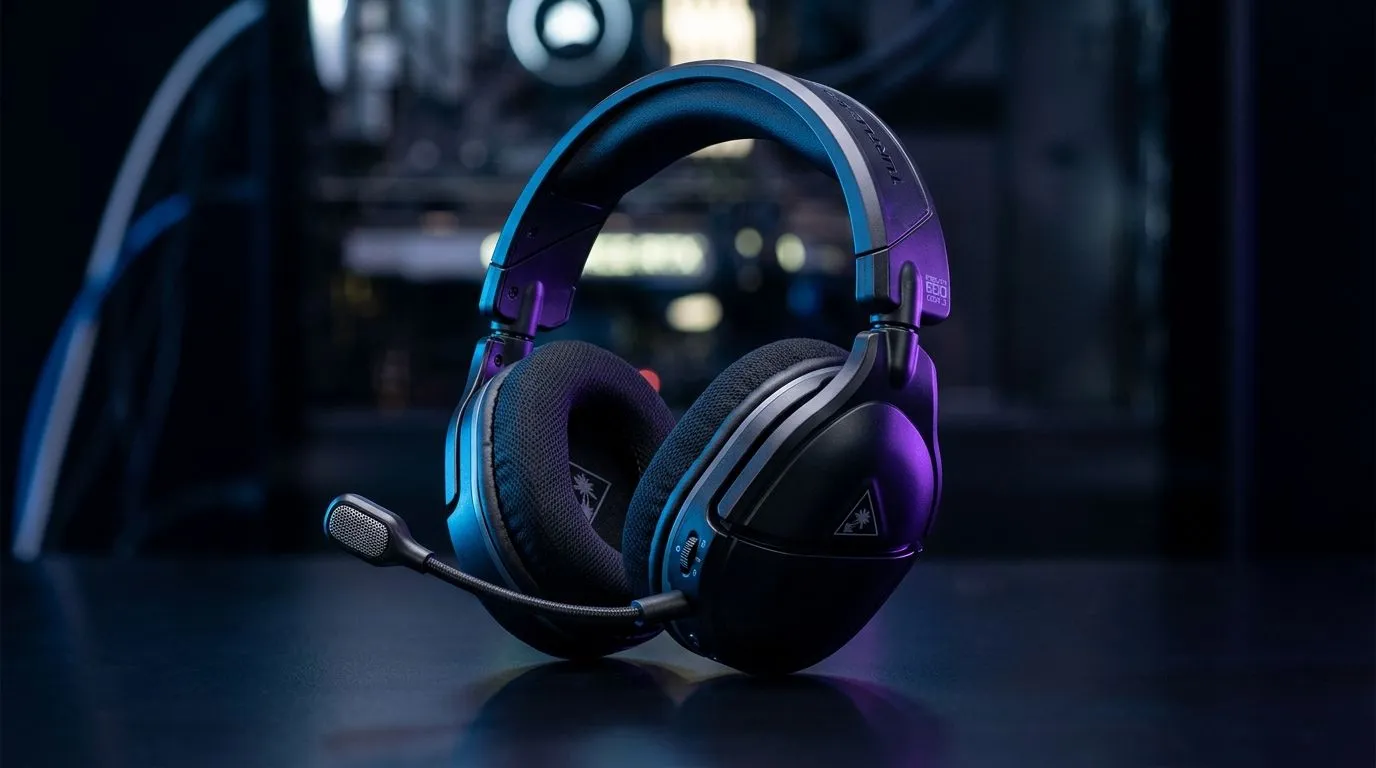
Can You Use 2.4GHz Wireless and Bluetooth 5.2 on Stealth 600 Gen 3?
South African gamers want one thing… a headset that plays nicely with everything. Whether you’re on a PC, you’re on a console, or you’re juggling Discord on your phone, you don’t want to keep reconnecting devices. So the big question is: Can you use 2.4GHz wireless and Bluetooth 5.2 on Stealth 600 Gen 3 at the same time, or will it fight your setup?
Let’s break it down in plain terms, with real-world tips for low-latency gaming and clear voice chat. 🎧⚡
Wireless + Bluetooth: what usually determines “Can you use both?”
On most modern headsets, 2.4GHz wireless is optimised for low-latency game audio, while Bluetooth is usually for “always-on” extras like a phone call or music. Whether both can run together comes down to the headset’s built-in mixing and connection modes.
The practical answer for your setup
If your Stealth 600 Gen 3 supports dual audio routing, you can typically run:
- 2.4GHz for game audio (PC/console via dongle)
- Bluetooth 5.2 for a second source (like a smartphone)
If it doesn’t support dual mixing, you’ll often have to choose one connection at a time, or you’ll get audio only from the active source.
Because exact dual-mode behaviour can vary by firmware and platform, the safest approach is to confirm in your headset’s manual or firmware release notes. If you want to compare options that clearly state multi-device behaviour, browse Evetech’s headset range and read the product details closely. ✨
Set up for fewer dropouts and better voice chat
Even when the headset supports both connections, the “feel” of the audio depends on how you configure it.
Setup Pro Tip 🔧
In Windows, set your headset as the default communication device (Settings > System > Sound > Sound Control Panel > Recording). Then in your voice app (Discord Teams), select the same headset mic and disable any “hands-free” profile switching if your headset offers that option. This reduces sudden volume changes when Bluetooth connects.
Avoid Bluetooth priority issues
Bluetooth devices sometimes take over audio profiles automatically. If your headset supports simultaneous sources, you still want to prevent your phone from re-routing media sound during gaming.
Keep your 2.4GHz link stable
2.4GHz wireless can be affected by Wi-Fi congestion. For better reliability:
- keep the dongle within a short, unobstructed distance
- avoid plugging it into a hub behind the desk
- try a different USB port if you notice stutters
If you’re shopping: use Evetech to find the right fit
Not every headset gives true dual audio mixing. If you’re tired of switching cables, it’s worth choosing a headset designed for mixed device use.
For an alternative that many South African buyers compare, check out the Razer Barracuda X Chroma Wireless headset page for clear product positioning and current deals: Explore the Razer Barracuda X Chroma Wireless headset deal
If you want to browse by style and features, use Evetech’s headset listings to narrow your decision fast: Shop Evetech’s Razer headphones and headsets range and then compare across categories: Browse headphone and headset options on Evetech
Final check before you commit: test the audio mix in 10 minutes 🚀
Before your next long gaming session:
- Pair Bluetooth and connect the dongle.
- Start a game audio test (2.4GHz).
- Play a YouTube/Spotify clip on your phone (Bluetooth).
- Speak in Discord and watch for mic switching.
- If it flips between sources, you may need to change input/output settings or accept that the model uses priority mode.
Want less hassle and more play time? That’s usually the winning combo.
Ready to Find Your Perfect Match? The Mac vs Windows debate is complex, but for maximum power, choice, and value in South Africa, Windows is hard to beat. Explore our massive range of laptop specials and find the perfect machine to conquer your world.











