



1000W PSU Planning for RTX 5090 Builds in SA
1000W for RTX 5090 needs a full-build check, not a simple yes. Review GPU guidance, CPU draw, transient load, connectors, PSU quality, and upgrade plans before deciding.
Read more240FPS Dipping: Achieve. Step-by-step instructions with SA-specific tips, common pitfalls to avoid & expert recommendations.
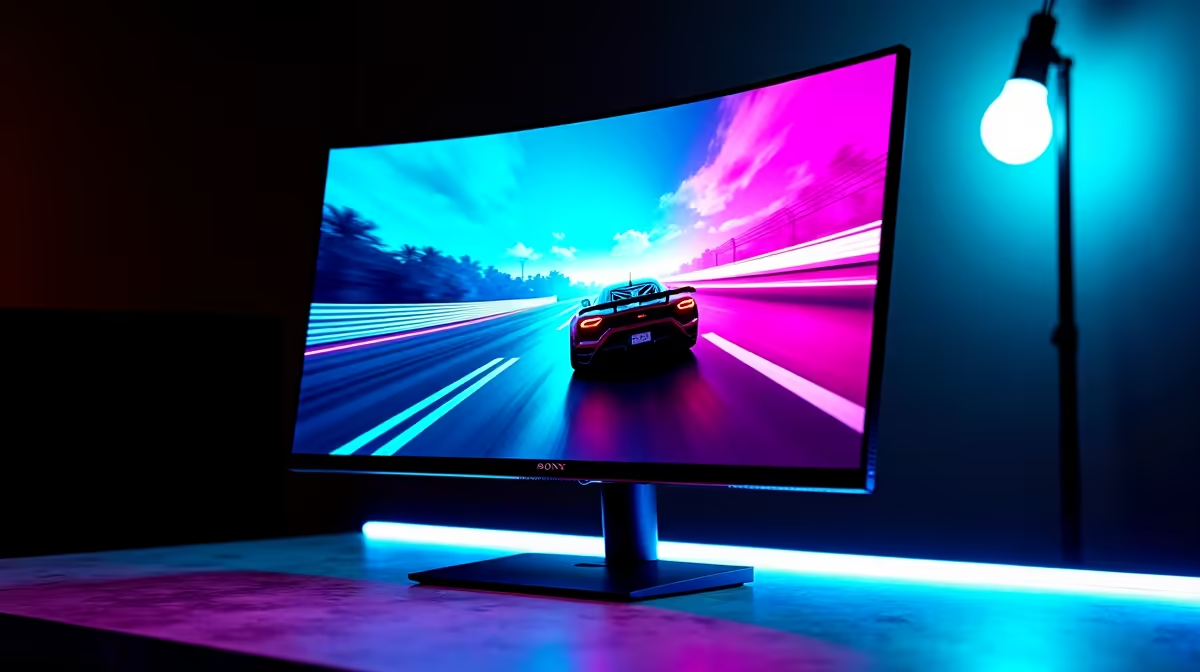
Achieving 240fps requires a combination of a high-refresh-rate monitor, a powerful GPU and CPU, optimised in-game settings, and a game that supports high frame rates. The biggest gains come from reducing graphical load, ensuring no CPU bottleneck exists, and using driver and OS-level tweaks that reduce frame time variance.
To hit and sustain 240fps, your system needs to produce frames faster than your monitor can display them. A 240Hz monitor is the starting point. Your GPU must be powerful enough to render the game at the settings you choose at 240 frames per second or higher, and your CPU must feed the GPU fast enough to prevent a frame rate ceiling caused by processing bottlenecks.
For competitive titles like Valorant, CS2, and Overwatch 2, a modern mid-to-high-end GPU can sustain 240fps at 1080p on reduced settings. For more demanding titles, you need a stronger GPU to maintain that average. In South Africa, building a 240fps-capable gaming PC typically starts around R15,000 to R20,000 for a competitive-shooter-focused rig.
RAM speed also contributes at 240fps. Running DDR5 or fast DDR4 at its rated XMP speed reduces latency between CPU and memory, which helps maintain consistent frame delivery at high frame rates.
Settings that lower GPU and CPU load are the fastest route to higher frame rates. Drop shadows to low or off, reduce texture quality to medium where the visual difference is minimal during fast-paced gameplay, and disable ambient occlusion and depth of field. These changes can add 50 to 100+ fps in competitive titles.
Enable your GPU's frame limiter or use RTSS (RivaTuner Statistics Server) to cap your frame rate at just above 240, for example at 250 fps. Uncapped frame rates drive unnecessary GPU load and heat while delivering no screen benefit above your monitor's refresh rate. A slight cap reduces power draw and heat, which contributes to frame time consistency.
In Windows, set your power plan to High Performance to prevent CPU clock throttling. Disable Xbox Game Bar and any background applications that consume CPU cycles. For SA gamers running applications like loadshedding schedule apps or monitoring tools in the background, check that these are not creating CPU spikes during gameplay.
Frame rate average is only part of the picture. Frame time consistency matters as much. Use an overlay tool like MSI Afterburner with RTSS to display your average FPS alongside your 1% and 0.1% lows. A rig claiming 240fps average but dropping to 80fps in its 1% lows will feel stuttery during intense scenes. Aim for 1% lows above 180fps to make a 240fps average feel smooth.
Test in representative gameplay scenarios, not just empty areas or main menus. Load into a full match, enter high-action situations, and check whether frame rates stay above 240fps or dip. If they dip under load, identify whether the bottleneck is GPU or CPU using monitoring tools and optimise accordingly.
Yes, particularly in fast-paced shooters. Motion clarity improves, and input lag is slightly reduced. The jump from 60Hz to 144Hz is larger perceptually, but 144Hz to 240Hz is noticeable for competitive players tracking fast-moving targets.
In competitive titles like Valorant or CS2 at 1080p low settings, yes. These games are designed to scale to high frame rates on moderate hardware. For AAA games at higher settings, a more powerful rig is required.
Yes. VSync caps your frame rate to your monitor's refresh rate and introduces input lag. Disable VSync and use your monitor's G-Sync or FreeSync technology for adaptive sync without the latency penalty.
Ready to Find Your Perfect Match? Build your 240fps gaming rig with the right components from a trusted South African supplier. Shop Gaming PC Deals
240FPS Dipping: How to Achieve available at Evetech.co.za with local warranty and fast delivery.
240FPS Dipping: How to Achieve - check Evetech for latest stock and SA pricing.
Depends on your use case. 240FPS Dipping: How to Achieve offers good value at current Rand pricing.
1000W for RTX 5090 needs a full-build check, not a simple yes. Review GPU guidance, CPU draw, transient load, connectors, PSU quality, and upgrade plans before deciding.
Read more
RTX 5080 Super with a 750W PSU is more comfortable than lower wattage if the unit is quality. SA builders should still confirm GPU guidance, CPU draw, connector type, airflow, and upgrade room.
Read more
How to fix FPS drops after a RX 9070 XT starts with driver cleanup, chipset updates, thermals, and power checks. For SA gaming PCs, confirm PCIe seating, monitor refresh, frame caps, and per-game graphics settings before replacing parts.
Read more
How to fix low FPS Windows 11 Wi-Fi 7 issues starts by checking whether the problem is frame rate or network lag. Test ping, drivers, power settings, Ethernet, and game FPS before adjusting visuals.
Read more
AM5 is smart for SA builders because it supports newer Ryzen CPUs, DDR5 memory, and a longer upgrade path. Compare board cost, cooling, gaming needs, and local part availability before choosing your next PC platform.
Read more
AM5 gives Randburg gaming builders a longer upgrade path. For SA buyers, DDR5 support, newer board features, and future CPU options can justify the platform. Weigh board cost, cooler support, BIOS maturity, and upgrade timing before choosing.
Read more
RTX 5090 on a 550W PSU leaves almost no practical room for OC plans. Treat the setup as constrained, with CPU draw, power spikes, cable quality, thermals, and stability checks more important than chasing extra clocks.

FPS drops on a Ryzen 9 9950X3D build often have a fixable cause. Check settings, drivers, thermals, background tasks, network conditions, and bottlenecks before assuming a part must be replaced.

The difference between PCIe 5.0 and PCIe 4.0 for SA gamers is mostly bandwidth headroom. Compare GPU slot needs, NVMe speed, motherboard support, and upgrade timing before paying extra for a newer platform.

Gaming PC stuck pixel checks in South Africa should confirm the monitor fault first. Use colour tests, screenshot comparison, cable swaps, display menu checks, and clear photos before deciding on support.

AMD's current driver now lists a Radeon RX 9050 4GB, while product coverage details a narrowed memory system. SA buyers should weigh the low VRAM ceiling against current local Radeon options.

Samsung Display has demonstrated a 16-inch 2.5K OLED laptop panel running at 300Hz. SA buyers should wait for a named notebook, full panel specifications and a local price before planning an upgrade.

Microsoft says some Windows 11 game crashes after recent updates are linked to RGB-related drivers. Affected SA gamers should confirm the update and driver before using the published registry workaround.

Thermalright's Fan Frame Vision-1 adds a 640x172 status screen to a standard 120mm fan. SA builders should check clearance, USB routing and local support before treating it as an easy upgrade.
1000W for RTX 5090 needs a full-build check, not a simple yes. Review GPU guidance, CPU draw, transient load, connectors, PSU quality, and upgrade plans before deciding.

Wi-Fi 6E vs Wi-Fi 6 matters for 4K video editing when files move across a network. The real-world difference between Wi-Fi 6E and Wi-Fi 6 for video editing in 4K depends on NAS access, cloud uploads, router range, and SA creator workflows.
RTX 5080 Super with a 750W PSU is more comfortable than lower wattage if the unit is quality. SA builders should still confirm GPU guidance, CPU draw, connector type, airflow, and upgrade room.

Wi-Fi 6E vs Wi-Fi 6 for Video Editing in 4K comes down to router support, latency, client devices, band support, and home network layout. SA buyers should match the choice to their setup instead of assuming one option always wins.