

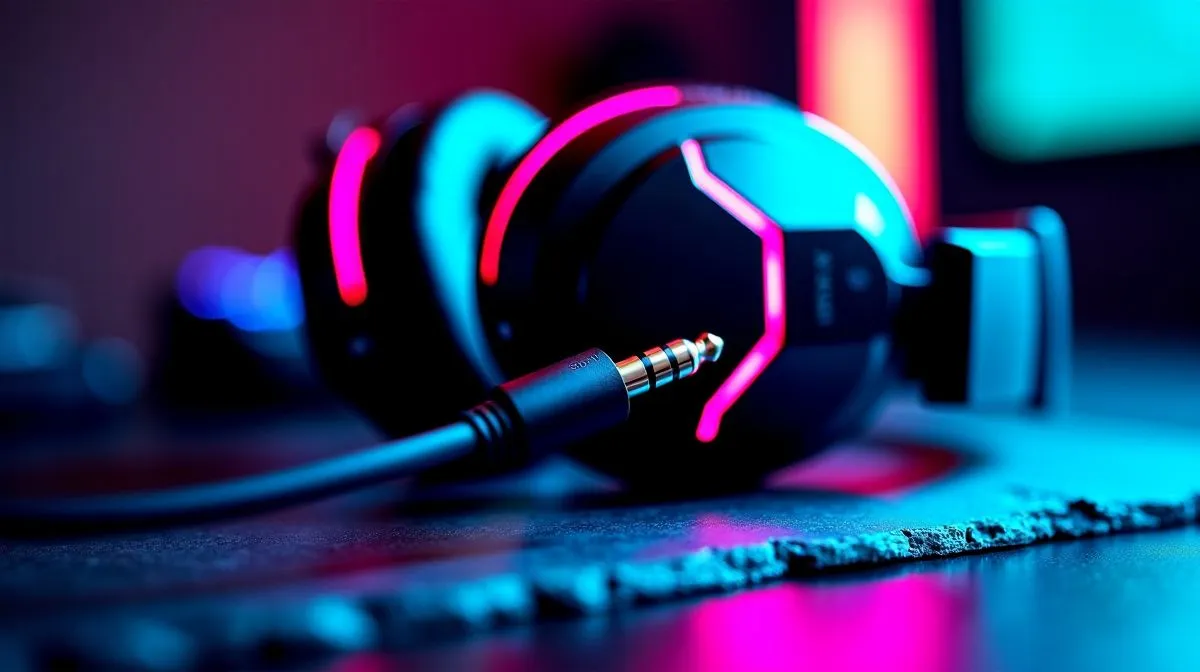
3.5mm Speaker Connection Audio Interference Fix
Annoying crackles when you plug in your headphones or desktop speakers? This quick 3.5mm speaker connection audio interference fix walks through real checks South African gamers and tech buyers can do in under ten minutes. Whether it's static, ground hum, or intermittent dropouts, you'll get clear diagnostics, easy fixes, and when to consider new speakers. 🔧✨
Why 3.5mm audio interference happens
Most interference falls into three buckets: dirty connectors, cable damage, or electrical noise from nearby devices. A loose port or oxidised jack can introduce static. Laptops with poor grounding sometimes cause a low-frequency hum. If you’re not sure what to try first, browse a solid speaker range to compare connector types and build quality.
Step-by-step 3.5mm speaker connection audio interference fix
- Inspect the plug and port. Clean the 3.5mm plug with isopropyl alcohol and a cotton swab. Don’t shove anything metal into the port.
- Swap cables. A faulty cable is a common culprit. Test with another 3.5mm lead or USB audio dongle. If you want budget replacements, check wired options here. Wired speakers and connections
- Move electronics. Keep phones, routers and power bricks away from analog cables to reduce radio and switching noise.
- Test on another device. Plug into a phone, console or a different PC to isolate the source.
- Check drivers and sample rates. Ensure your audio drivers are up to date. On Windows, mismatch in sample rate can create pops. Update via manufacturer pages.
Quick Fix ⚡
If your port feels loose, try a small piece of folded paper around the jack to improve contact temporarily. This is only a short-term debug; replace the cable or get the port serviced for a lasting solution.
When to replace speakers or go wireless (3.5mm audio interference)
If interference persists after the basic fixes, the fault may be internal. Consider speakers with better shielding or an optical/USB connection. For compact desktop setups, a 2.0 system can offer clean analogue performance, while 2.1 gives extra low-end without stressing the amp. Compare 2.0 options here and 2.1 here respectively: 2.0 speaker configurations and 2.1 speaker configurations. If you prefer ditching cables, inspect wireless models to remove analogue interference entirely: Wireless speakers
Prefer a trusted brand? Look at compact, affordable ranges like Promate for clean builds and warranties. Promate speakers at Evetech 🚀
Final checks before service (3.5mm audio interference)
If you still hear interference after trying another cable, device, and port cleaning, it’s likely a hardware fault. Back up your audio settings, note when the issue occurs, and ask your technician to reproduce the noise. If you need parts or cables fast, Evetech ships across South Africa; check stock and delivery times for Johannesburg, Cape Town and Durban today.
Ready to Find Your Perfect Match? The Mac vs Windows debate is complex, but for maximum power, choice, and value in South Africa, Windows is hard to beat. Explore our massive range of laptop specials and find the perfect machine to conquer your world.











