

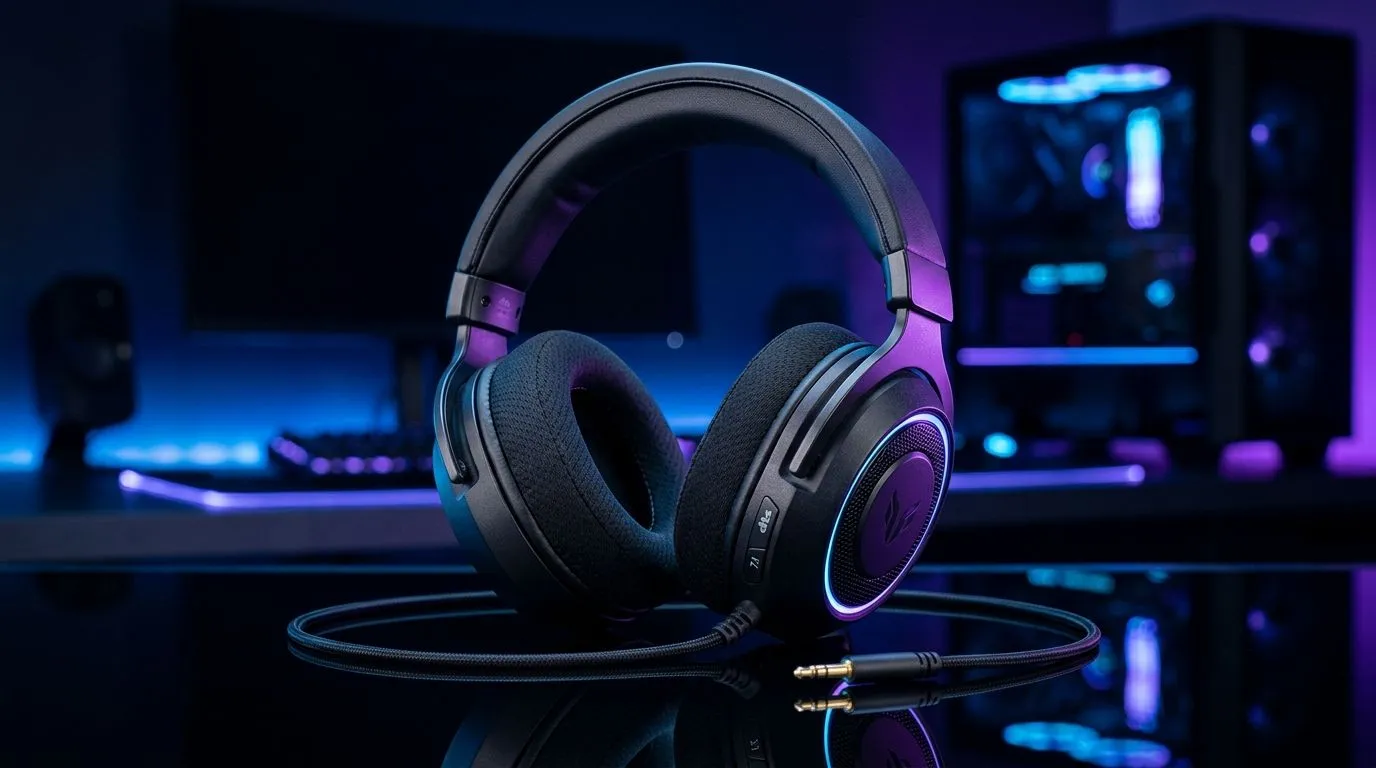
Activate DTS Headphone:X Spatial Audio on Wired Headsets
If your wired headset sounds flat in Valorant, Warzone, or Apex, you’re probably leaving audio clues on the table 🔧. DTS Headphone:X Spatial Audio can help you hear direction better, feel more immersed, and catch footsteps before they catch you. The best part? You don’t always need fancy new hardware. Sometimes, it’s just a matter of setting things up properly.
For South African gamers, that matters. You want clearer positional audio without wasting money on a full headset upgrade. And if you’re already comparing peripherals, it helps to keep an eye on useful categories like mouse accessories, wired mouse options, and wireless mouse choices while you fine-tune your setup.
Activate DTS Headphone:X Spatial Audio on Wired Headsets the right way
DTS Headphone:X is a virtual surround solution. In plain English, it processes audio so sounds feel more placed around you. That can help in games where direction matters more than raw volume. Microsoft’s Windows Spatial Sound framework supports technologies like DTS Headphone:X on compatible devices and apps, so the feature usually lives in software rather than the headset itself.
Here’s the practical bit: many wired headsets can use spatial audio through Windows or a vendor app, even if they connect by 3.5 mm jack or USB. The headset doesn’t have to be “wireless” for spatial sound to work. What matters is the software path and whether your headset is recognised correctly by the system.
Quick setup checklist
- Connect your wired headset.
- Open Windows Sound settings.
- Select your headset as the default playback device.
- Enable Spatial Sound.
- Choose DTS Headphone:X if it appears.
- Launch your game and test it in a quiet area first.
If you don’t see the option, check whether the DTS app or licence is installed. Some devices include it, while others need a separate activation. That’s the part many people miss.
Activate DTS Headphone:X Spatial Audio on Wired Headsets without ruining your sound
Spatial audio is not magic. It can improve directional awareness, but it can also sound odd if your EQ is heavily boosted or your game already uses strong audio cues. Start with a clean profile. Then test with footsteps, reloads, and distant shots.
A good rule? Use one audio enhancement at a time. If you stack virtual surround, bass boost, and “gaming” presets all together, the result can become muddy. Less is often better here.
If you’re shopping around the Evetech site anyway, the best gaming mouse deals are worth a look when you’re building a sharper overall setup. And if your current mouse is holding you back, the gaming mouse range gives you a quick way to compare options without bouncing between tabs.
When spatial audio helps most
- Competitive FPS titles
- Games with strong positional cues
- Late-night sessions where you want clarity at lower volume
- Single-player games with cinematic directionality ✨
When to skip it
- If the mix already sounds distorted
- If you use music-heavy listening profiles
- If the game’s own surround processing conflicts with Windows audio settings
Audio Sanity Check ⚡
Before you blame the headset, test the same game with Spatial Sound on and off. Use a short match, not a random menu screen. Footstep placement, reload direction, and nearby gunfire should be the main things you compare.
Activate DTS Headphone:X Spatial Audio on Wired Headsets and avoid common mistakes
A lot of people assume the headset is the problem. Often, it’s settings. Make sure your sample rate is sensible, your game is outputting to the correct device, and your chat app isn’t hijacking the audio path. Also, remember that some wired headsets use USB sound cards, while others rely on your PC’s onboard audio. That difference can affect compatibility.
For South African buyers, this is useful because you can get more value out of the gear you already own. No need to panic-buy a new headset just because one setting is off. First, confirm the software side. Then decide if an upgrade is actually worth the ZAR.
Activate DTS Headphone:X Spatial Audio on Wired Headsets for better value
This is one of those small tweaks that can feel bigger than it sounds. If you already have a decent wired headset, you may only need a few minutes to unlock a more precise listening experience. That’s especially handy if you’re trying to stretch your budget while still keeping your gaming setup sharp.
The real win is confidence. When audio is clearer, your reactions feel more deliberate. You stop guessing. You start hearing the game properly. And that’s the kind of upgrade that doesn’t always show up on a spec sheet… but you notice it in a match.
Ready to Find Your Perfect Match? The Mac vs Windows debate is complex, but for maximum power, choice, and value in South Africa, Windows is hard to beat. Explore our massive range of laptop specials and find the perfect machine to conquer your world.











