

Editing video in South Africa is about to get a massive upgrade. The upcoming AI Features in Premiere Pro 2026 will do the heavy lifting for you... but only if your rig can handle the heat. From generative extend to instant audio cleanup, and even text-based editing that understands context, these tools demand serious computing power. Let's look at exactly what hardware you need to keep your timeline smooth.
The Magic of Machine Learning in Video 🚀
Adobe is pushing the boundaries of what is possible in post-production. We are talking about generative extend that creates new frames out of thin air... and smart object removal that tracks moving subjects perfectly. These are not just simple filters. They require constant, real-time calculations. To run the AI features in Premiere Pro 2026 without staring at a loading screen, your system architecture must be modern, well-cooled, and perfectly balanced.
Graphics Cards... Your New Best Friend
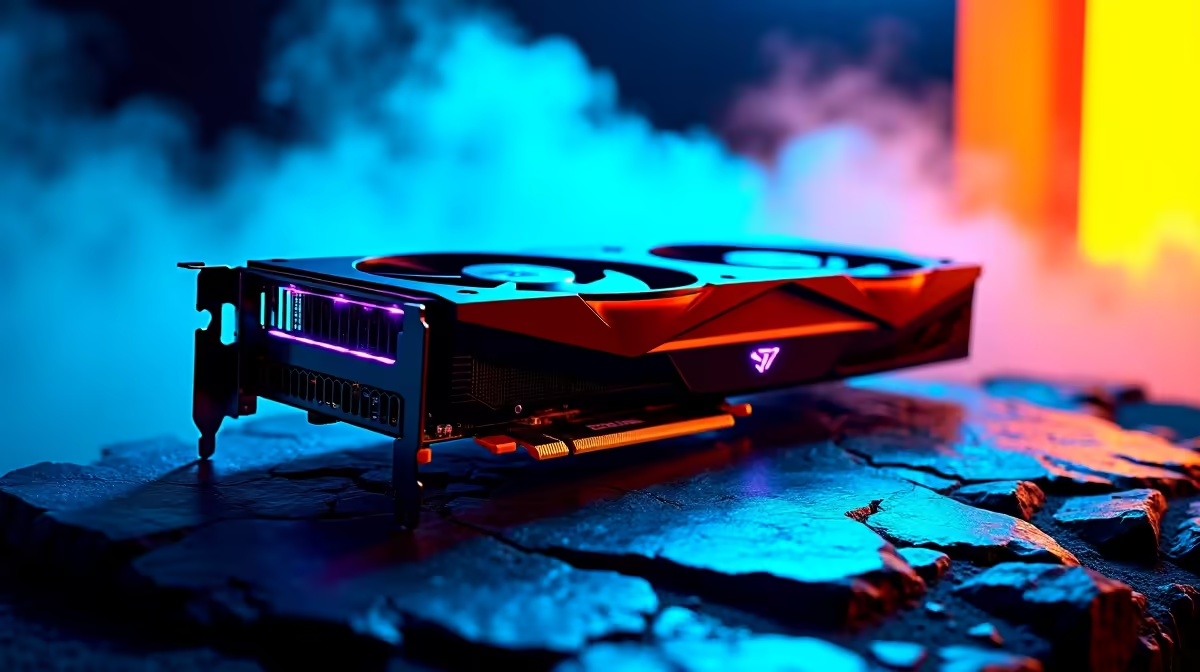
When it comes to rendering artificial intelligence tasks, your GPU does the heavy lifting. Features like auto-colour correction and smart masking rely heavily on CUDA cores and VRAM. If you are still rocking an older card, it might be time to browse the latest graphics cards to find something with at least 8GB of VRAM. An RTX 4060 or higher is the sweet spot for keeping those render times incredibly low. Remember, the faster your GPU processes these complex algorithms, the faster you can deliver projects to your clients and get paid.
Processors and Memory for Flawless Playback ⚡
While the GPU handles the flashy machine learning, your CPU keeps the timeline responsive. Every time you scrub through 4K footage, your processor is working overtime. If you want to upgrade your entire workstation in one go, checking out our premium gaming PC deals is a smart move... these machines double as incredible editing rigs.
Do not forget about RAM. Smart editing tools eat memory for breakfast. We recommend a minimum of 32GB for professional workflows. If building from scratch sounds daunting, you can always grab one of our powerful pre-built PC deals that already have the right specs perfectly balanced for creative workloads. Having enough memory ensures that background rendering does not choke your system while you are trying to apply a complex transition.
Storage Pro Tip ⚡
When setting up your Premiere Pro workstation, never put your media cache on the same drive as your operating system. Grab an affordable Gen4 NVMe SSD dedicated entirely to your scratch disks. It dramatically speeds up AI processing and timeline scrubbing!
Taking Your Studio on the Road
South African creators are rarely tied to a single desk. On-location shoots and the occasional bout of load shedding mean mobility is crucial. Thankfully, modern mobile silicon packs dedicated tensor cores... meaning you get desktop-level rendering speeds in a backpack-friendly form factor. You just need to look at our high-performance laptops to find a portable powerhouse that lets you edit complex timelines from absolutely anywhere. Whether you are working from a bustling coffee shop in Cape Town or a quiet studio in Johannesburg, you need ultimate reliability.
Maximising Your ZAR 🔧
Upgrading your editing suite does not have to drain your bank account. Tech prices fluctuate, but you can always find incredible value if you know where to look. Whether you have R15,000 or R40,000 to spend on your next upgrade, keep a close eye on our daily hardware specials to score top-tier components at a fraction of the cost.
Ready to Build Your Ultimate Editing Rig? Don't let outdated hardware hold back your creativity. Whether you need a massive GPU upgrade or a brand-new workstation, we have the best tech at the best prices in South Africa. Explore our massive range of PC components and find the perfect hardware to conquer your next project.











