

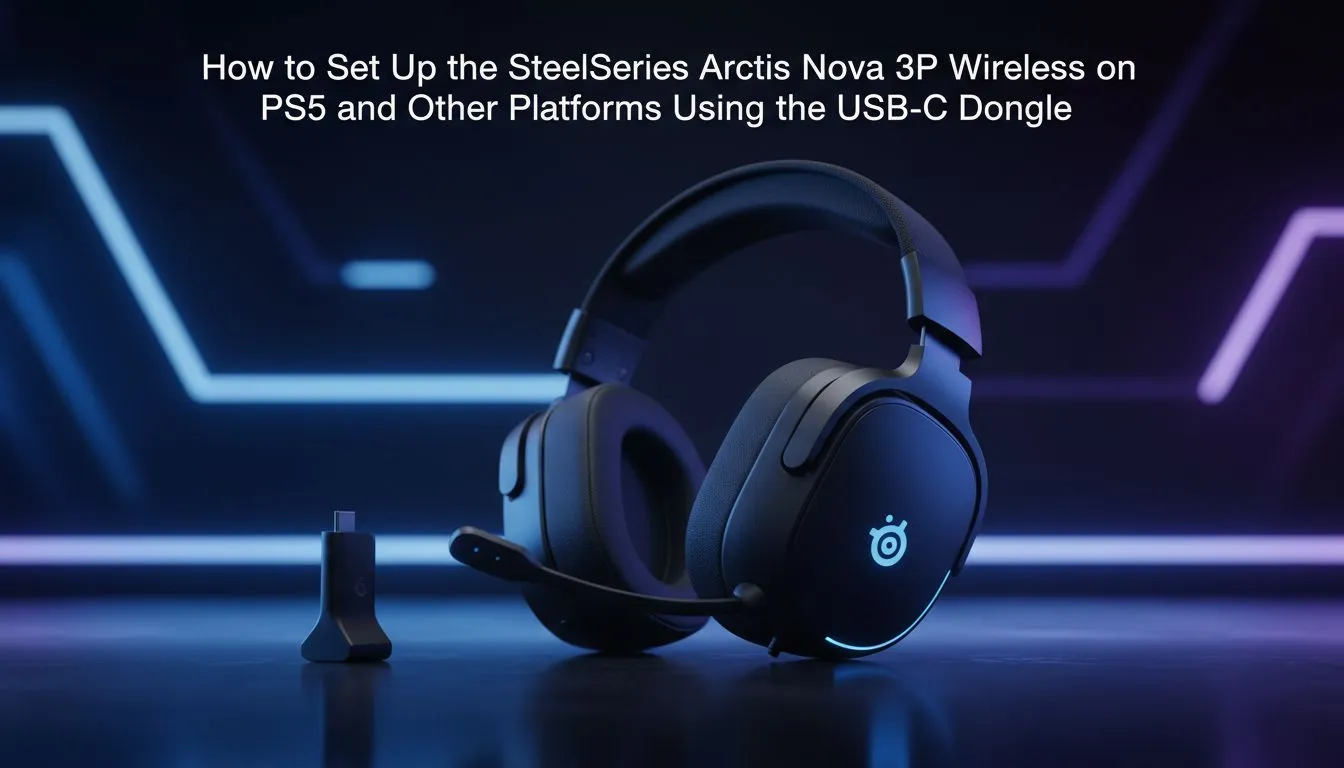
Arctis Nova 3P wireless setup for PS5 and USB-C dongle
Tired of tangled cables while defending your rank in Warzone or FC 25? Setting up your Arctis Nova 3P wireless setup for PS5 and USB-C dongle is actually straightforward. Whether you are upgrading your setup or just unboxing your new gear, getting that connection right is the key to immersive audio. Let’s get you back into the game with zero fuss... and zero lag. ⚡
How to connect your Arctis Nova 3P wireless to PS5
The heart of this headset is the compact USB-C dongle. For most South African gamers, the easiest method is plugging it directly into the front USB-C port of the PlayStation 5. Once plugged in, the headset should pair automatically. If you are still browsing for the perfect pair to match your console, check out the wider range of headphone headsets available at Evetech.
PS5 Connectivity Hack ⚡
If your front USB-C port is already taken by an external SSD, use the included USB-A to USB-C adapter cable. Plug it into the high-speed ports at the back of your PS5. It works perfectly and keeps the front of your console looking clean for your controllers.
Optimising PS5 3D Audio with the USB-C dongle
Once the hardware is connected, you need to ensure the software is doing the heavy lifting. Navigate to your PS5 Settings, then Sound, and ensure the Output Device is set to the wireless headset. SteelSeries designed this unit to support Tempest 3D Audio... giving you a distinct advantage in competitive shooters. While SteelSeries is a top choice, many local gamers also look at Razer headphones headsets for their industry-leading haptics and comfort. 🔧
Why the USB-C dongle matters for low latency
Unlike standard Bluetooth which often suffers from delay, the 2.4GHz USB-C dongle ensures your audio stays perfectly synced with the action on screen. This is vital when you are listening for footsteps in a clutch moment. For those who want a similar multi-platform experience, the Razer Barracuda X Chroma wireless headset offers fantastic value and versatile connectivity for your gaming hub. 🚀
Make sure to keep your headset firmware updated via the SteelSeries GG software on a PC. This ensures the best compatibility with the latest PS5 system updates. Staying updated means you won't miss out on any audio driver improvements or battery life optimisations. ✨
Ready to Level Up Your Audio? Finding the right balance between comfort and performance is essential for long sessions. For the best prices on gaming gear in South Africa, explore our massive range of headset specials and find the perfect pair to dominate the competition.











