

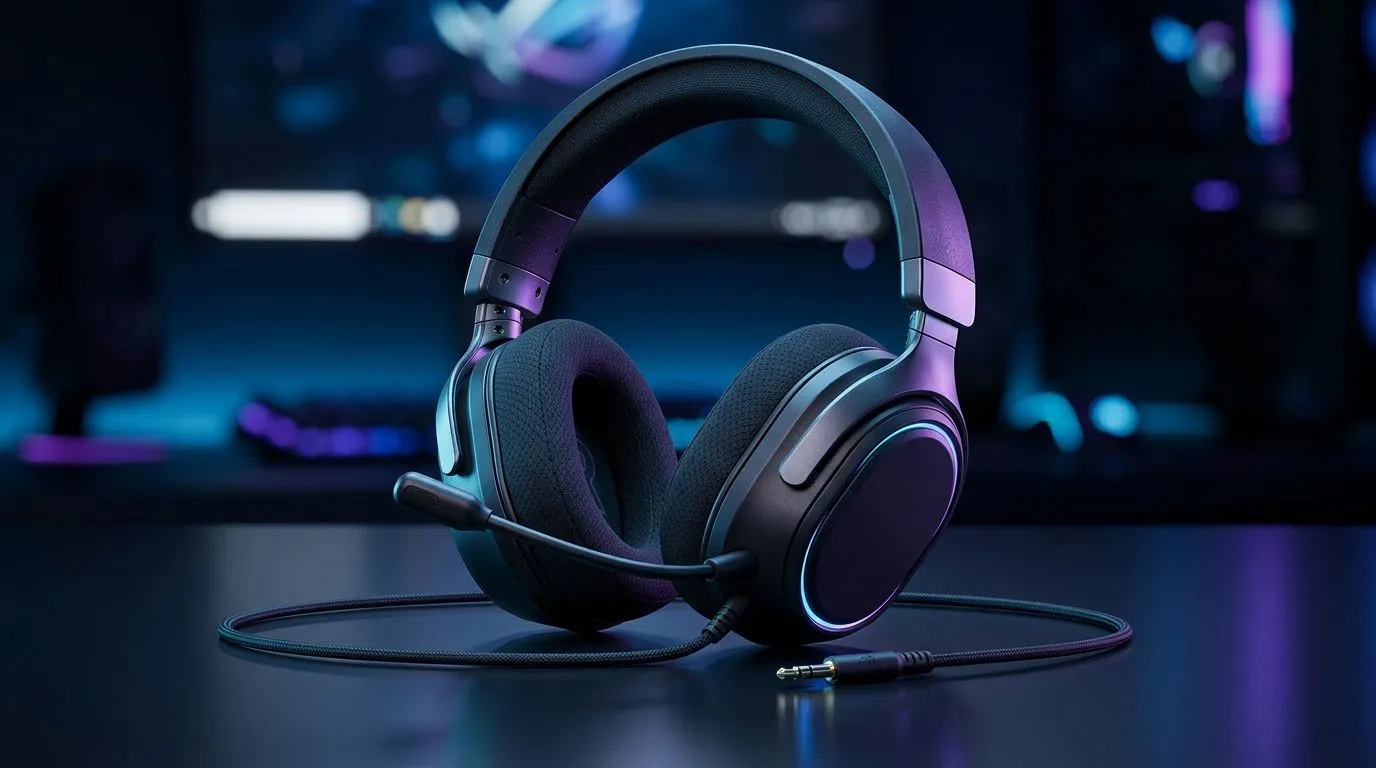
Audio Lag Fix for Wired 3.5mm Gaming Headsets: Stop the “late footsteps” feeling ⚡
South African players know the pain… you flick your aim, but the sound arrives a heartbeat later. That tiny delay can turn clutch moments into “why did I die?” moments. If you’re using a wired 3.5mm gaming headset, audio lag is often fixable without buying new gear. 🔧 In this guide, we’ll walk through the most common causes, what to test in seconds, and when it’s smarter to switch headsets.
Audio Lag Fix for Wired 3.5mm Gaming Headsets: Quick checks that actually work 🚀
Before you change anything major, confirm the lag pattern:
- Is it only in one game? Try a different title. If only one game is affected, it’s usually in-game audio buffering or settings.
- Does it happen in menus too? If yes, it points to Windows audio settings, the audio device, or a driver issue.
- Is it constant or intermittent? Intermittent stutter often links to USB power saving, background apps, or a faulty cable.
Next, do the simplest hardware test:
- Reseat the 3.5mm plug firmly. Loose connections can cause timing inconsistencies and crackling.
- If your headset uses a 3.5mm to dual 3.5mm adapter, try it without the adapter (or swap adapters if possible). Adapters can add resistance and trigger poor signal contact.
Fix the Windows audio pipeline (often the real culprit) 🔧
- Item
- Item
- Item
Productivity Pro Tip ⚡
On Windows, open Settings → System → Sound and make sure your wired headset is selected as the Output device. Then test in-game with a short audio loop (shooting range, grenade throw, or gunfire) so you can measure if the delay drops after each change.
Audio Lag Fix for Wired 3.5mm Gaming Headsets: Cable, drivers, and “cheap adapters” reality check ✨
If the delay persists after software tweaks, consider the physical layer:
- Cable strain: Movement near the plug can cause micro disconnects that feel like lag.
- USB power saving (on some systems): While your headset is 3.5mm, many audio drivers still route through USB audio controllers. In Device Manager, check for power-saving options on audio devices.
Driver guidance (no guesswork):
- Update your motherboard/chipset audio drivers from the manufacturer’s site, or use the latest Windows driver if your system OEM recommends it.
And yes, sometimes audio lag is simply a sign the headset’s analog implementation isn’t up to snuff for competitive play. If you’re shopping in South Africa and want to avoid future headaches, Evetech is a good place to compare models and pricing.
Need a wireless option too? If you decide wired still isn’t the vibe, this deal can help you benchmark features and value: Razer Barracuda X Chroma Wireless Headset (Phantom White). For wired headset browsing, start with Razer headphones and headsets on Evetech, or explore a wider catalogue at headphone headsets category.
Audio Lag Fix for Wired 3.5mm Gaming Headsets: When to stop troubleshooting and upgrade 🧠
If you’ve tested:
- different games,
- reseated the 3.5mm plug,
- disabled enhancements,
- adjusted output settings,
…and the delay is still obvious, upgrade becomes the fastest route. Competitive audio is about timing, clarity, and consistency. A better headset or a more reliable audio path can restore those “you heard it first” moments.
Ready to Find Your Perfect Match? The Mac vs Windows debate is complex, but for maximum power, choice, and value in South Africa, Windows is hard to beat. Explore our massive range of laptop specials and find the perfect machine to conquer your world.











