

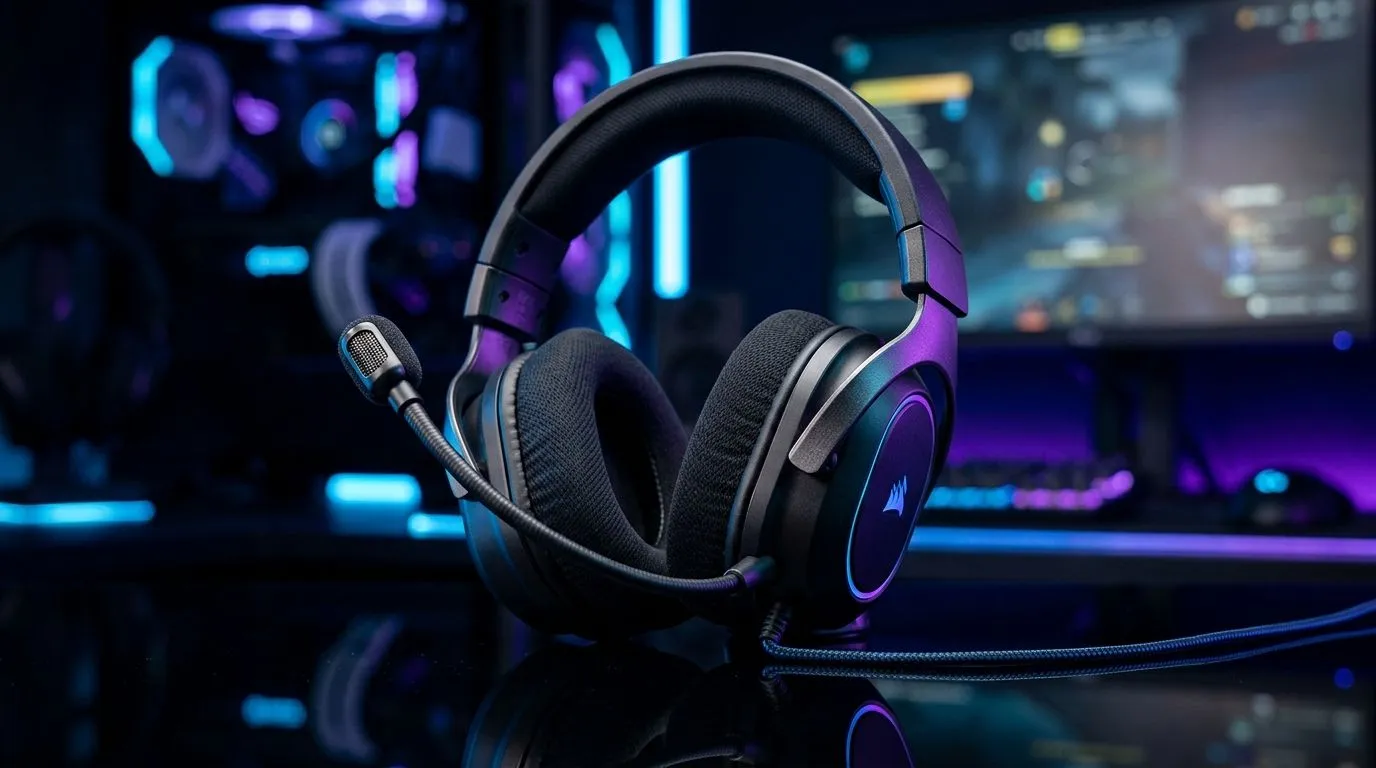
Boom Mic Position Guide for Wired Gaming Headsets: Stop the “tinny” voice 🔧
If your squad hears you like you’re speaking through a tunnel… you’re not alone. In South Africa’s late-night Discord marathons, the difference between “loud and clear” and “why is your mic clipping?” is often just mic position. 🎧 With wired gaming headsets, tiny adjustments can make your voice sound closer, warmer, and more consistent. Let’s set you up so teammates trust your callouts the first time.
Boom Mic Position Guide for Wired Gaming Headsets: What to aim for
A boom mic is designed to capture your voice while rejecting background noise. When it’s too far, audio gets thin and quiet. When it’s too close, it clips, distorts, and creates that harsh “S” sound.
Use this simple target:
- Distance: aim for roughly 1–2 finger widths from your mouth.
- Height: mic should line up around corner of your mouth.
- Angle: point the capsule towards your lips, not up at your forehead.
- Consistency: keep it in the same place when you lean in and out.
If you’re unsure, start closer. Then back off slowly until your voice sounds natural at normal volume.
Quick Productivity Pro Tip ⚡
On Windows, use the PowerToys FancyZones utility to create custom snap layouts for your Discord and game windows so you can keep mic monitoring apps visible while you adjust mic position and levels.
Boom Mic Position Guide for Wired Gaming Headsets: A fast setup routine (60 seconds) 🚀
Try this quick routine before you waste time in settings:
- Seat position first: sit the way you’ll play. Your head angle changes your voice.
- Set the mic distance: move the boom until it’s about 1–2 finger widths away.
- Test with one sentence: read the same line every time. Example: “Push B in 20.”
- Check for clipping: if it sounds crunchy, pull the mic slightly farther away.
- Tweak left-right: angle the mic so it faces your mouth, even if you’re looking sideways.
South African tip… don’t fight your room. A noisy home environment will always seep into your audio if the mic is pointed wrong or too far.
Boom Mic Position Guide for Wired Gaming Headsets: Common problems (and fixes) ✨
“I sound quiet”
Usually the mic is too far or the headset’s boom is angled away. Bring it closer and rotate the boom so it points toward your lips.
“I sound sharp or distorted”
That’s classic proximity distortion and clipping. Move the mic away by a small amount, then retest.
“My teammates hear keyboard and background noise”
It often means the mic is aimed too broadly. Aim more directly at your mouth, and reduce how far the mic sits from your lips.
“My voice drops when I turn my head”
The boom mic may be too low or not centred. Lift slightly and rotate until your voice stays consistent when you look left or right.
Boom Mic Position Guide for Wired Gaming Headsets: Choose a headset that makes this easier
A good boom mic should stay where you put it, with a smooth arm that doesn’t sag. If you’re shopping, consider models built for clear communication and comfortable positioning.
You can compare options here:
- If you want a wired-friendly setup with strong performance, browse Razer Barracuda X Chroma (Phantom White) at Evetech: https://www.evetech.co.za/razer-barracuda-x-chroma-wireless-headset-phantom-white/best-deal/24367
- Explore more Razer headphones and headsets for gaming comfort and mic practicality: https://www.evetech.co.za/PC-Components/razer-headphones-headsets-105
- Want to pick from a wider selection of headphone headsets? Start here: https://www.evetech.co.za/components/headphone-headsets-100
Once you’ve picked the right headset, your boom mic position becomes much easier to fine-tune.
Ready to Find Your Perfect Match? The Mac vs Windows debate is complex, but for maximum power, choice, and value in South Africa, Windows is hard to beat. Explore our massive range of laptop specials and find the perfect machine to conquer your world.











