

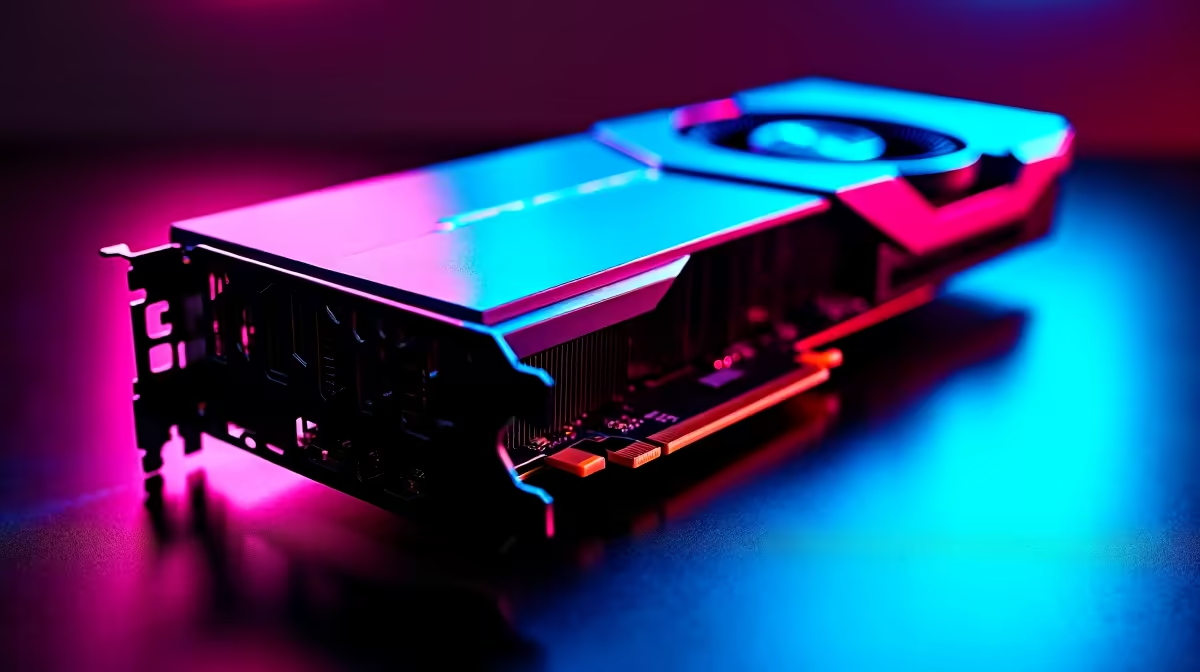
You have finally saved up enough ZAR for a stunning new 4K monitor. Now comes the ultimate question... can the RTX 4060 handle 4K gaming at 60 FPS? It is arguably the most popular budget card in South Africa right now. But pushing 8.3 million pixels is a heavy lift for a 1080p-class GPU. Let us break down exactly what to expect before you upgrade your rig.
The Raw Specs and 4K Reality
Nvidia designed the RTX 4060 as an absolute 1080p powerhouse. It features 8GB of GDDR6 VRAM and a 128-bit memory bus. When you ask if the RTX 4060 can handle 4K gaming at 60 FPS natively, the brutal truth is... mostly no.
Modern AAA titles like Cyberpunk 2077 or Alan Wake 2 will bring this GPU to its knees at native 4K. The memory bandwidth simply gets choked by massive high-resolution textures. Your frame rates will likely hover in the unplayable 20 to 30 FPS range.
However, if you are putting together a custom rig and looking to buy graphics cards for older titles or competitive esports, the story completely changes. Games like CS2, Valorant, or League of Legends are highly optimised. The RTX 4060 will easily push past 60 FPS at 4K in these lighter titles.
The Magic of DLSS 3 and Frame Generation 🪄
Here is where Nvidia's brilliant software wizardry steps in to save the day. DLSS 3 (Deep Learning Super Sampling) and Frame Generation are absolute lifesavers for budget GPUs. By rendering the game at a lower internal resolution and upscaling it, you get a massive performance boost.
If you tweak your settings to 'Performance' mode in supported games, can the RTX 4060 handle 4K gaming at 60 FPS? Yes... but with a catch. You might notice slight visual artifacts on the edges of moving objects. Furthermore, your 8GB of VRAM will still be pushed to its absolute limit.
If you want to see this incredible upscaling tech in action without building a PC from scratch, checking out our best gaming PC deals is a smart move. You can find balanced rigs designed to minimise bottlenecks and maximise frame rates.
Optimising Your Settings for 4K 🔧
If you are determined to connect your RTX 4060 to a 4K TV or monitor, you need to be realistic about your in-game settings. Drop your textures from Ultra down to Medium. Lower your shadow quality. Turn off volumetric clouds.
Performance Pro Tip ⚡
Always disable Ray Tracing on the RTX 4060 if you are aiming for 4K. Ray Tracing consumes massive amounts of VRAM. Stick to rasterised graphics and let DLSS do the heavy lifting to keep your frame rates stable.
Sometimes, a completely fresh hardware setup is the easiest route to better performance. We have seen incredible value in our latest pre-built PC deals. These systems pair the RTX 4060 with modern CPUs to squeeze out every single drop of performance.
What About Mobile Gaming? 🚀
Perhaps you prefer gaming on the go. The laptop version of the RTX 4060 is highly capable for 1080p and 1440p gaming. But driving a 4K external display from a mobile GPU requires even more compromises due to strict power limits.
If portability is your main goal, browse the latest notebooks for sale in South Africa. Look for models featuring high-refresh 1440p screens instead. That resolution is the absolute sweet spot for this specific tier of hardware.
The Final Verdict
So, can the RTX 4060 handle 4K gaming at 60 FPS? For competitive esports and older games... absolutely. For modern AAA blockbusters... only if you heavily rely on DLSS and drop your graphical settings.
If true, uncompromised 4K gaming is your ultimate dream, you might want to save a bit more ZAR for an RTX 4070 Super or higher. Keep a close eye on our specials to catch a premium graphics card when the price drops.
Ready to Power Up Your Setup? Whether you are chasing high frame rates at 1080p or dipping your toes into 4K, having the right hardware is essential. Explore our massive range of custom gaming PCs and find the perfect machine to conquer your virtual world.











