

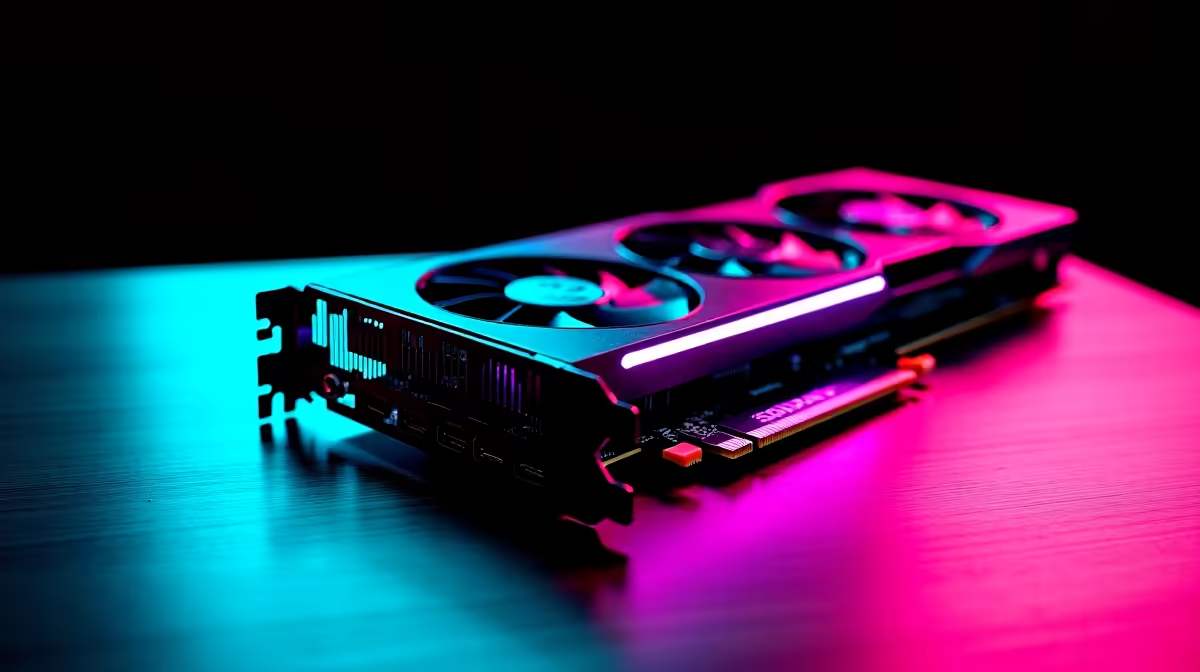
We all know the feeling. You just spent a small fortune in ZAR on a new rig, load shedding is finally suspended for the weekend, and a massive RPG is on the horizon. The next saga from CD Projekt Red is coming. But can the RTX 4080 Super run The Witcher 4 at 60 FPS? Let us dive into our definitive settings guide to find out.
Tackling the Unreal Engine 5 Beast
The upcoming title abandons the old proprietary engine for Unreal Engine 5. This means stunning visuals but incredibly heavy hardware demands. Features like Lumen lighting and Nanite geometry will push even top-tier hardware to the absolute limit. If you are currently browsing for premium graphics cards, you will be relieved to know the 4080 Super is built for this exact challenge. It packs 16GB of GDDR6X VRAM. That massive memory pool is crucial for rendering massive open worlds without stuttering.
Achieving Smooth Frames in the Next Witcher
So, will this powerhouse card maintain a solid frame rate without breaking a sweat? Yes, it absolutely can. However, native 4K resolution at maximum settings might dip below that magical 60 frame mark in dense forests or busy towns. To maintain smooth combat without dropping frames, you need the right balance. If you recently picked up one of our best gaming PC deals, your hardware is ready. We just need to optimise the software side to guarantee perfection.
Frame Generation to the Rescue 🚀
Nvidia DLSS 3 will be your absolute secret weapon here. By generating extra frames artificially, you can push your frame rates much higher than native rendering allows. This incredible technology is standard on modern setups, including the powerful rigs found in our pre-built PC deals.
Optimisation Pro Tip ⚡
Always enable DLSS Frame Generation alongside Nvidia Reflex. Reflex significantly reduces system latency... ensuring your parries and dodges remain razor-sharp even when artificial frames are being generated by the GPU.
The Ideal Settings Guide for Flawless Gameplay
For a flawless experience on a 4K monitor, start by setting DLSS to Quality mode. Next, turn Global Illumination to High rather than Ultra. The visual difference is barely noticeable... but the performance gain is massive. Keep your texture quality at Ultra since you have 16GB of VRAM to spare. You should also lower volumetric clouds to Medium. Clouds are notorious performance killers in open-world games. Interestingly, if you prefer gaming on the couch or travelling, many modern notebooks for sale in South Africa featuring the mobile 4080 can use these exact same tweaks at 1440p resolution.
Maximise Your ZAR Investment ✨
Building a PC that can handle next-generation Unreal Engine 5 titles requires careful planning. You want components that offer true longevity in the South African climate. Keep a close eye on our weekly specials to upgrade your power supply or cooling system before the game drops. A cool GPU maintains higher boost clocks... ensuring those frame rates stay locked at 60 FPS.
Ready to Explore the Continent? Conquering the next massive RPG requires serious graphics horsepower. Explore our RTX 4080 Super graphics cards and ensure your rig is ready to hunt monsters in glorious 4K resolution.











