

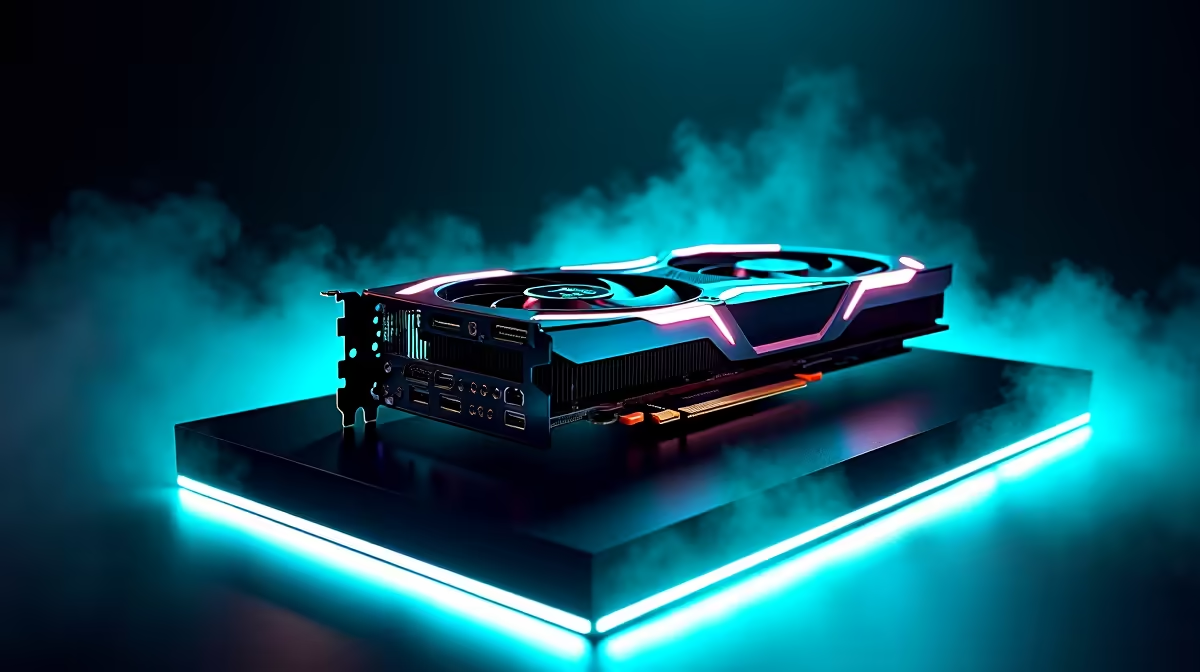
Let us address the elephant in the room. You just dropped a serious stack of ZAR on the best GPU available. Now you are wondering... can the RTX 4090 run CS2 at 60 FPS? Spoiler alert: absolutely. It can do it while your PC is practically asleep. But to truly optimise Counter-Strike 2 for maximum frames, you need a proper settings guide. Let us dive into the details.
Why the 4090 is Absolute Overkill 🚀
Let us talk raw numbers. Valve's Source 2 engine is beautiful but highly efficient. The flagship NVIDIA card does not just hit 60 FPS... it obliterates it. We are talking upwards of 500 frames per second at 4K resolution.
If you are rocking an older rig, it might be time to upgrade. You can easily buy graphics cards that perfectly match your monitor's refresh rate. There is no need to bottleneck your potential.
The Ultimate CS2 Settings Guide
Even with a beastly GPU, competitive players want zero input lag. You do not want visual clutter distracting you from a crucial headshot. Here are the optimal settings for high-end systems:
- Resolution: Native (1080p, 1440p, or 4K).
- NVIDIA Reflex: Enabled + Boost. This is crucial for low latency.
- Shadows: High. You need to see enemy shadows around corners.
- Anti-Aliasing: 4x MSAA for crisp edges.
If you are building a system from scratch to push these frames, you are in luck. Exploring the best gaming PC deals is a very smart move to secure top-tier performance.
Monitor Matching Pro Tip ⚡
Running CS2 at 500 FPS is pointless if your monitor is stuck at 60Hz. Always pair a high-end GPU with a 240Hz or 360Hz display to actually see those frames and reduce system latency.
Balancing Portability and Power 🔧
Maybe you travel often across South Africa. You cannot always lug a massive desktop around. The good news is that modern mobile GPUs are incredibly capable.
You can easily hit competitive frame rates on the go. Just browse the latest notebooks for sale in South Africa to find a portable powerhouse. You will never miss a match while away from home.
Maximising Your Budget for Source 2 ✨
You do not actually need a flagship card to enjoy CS2. A mid-range setup will easily push past 144 FPS for buttery smooth gameplay.
If you want a hassle-free solution, checking out pre-built PC deals saves you the stress of building. Plus, you can often find massive discounts on our specials page. This keeps more Rands in your wallet for those premium weapon skins.
Ready to Dominate the Leaderboards? Whether you are chasing 60 FPS or 600 FPS, having the right hardware is half the battle. Explore our massive range of gaming specials and find the perfect machine to conquer your next Premier match.











