

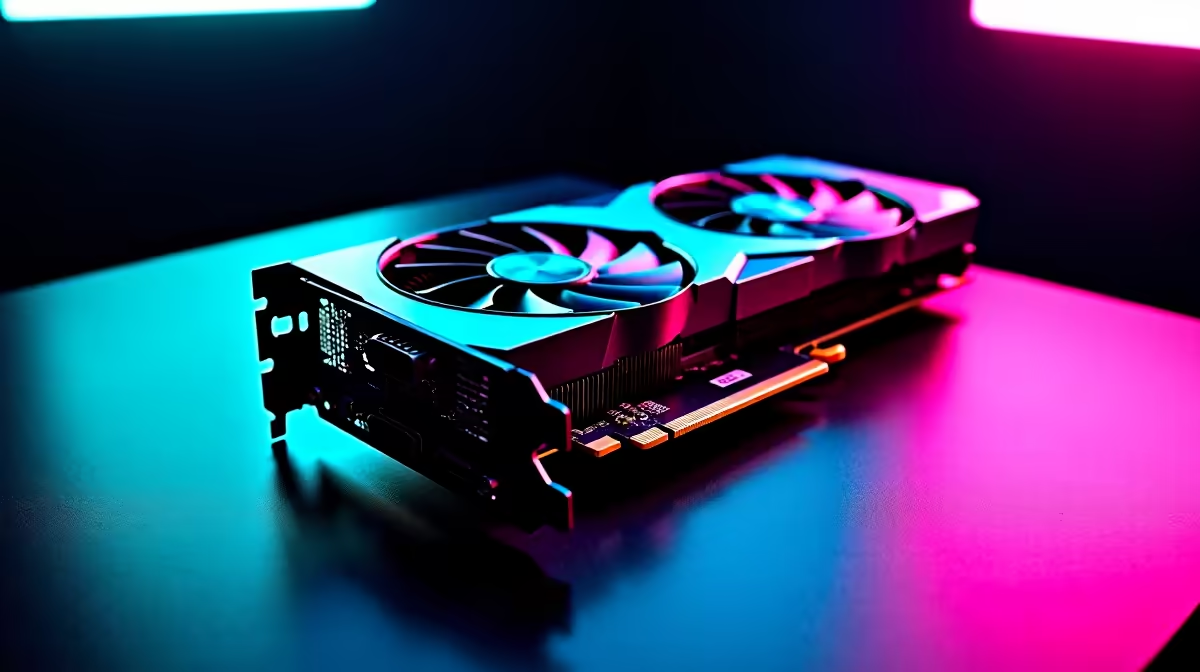
Rolling a natural 20 in Baldur’s Gate 3 feels amazing. Watching your frame rate tank in the Lower City does not. With NVIDIA's latest hardware hitting the South African market, many gamers are asking a vital question. Can the RTX 5070 run Baldurs Gate 3 at 60 FPS without breaking a sweat? Let us dive into the performance numbers and the best settings for a buttery smooth adventure.
The Power of the RTX 5070
The RTX 50-series brings serious graphical muscle to the table. If you are exploring graphics cards for sale, the RTX 5070 hits a massive sweet spot for 1440p and 4K gaming. Baldur's Gate 3 is beautifully detailed but notoriously demanding in crowded areas. The lighting, shadows, and character models require serious VRAM. Fortunately, the RTX 5070 handles the Sword Coast effortlessly. It provides enough memory bandwidth to keep textures looking crisp. Whether you are upgrading an older rig or browsing the best gaming PC deals to start fresh, this GPU delivers the frames you need.
Can the RTX 5070 Run Baldurs Gate 3 at 60 FPS?
Yes, and it does so with absolute ease 🚀. At 1440p resolution on Ultra settings, you will easily push past 60 frames per second. Even at 4K, native 60 FPS is highly achievable with the right tweaks. However, remember that BG3 relies heavily on your processor during intense Act 3 city scenes. Hundreds of NPCs moving at once can drag down even the best graphics card. Pairing your GPU with a strong CPU in our pre-built PC deals ensures you avoid annoying bottlenecks. Prefer gaming on the go? Modern RTX 50-series gaming laptops will also chew through Faer��n without dropping a beat.
Performance Pro Tip ⚡
Baldur's Gate 3 supports DLSS 3. If you want to push your RTX 5070 well beyond 60 FPS at 4K, simply enable DLSS on Quality mode. You get maximum visual fidelity while saving crucial hardware resources for those massive spell effects.
The Ultimate Settings Guide for BG3
To optimise your journey, stick to these settings for the perfect balance of beauty and performance. First, set your overall preset to Ultra. Turn on DLSS to Quality if you play at 4K. Keep Volumetric Fog on Medium... it saves frames without ruining the atmosphere. Drop Shadow Quality to High instead of Ultra. You will barely notice the difference in visual quality, but your frame rate will thank you. Finally, cap your frame rate to match your monitor refresh rate. This keeps your system cool and quiet during long gaming sessions. If you need a monitor upgrade to match these visuals, keep an eye on our weekly specials for incredible ZAR savings ✨.
Surviving the Lower City
Act 3 is the ultimate stress test for any gaming setup. The dense crowds and complex architecture demand everything your PC has to offer. By following our settings guide, your RTX 5070 will maintain that crucial 60 FPS target. You can finally enjoy the climax of the story without annoying visual stutters.
Ready to Upgrade Your Adventure? Do not let stuttering ruin your next critical hit. Explore Evetech's massive range of gaming components and PCs in South Africa. Discover our latest specials and build the ultimate rig to conquer Baldur's Gate 3 today.











