

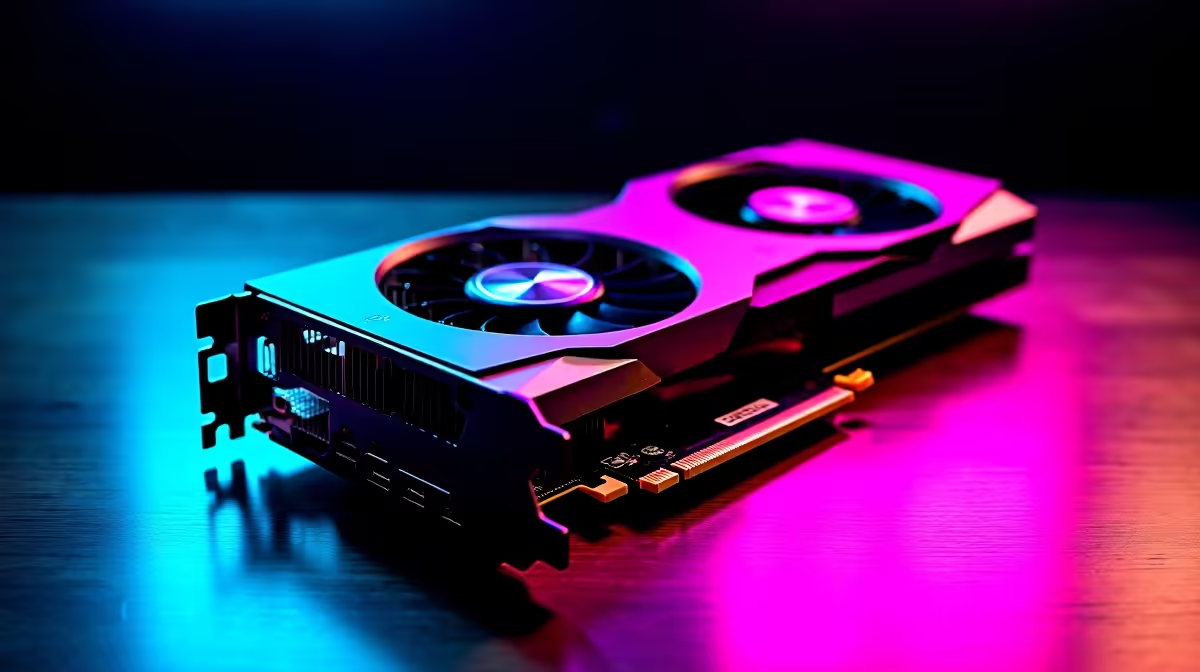
Let us address the elephant in the room right away. Asking if the mighty AMD Radeon RX 9070 XT can run League of Legends at a mere 60 FPS is like asking if a sports car can handle a trip to the local Spar. Yes... it absolutely can. In fact, this next-gen behemoth will crush LoL so effortlessly that you might actually need to slow it down.
Why 60 FPS is Just the Warm-Up 🚀
League of Legends is famously forgiving on hardware. Riot Games designed it to run smoothly on almost anything. So, pairing it with a top-tier powerhouse like the RX 9070 XT means you are entering the realm of absolute overkill. You will easily push hundreds of frames per second at pristine 4K resolution without the graphics card even breaking a sweat.
If you are looking to build a high-end system around this beast, checking out the latest gaming PC deals is a brilliant place to start. You want a machine that balances the CPU and GPU perfectly... ensuring you get every ounce of performance you paid your hard-earned ZAR for.
Optimise Your Settings for Maximum Clarity ✨
Since 60 FPS is child's play for the RX 9070 XT, your real goal should be matching your gaming monitor's maximum refresh rate. Whether you are using a blazing-fast 240Hz desktop display or a high-end portable setup from our range of notebooks for sale in South Africa, you want that buttery smooth visual feedback for competitive play.
Head into your League of Legends video settings and apply these tweaks:
- Resolution: Match your monitor's native resolution.
- Character Quality: Very High.
- Environment Quality: Very High.
- Effects Quality: Very High.
- Shadows: High or Very High. Shadows can sometimes be distracting in competitive MOBAs, but this GPU renders them without dropping a single frame.
- Anti-Aliasing: Enabled. This smooths out the jagged edges on character models for a cleaner look.
Even with every single slider maxed out, a rig from our pre-built PC deals featuring high-end Radeon graphics will handle chaotic five-on-five team fights flawlessly.
Power Saving Pro Tip ⚡
Since the RX 9070 XT is massive overkill for LoL, turn on Radeon Chill in your AMD Adrenalin software. Capping your frame rate to your monitor's refresh rate saves electricity, keeps your room cooler during hot South African summers, and prevents unnecessary GPU coil whine.
Managing Unlimited Power 🔧
You might be tempted to turn V-Sync off and leave your frame rate completely uncapped just to see those numbers climb into the thousands. However... pushing 800 FPS in a MOBA does not actually make you play any better. It just generates excess heat and wastes power.
By optimising your settings and locking your frame rate, you get a premium, tear-free experience while protecting your hardware investment. If you are planning a complete setup overhaul to achieve this level of visual fidelity, keep a close eye on our weekly specials to score massive discounts. Alternatively, if you just need the raw pixel-pushing power to upgrade your current rig, you can easily buy graphics cards directly from our components hub.
Ready to Dominate the Rift? Whether you are climbing to Challenger or just enjoying ARAM with friends, having the right hardware makes all the difference. Explore our massive range of gaming PCs and find the perfect machine to conquer your world.











