

Can the RTX 5090 Handle Multiple Monitors Like a Pro?
South African gamers and tech enthusiasts, ever wondered if your new RTX 5090 can power a multi-monitor setup? With the hype around Nvidia’s powerhouse GPU, it’s tempting to stretch that raw horsepower across several screens. Whether you want immersive gaming across three monitors or a productivity beast with multiple displays, the RTX 5090 offers impressive support. But how far can you push it? Let’s break it down. ⚡
Multiple Monitor Support on the RTX 5090 Explained
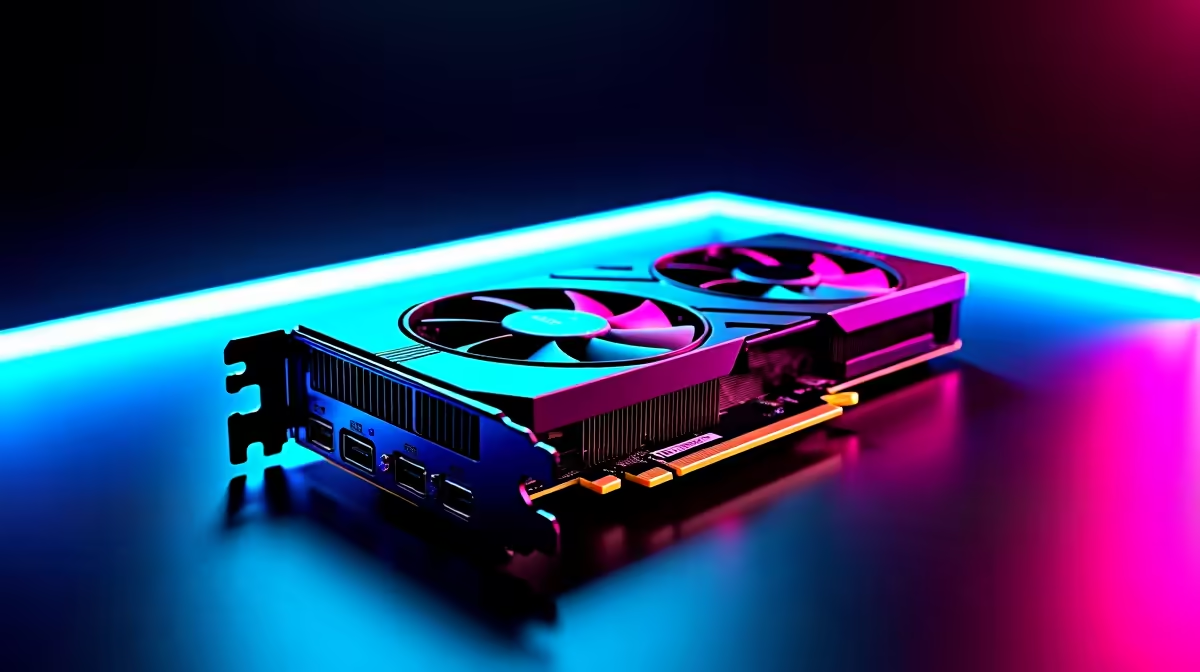
The RTX 5090 is designed to handle ultra-high resolutions and refresh rates thanks to its advanced architecture. Official specs confirm support for up to four monitors simultaneously, with outputs including HDMI 2.1 and DisplayPort 1.4a. That means you can easily run triple-screen games or serious multitasking without tearing or lag.
For gamers chaining displays, the RTX 5090’s powerful video engine processes multiple 4K streams smoothly — ideal for titles like Cyberpunk 2077 or Microsoft Flight Simulator. Plus, NVIDIA’s drivers keep multi-monitor setups stable and customise-friendly.
Performance Tips for Multi-Monitor Gaming
Running multiple monitors might push graphics cards hard, but smart settings help maintain smooth gameplay:
- Lower in-game settings on less critical screens to balance load.
- Use Nvidia’s Control Panel to set the primary display for gaming, optimising rendering.
- Keep your GPU drivers updated via official channels — this often improves multi-display stability.
For South Africans seeking the best deals on gear, check out Evetech’s dedicated page for graphics cards to find the RTX 5090 and other powerful GPUs.
Choosing the Right Monitors for Your Setup
Not all screens are equal when building a multi-monitor rig. Consider panel types, refresh rates, resolutions, and sync tech to optimise the RTX 5090’s potential.
IPS panels deliver superior colours for immersive visuals, while 144Hz or higher refresh rates reduce motion blur in fast games. If you want synchronisation across displays, look for G-Sync compatible monitors to minimise tearing.
Explore Evetech’s broad selection of monitors to match your RTX 5090 setup — from budget-friendly to premium models.
Maximising Multi-Monitor Efficiency
If you’re running desktop apps on side monitors, consider lowering their resolution to 1080p. This frees up GPU resources for your main gaming display without noticeable quality loss.
Pre-Built Multi-Monitor Ready PCs and Laptops
If building your own rig isn’t your thing, Evetech offers excellent multi-display-capable systems. Their gaming PC deals often bundle RTX 5090 cards in configurations optimised for multi-screen use.
South African gamers who need portability but don’t want to skimp on multi-monitor support can explore notebooks for sale with powerful discrete GPUs, capable of driving external displays via Thunderbolt or HDMI.
Plus, for those wanting a no-hassle solution, Evetech’s pre-built PC deals include expertly assembled rigs that easily accommodate multiple monitors.
Wrapping Up Multi-Monitor Power with the RTX 5090 🚀
The RTX 5090 stands out as a beast for multi-monitor setups, blending cutting-edge performance with precise output options. Whether you’re gaming on an epic triple screen or productivity juggler switching between apps, this GPU is built to handle multiple displays with ease.
For South African gaming and tech buyers, pairing it with the right monitors and fine-tuning GPU settings ensures you unlock full potential without hiccups.
Ready to upgrade your multi-monitor setup? Discover the RTX 5090 and top-tier gaming monitors now. Shop now at Evetech for performance that leaves lag in the dust.











