

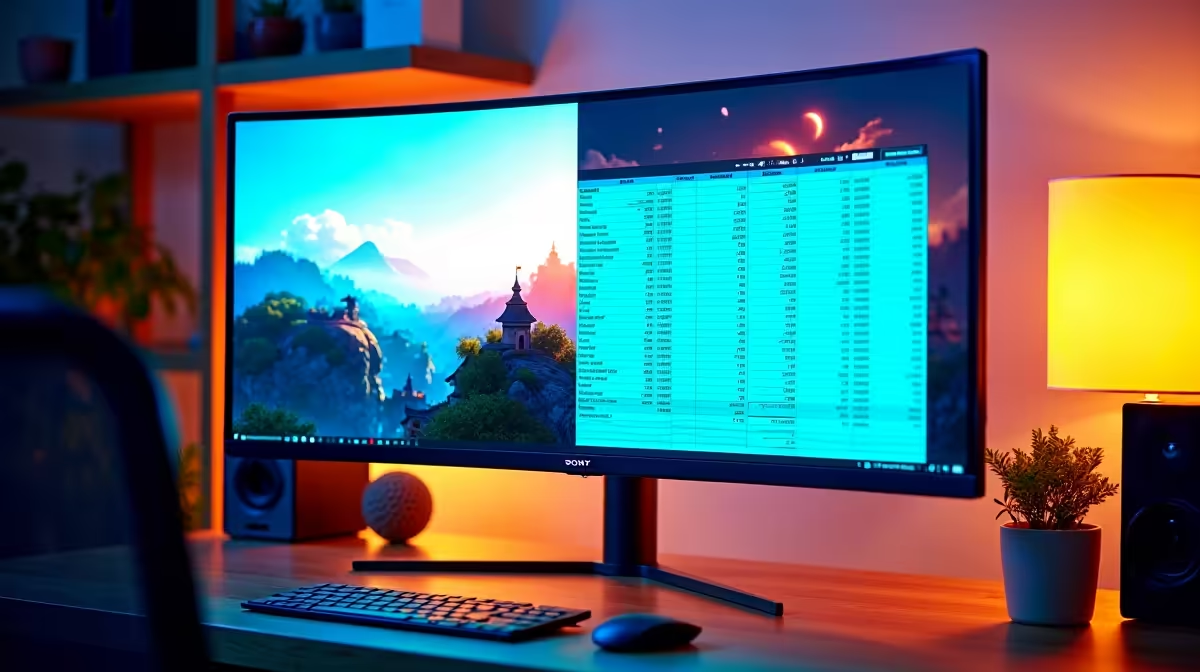
Can You Use a 4K Monitor for Both Gaming and Productivity?
South African gamers and tech buyers often wonder: is a 4K monitor truly versatile enough for both gaming and productivity? With vibrant colour depth and razor-sharp detail, 4K monitors elevate your gaming sessions 🚀 while boosting your workspaces. Yet, the balance between silky smooth gameplay and pixel-perfect spreadsheets isn’t always clear. Let’s unpack whether a 4K display can realistically do both without compromises.
Why 4K Monitors Are Appealing for Gaming and Productivity
4K monitors boast a resolution of 3840 x 2160 pixels, delivering four times the detail of 1080p screens. That means games look stunning, with crisp textures and expansive vistas. For productivity, the fine pixel density allows more content on-screen — perfect for multitasking complex spreadsheets or creative projects.
For gamers, frame rate is crucial, and while ultra-high resolution can strain your graphics card, many enthusiasts invest in rigs capable of 60 FPS+ at 4K. Evetech offers pre-built PC deals designed for that sweet spot of power and price, ensuring your 4K gaming experience doesn’t lag behind: discover pre-built PC deals.
Productivity fans appreciate how 4K real estate reduces the need for multiple displays. Whether you’re coding, editing videos, or writing, a single 4K monitor keeps everything visible and easy to manage. Check out the latest monitors to find one that fits your workspace perfectly: browse Evetech’s monitor selection ⚡.
How to Optimise a 4K Monitor Setup for Both Uses
Gaming Performance Tips for 4K Monitors
High resolution demands strong hardware. To enjoy smooth visuals, pairing your display with a capable graphics card is non-negotiable. Evetech’s gaming PC deals include GPUs and CPUs tuned for 4K gaming without breaking your budget: best gaming PC deals.
Productivity Hacks for Maximum Screen Real Estate
Windows 10 and 11 have scaling options to make text and icons comfortable without losing clarity. Consider setting scaling between 125%-150% to ease eye strain. Several productivity tools, like virtual desktops and window snapping, complement 4K screens, making multitasking a breeze.
Maximise Your 4K Monitor Setup
For smoother gaming, reduce graphics settings like shadows slightly—not resolution. It maintains sharp visuals and eases GPU load. Meanwhile, use Windows’ scaling to keep text legible and maximise comfort ✨.
The Downsides of Using One 4K Monitor for Everything
While 4K is impressive, it’s not flawless. Some games may struggle at this resolution on mid-tier GPUs, causing lower FPS or input lag. Also, smaller 4K monitors (27” and below) might render text too small without scaling, which can slow productivity.
If portability is key for your workflow, a powerful 4K laptop could be a solid option. Evetech carries several notebooks tailored for both gaming and work on the go: notebooks for sale in South Africa.
Lastly, don’t overlook the value of deals, especially during seasonal specials or limited-time offers. Evetech’s specials page often features 4K monitors and PC deals at competitive prices: check out the latest specials.
Is a 4K Monitor Worth It for Your Needs?
For South Africans ready to invest in a single display that handles both high-fidelity gaming and productivity, 4K monitors make a compelling choice. The key is pairing them with compatible hardware and tweaking settings to match your priorities. Whether you lean more towards immersive gaming worlds or demanding work tasks, there’s a 4K solution to fit your lifestyle and budget.
Upgrade Your Setup Today Elevate your games and productivity with top-tier 4K monitors and powerful PCs available at Evetech. Shop now at Evetech for performance that leaves lag in the dust.











