

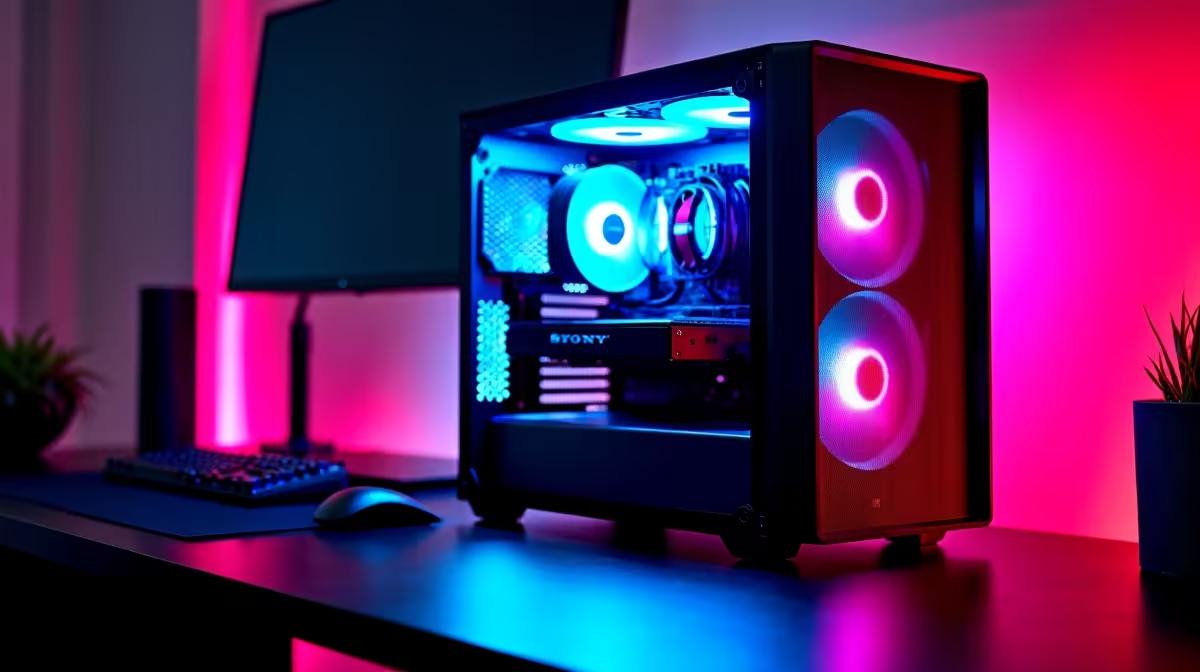
You just spent a solid chunk of your hard-earned ZAR on a killer rig. It crushes the latest AAA titles at 4K resolution. But now you want to dabble in AI. The big question is whether you can use a gaming PC for deep learning. The short answer is an absolute yes. The hardware required for high-end gaming is remarkably similar to what you need for training complex neural networks.
The Secret Weapon Inside Your Rig 🧠
Deep learning relies heavily on parallel processing. Your graphics card is built to handle thousands of calculations at once to render pixels. That exact same architecture is perfect for crunching massive datasets. Nvidia GPUs are currently the gold standard here because of their CUDA software framework.
If you want to train models efficiently, you need serious VRAM. You can browse the latest graphics cards for sale to find a GPU with at least 12GB to 24GB of memory. A high-end card easily pays for itself when compiling data.
Balancing Your System for AI Workloads ⚡
While the GPU is the star, the rest of your system cannot lag behind. You need a solid processor to feed data to your graphics card without bottlenecking. RAM is also crucial for handling large datasets. Aim for at least 32GB of system memory.
Training models takes hours... so your system will run hot. Good airflow is completely essential to prevent thermal throttling. If you are starting from scratch, looking at premium pre-built PCs is a smart move. They take the guesswork out of component matching. Alternatively, our dedicated gaming PC deals offer incredible foundations that double perfectly as heavy-duty AI workstations.
Taking Your Neural Networks on the Go 💻
Maybe you are a varsity student or a developer who travels often. You might wonder if a portable setup can handle the heat of machine learning. Modern mobile GPUs pack incredible compute power.
You can absolutely run smaller models or test code locally before deploying it to a cloud server. Check out our massive range of laptops and notebooks if you need a mobile workstation that still brings serious performance to the table.
Optimising Your Setup on a Budget
Building an AI rig in South Africa does not mean you have to empty your wallet. Whether you are coding in Cape Town or gaming in Pretoria, budget matters.
You can often find incredible value by keeping an eye on daily tech specials to upgrade your RAM or storage for less. Deep learning generates huge amounts of data... so adding fast NVMe storage is non-negotiable for quick read speeds.
Software Setup Pro Tip 🚀
On Windows, install Windows Subsystem for Linux (WSL2). It lets you run Ubuntu natively inside your OS. This gives you the best of both worlds... you can play your favourite PC titles and seamlessly run Linux-based deep learning frameworks like PyTorch or TensorFlow without the hassle of dual-booting.
Ready to Build Your Ultimate AI Workstation? Whether you are rendering frames or training neural networks, you need hardware that refuses to compromise. Explore our custom-built desktop solutions and find the perfect machine to conquer both your gaming library and your next big coding project.











