

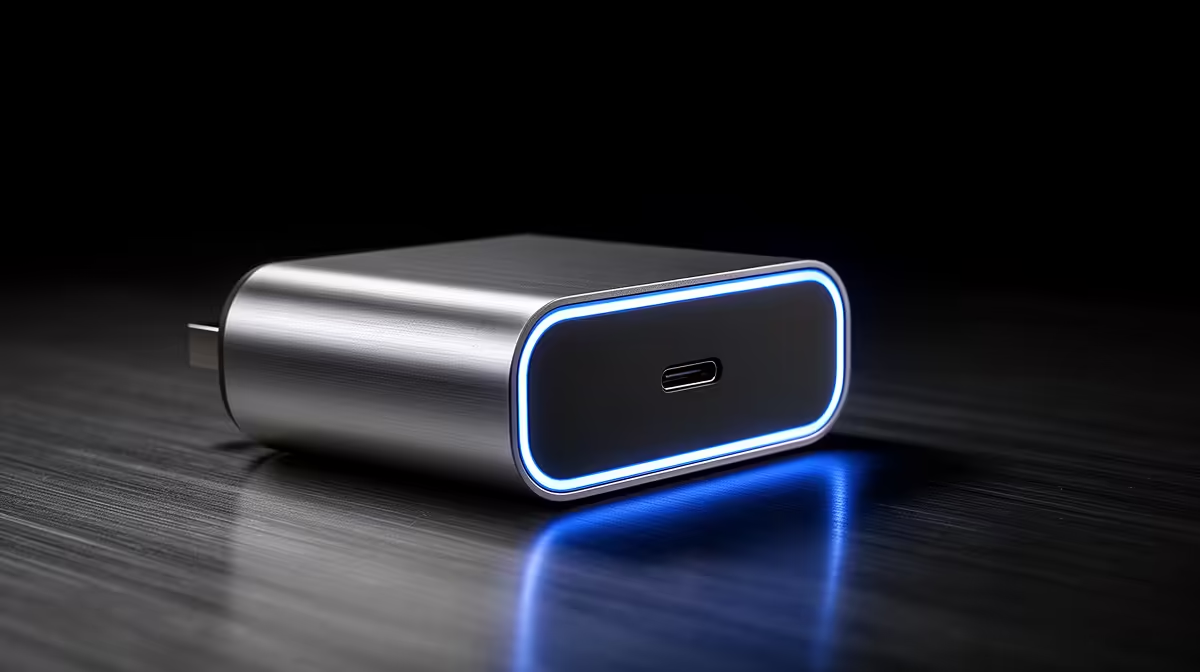
Stage 6 loadshedding just hit. Your MacBook battery is flashing red. You spot a random USB-C cable from your Android phone... but can you use any USB-C charger with a MacBook? It is a question every South African tech user asks when the lights go out. The short answer is yes. The long answer requires a bit more technical insight to keep your expensive hardware safe.
Understanding USB-C and Power Delivery ⚡
Apple adopted the USB-C standard years ago. This was a massive win for universal charging. However, not all bricks are created equal. MacBooks rely on a protocol called USB Power Delivery (USB-PD). This smart tech allows the charger and your laptop to negotiate the exact amount of power needed. If you plug in a standard 15W phone charger, your Mac will recognise it... but it will barely trickle charge. It might not charge at all while you are actively working.
Wattage Matters for Your MacBook
To actually charge a MacBook efficiently, you need adequate wattage. An M1 MacBook Air needs at least a 30W charger. A 16-inch MacBook Pro demands up to 140W. If you use an underpowered brick, your battery might still drain during heavy tasks. This is similar to trying to run high-performance gaming rigs on an entry-level power supply... it simply won't keep up with the demand.
Loadshedding Pro Tip 🔋
Always check the wattage printed on your power brick. If you are buying a backup power bank or inverter for loadshedding, ensure its USB-C port supports at least 65W Power Delivery to keep your laptop running smoothly during an outage.
Are Third-Party USB-C Chargers Safe? 🛡️
You don't have to spend thousands of ZAR on an official Apple accessory. Reputable third-party brands are perfectly safe to use with a MacBook. Just avoid cheap, unbranded knock-offs from the local corner shop. Poorly made chargers lack proper voltage regulation. This can quickly fry your motherboard. Whether you are powering a sleek Apple device or browsing everyday notebooks, quality power delivery is non-negotiable.
Beyond the Apple Ecosystem
Sometimes the headache of proprietary cables makes you reconsider your setup. The Windows ecosystem offers incredible flexibility. If you need serious computing power without the premium price tag, exploring pre-built desktop solutions might be your best move. Desktop PCs don't rely on fragile charging cables. Plus, they allow you to easily upgrade components like dedicated graphics cards when you need more performance down the line.
Making the Smart Tech Choice 🚀
Using a standard USB-C charger with your MacBook is a great pinch-hitter during emergencies. Just ensure it has the right wattage and comes from a trusted brand. If you are tired of worrying about battery life and dongles, it might be time to look at other options. You can always browse our latest tech specials to find hardware that perfectly matches your workflow, lifestyle, and budget right here in South Africa.
Ready to Find Your Perfect Match? The Mac vs Windows debate is complex, but for maximum power, choice, and value in South Africa, Windows is hard to beat. Explore our massive range of laptop specials and find the perfect machine to conquer your world.











