

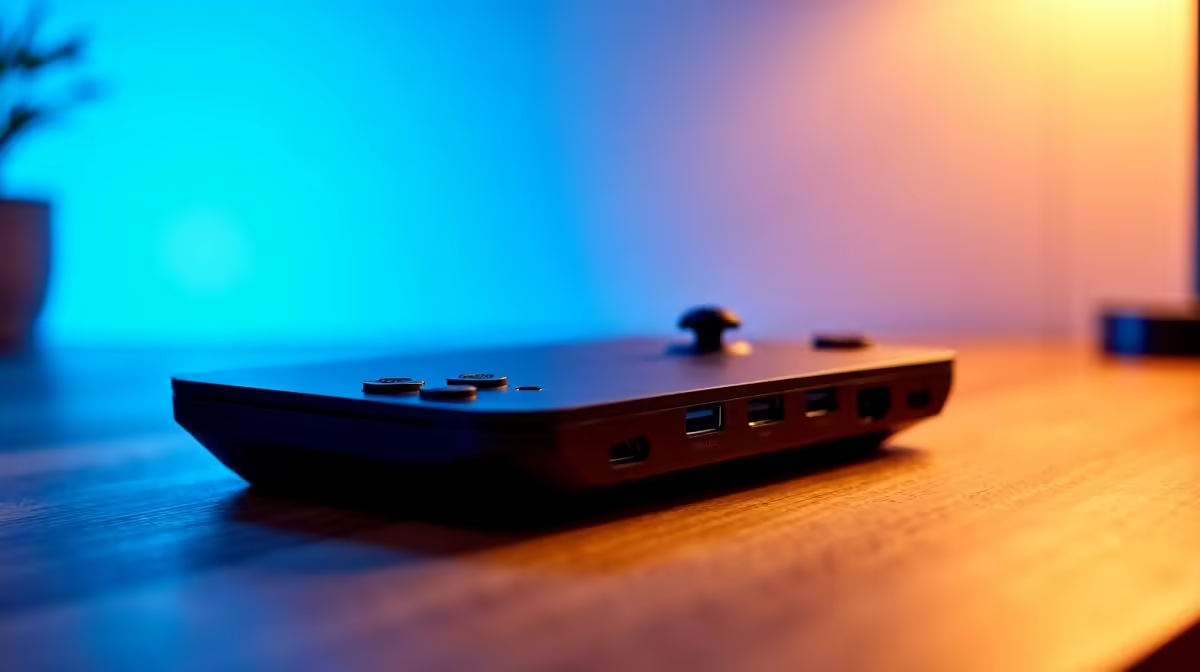
Handheld gaming is exploding across South Africa. When you are dropping serious ZAR on a portable device, you want absolute maximum value for your hard-earned money. So... can you use MSI Claw for both gaming and work? The short answer is a resounding yes. This little powerhouse runs full Windows 11, making it much more than just a pocket-sized console.
Transforming Portability into Productivity ⚡
Many buyers constantly wonder if they can use the MSI Claw for both gaming and work tasks. Because it features a cutting-edge Intel Core Ultra processor, it handles daily workloads effortlessly. You get the exact same operating system found on standard desktop computers. While traditional laptops and notebooks dominate most corporate environments, this handheld offers a highly unique hybrid solution for digital nomads.
You can easily answer emails, write complex reports, and manage heavy spreadsheets. You just need a stable internet connection and a few smart accessories. If you are hunting for versatile tech, you might already be browsing the latest tech specials for a machine that truly does it all. The Claw fits right into that premium category.
Docking Your Handheld for the Office
The secret to using the MSI Claw for productivity lies heavily in its connectivity options. It boasts a blazing-fast Thunderbolt 4 port. This means you can plug it into a docking station to connect an external monitor, mechanical keyboard, and precision mouse. Suddenly... your handheld feels exactly like a proper workstation.
Workspace Pro Tip 🔧
Grab a reliable USB-C docking station with power delivery. This keeps your MSI Claw fully charged while you work. Pair it with a Bluetooth keyboard and mouse to keep your desk entirely free of messy cables.
When docked, the performance is surprisingly robust. It actually rivals some of the best gaming PC deals when you factor in the sheer convenience of taking your entire system in your backpack. You can easily edit light videos, run dozens of browser tabs, and join important Zoom calls without breaking a sweat. The vivid touchscreen also acts as a brilliant secondary display for your Slack or Discord chats.
Seamless Transition to After-Hours Play 🚀
Of course, all work and no play is never the ultimate goal. When five o'clock finally hits, you simply unplug the device and jump straight into your Steam library. The integrated Intel Arc graphics deliver incredibly smooth frame rates for modern titles. It is the perfect companion for surviving those frustrating loadshedding blocks.
If you want to push visual limits on a massive screen at home, that same Thunderbolt 4 port is your absolute best friend. You can connect an external GPU enclosure to drastically boost performance. You can buy graphics cards to slot directly into these enclosures, turning your portable device into a desktop-class monster.
For gamers who desperately want the best of both worlds, this hybrid setup is incredibly appealing. However, some users still prefer keeping their portable and home setups completely separate. If that sounds like your ideal situation, exploring pre-built PC deals for your home office while keeping the Claw strictly for travel is a fantastic strategy.
Ultimately, asking if you can use MSI Claw for both gaming and work reveals just how far modern technology has progressed. It is a brilliant all-rounder for South Africans who demand ultimate flexibility.
Ready to Find Your Perfect Match? Whether you want a versatile handheld or a dedicated desktop, Evetech has the hardware to power your lifestyle. Explore our massive range of laptop specials and find the perfect machine to conquer your world.











