

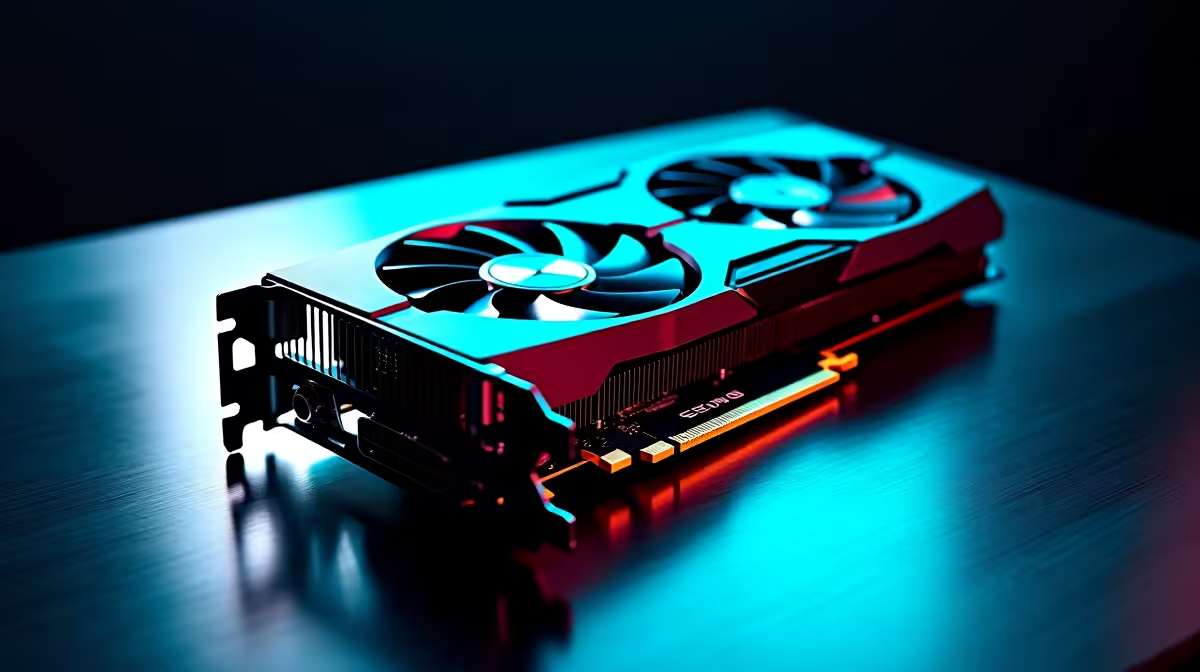
RX 7600: A Solid GPU for Gaming and Productivity in South Africa
When you’re hunting for a graphics card that balances gaming thrills and productivity tasks, the RX 7600 comes up often. SA gamers crave smooth frame rates on titles like Fortnite or Cyberpunk 2077 while creators need reliable performance for video edits or 3D modelling. Is the RX 7600 versatile enough to tick both boxes without breaking your budget? Let’s dive in. ⚡
Gaming Performance of the RX 7600
The RX 7600 shines in 1080p gaming settings, delivering crisp visuals and steady FPS on AAA titles. Thanks to AMD’s RDNA 3 architecture, it offers efficient power consumption and solid ray tracing support for immersive lighting effects.
For gamers in South Africa wanting the best PC deals, Evetech has a range of best gaming PC deals that bundle the RX 7600. These setups often come with complementary components optimised for smooth gameplay at 60+ FPS on high settings.
Gaming Optimisation Tip
Adjust in-game graphics preset to 'High' instead of 'Ultra' for minimal FPS loss — prolongs GPU lifespan and keeps thermals in check. }}
Productivity Capabilities: Beyond Just Gaming
This card isn't just for gaming thrills. With 8GB of GDDR6 VRAM and solid compute performance, the RX 7600 handles photo editing, video rendering, and CAD applications efficiently. If you work from home or dabble in content creation, it’s a budget-friendly GPU that doesn’t skimp on productivity essentials.
Pair it with one of Evetech’s pre-built PC deals tailored for mixed use—gaming and productivity combined. These rigs balance CPU and GPU power to prevent bottlenecks during multitasking.
Is a Laptop with RX 7600 GPU a Good Choice?
Not all gamers or creators want desktops. The RX 7600 also powers certain notebooks, making it a portable option for on-the-go work and gaming. Evetech lists several notebooks for sale in South Africa with similar GPU capabilities. This lets you game your favourite titles or tackle demanding apps from anywhere.
How to Maximise Your RX 7600 Experience 🔧
- Keep your drivers up to date via AMD’s official site or through Windows Update.
- Use software such as Radeon Software to monitor temperatures and tweak GPU settings.
- Ensure your PC case has enough airflow; GPUs perform best when cool.
Head over to Evetech’s PC Components graphics cards section to see detailed RX 7600 specs, pricing comparisons, and customer reviews that help finalise your decision.
For tech buyers watching their budgets, Evetech currently has specials that make it easier to snag a quality RX 7600 setup without overspending. Deals like these don’t stick around long.
Ready for Balanced Power? Whether gaming or streaming, the RX 7600 delivers dependable performance. Shop now at Evetech for performance that leaves lag in the dust.











