

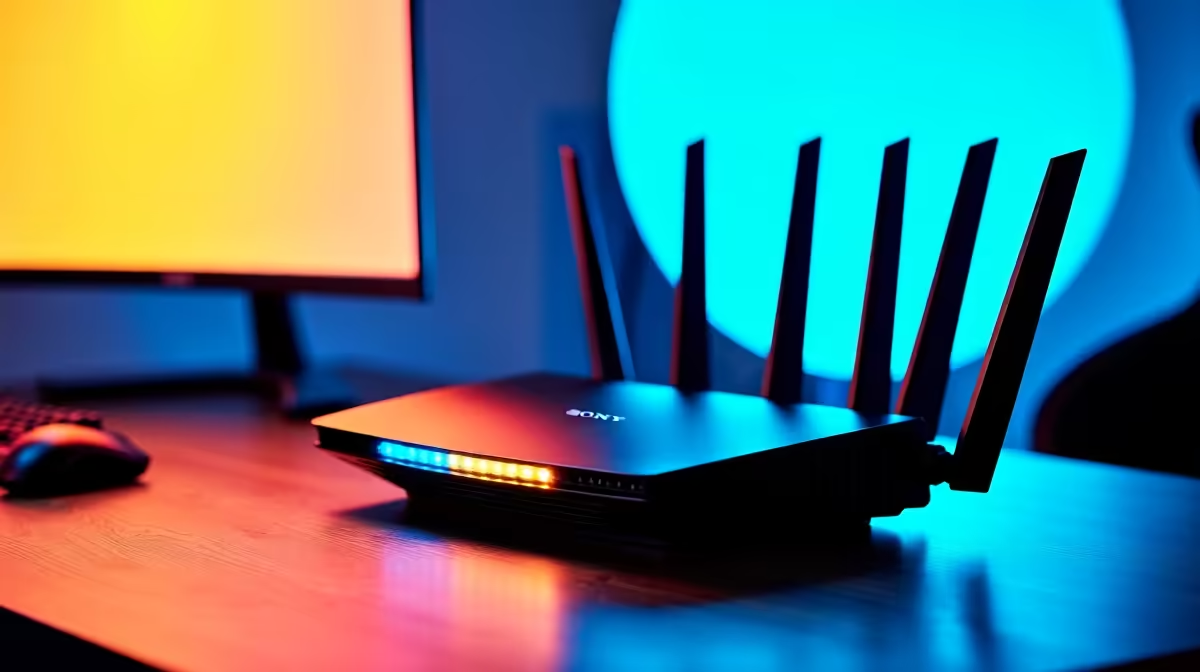
Load shedding just ended, the squad is waiting in the Discord lobby... and your Wi-Fi drops. 🌐 If you can't connect to your router right now, you are not alone. Network gremlins love to strike at the worst times for South African gamers. Before you panic and blame your ISP, let us walk through some quick fixes to get you back online and dominating your matches.
Basic Can't Connect to Router: Troubleshooting Steps
The simplest fix is often the most effective one. Start by giving your networking gear a proper power cycle. Unplug the power cable from your wall socket for at least thirty seconds. This clears the internal cache and forces your hardware to establish a fresh connection with your ISP.
While you wait for the lights to blink back on, restart your primary device too. Whether you are gaming on one of our premium pre-built desktop PCs or a console... a clean boot works wonders. 🔧
Digging Deeper into Network Issues
If a basic restart fails, you need to check your physical connections. A loose Ethernet cable is a surprisingly common culprit for sudden dropouts. Inspect the cable for any visible damage or sharp bends.
If you rely entirely on Wi-Fi, ensure you are within optimal range and not blocked by thick brick walls. Sometimes the wireless adapter itself is the actual problem. If you recently bought one of those sleek work and gaming laptops, try updating your network drivers online.
Still struggling with the connection? Try isolating the specific issue. Connect your smartphone to the Wi-Fi network. If your phone connects perfectly but your main rig refuses to, the router is likely fine. In that specific case, the internal network card inside your custom gaming PC might need a quick driver rollback.
Network Reset Pro Tip ⚡
If your PC refuses to connect, open your Command Prompt as an administrator. Type 'ipconfig flushdns' and hit enter. This forces your system to clear old network data and request a fresh IP address. It is a quick trick that solves most local connection errors instantly.
When It Is Time to Upgrade Your Hardware
Sometimes your can't connect to router troubleshooting reveals a harsh truth. Your old networking gear might just be dying. If your connection drops constantly or your speeds crawl... your hardware is likely bottlenecking your expensive fibre line. Modern South African homes need modern solutions to handle multiple devices streaming and gaming simultaneously.
Upgrading to a high-performance model from our extensive range of wireless routers can easily eliminate these frustrating dead zones. A quality router optimises local traffic so gaming packets get priority over someone watching Netflix in the lounge. Do not let outdated tech hold back your latency or ruin your competitive rank. Keep a close eye on our weekly tech specials to score top-tier networking gear and save your hard-earned ZAR. 🚀
Ready to Fix Your Lag for Good? Stop fighting with outdated network gear and dropping out of crucial matches. Explore our massive range of networking specials and find the perfect high-speed router to conquer your lag today.











