

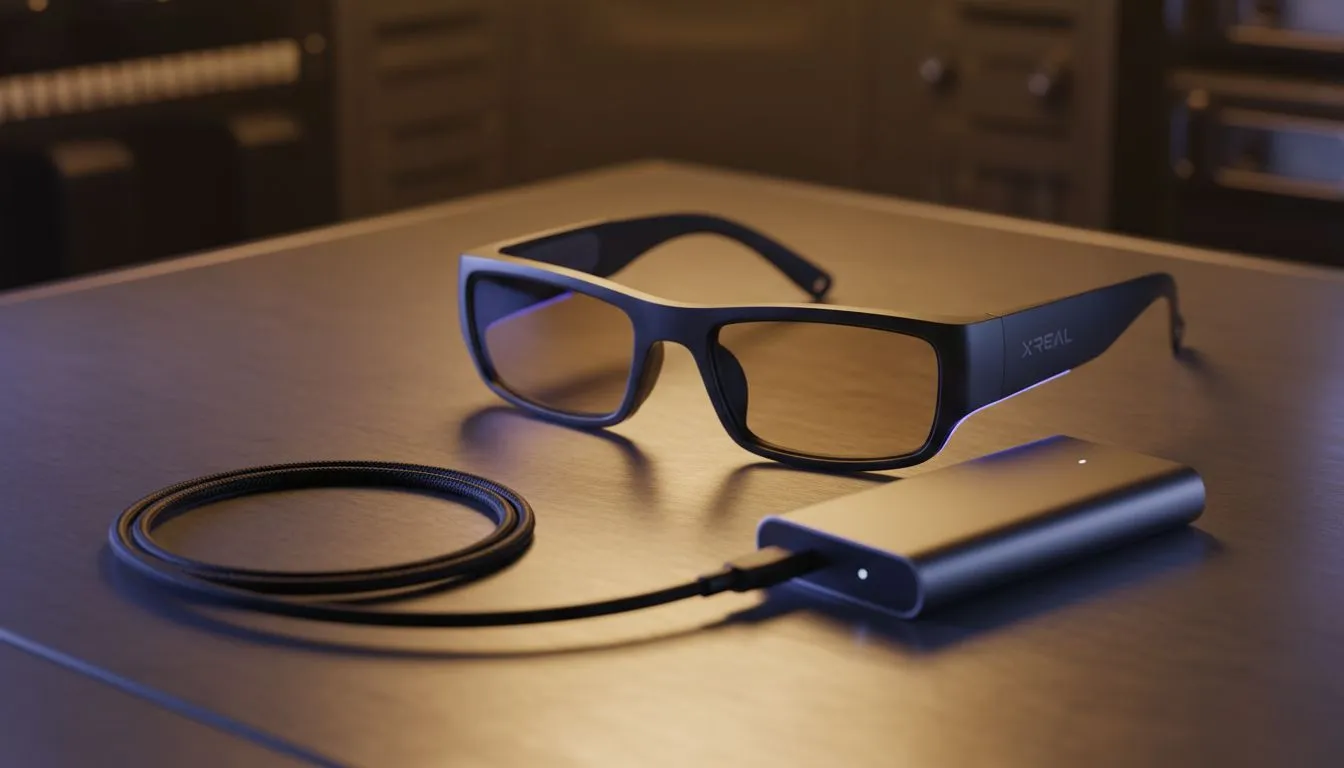
Loadshedding is the ultimate boss fight for South African gamers. Just as you settle into a massive virtual screen with your XREAL glasses, that dreaded notification pops up: "Battery Low". It is a frustrating reality when your host device powers both the game and the optics. Thankfully, you can actually charge XREAL glasses during loadshedding and keep the adventure alive... provided you have the right adapter. ⚡
Why Loadshedding Shouldn't End Your Session
The magic of augmented reality is the ability to carry a 130-inch display in your pocket. However, because these glasses draw power directly from your phone or handheld console, they can drain a battery faster than you can finish a round of Apex Legends. When the power grid goes offline, you cannot simply plug your ROG Ally into the wall. You need a strategy to play while charging without interrupting the video signal.
By exploring the AR glasses range at Evetech, you will notice that the ecosystem has evolved. Accessories like the XREAL Hub or specialized third-party splitters are designed to solve this exact problem. They feature two ports: one for power input and one for the glasses... allowing you to stay immersed while your power bank does the heavy lifting.
The Secret to Continuous Play: Charge and Display
When you browse the latest AR tech, the focus is often on resolution and refresh rates. But for the South African context, the "Charge and Play" capability is just as important. A standard USB-C splitter usually won't work because it cannot handle the DisplayPort Alt Mode required by the glasses. You need a dedicated hub that supports Power Delivery (PD) pass-through.
Power Bank Pro Tip ⚡
When playing while charging, always use a power bank that supports Power Delivery (PD) 3.0. For devices like the ROG Ally or Steam Deck, look for a minimum output of 65W. This ensures your device stays at 100% battery while you play, rather than just slowing down the drain... which is vital when the lights go out for two hours.
Finding the Right Gear for Your Setup
Investing in premium augmented reality options means you are likely looking for the best possible visual fidelity. To keep that 120Hz refresh rate stable during a blackout, ensure your charging cable is rated for high data throughput. Cheap cables often drop the connection or fail to provide enough wattage to charge the device while under heavy load. 🔧
The goal is to create a "load-shedding kit" that includes your glasses, a high-capacity power bank, and the correct adapter. This setup ensures that when the lights go out, your virtual world stays bright. It is about taking control of your downtime and making sure the Eskom schedule doesn't dictate your gaming progress. 🚀
Ready to Stay Powered Up? Don't let the next round of loadshedding cut your session short. Whether you are looking for the latest optics or the accessories to keep them running, we have you covered. Explore our massive range of AR glasses and accessories and find the perfect gear to conquer the dark.











