

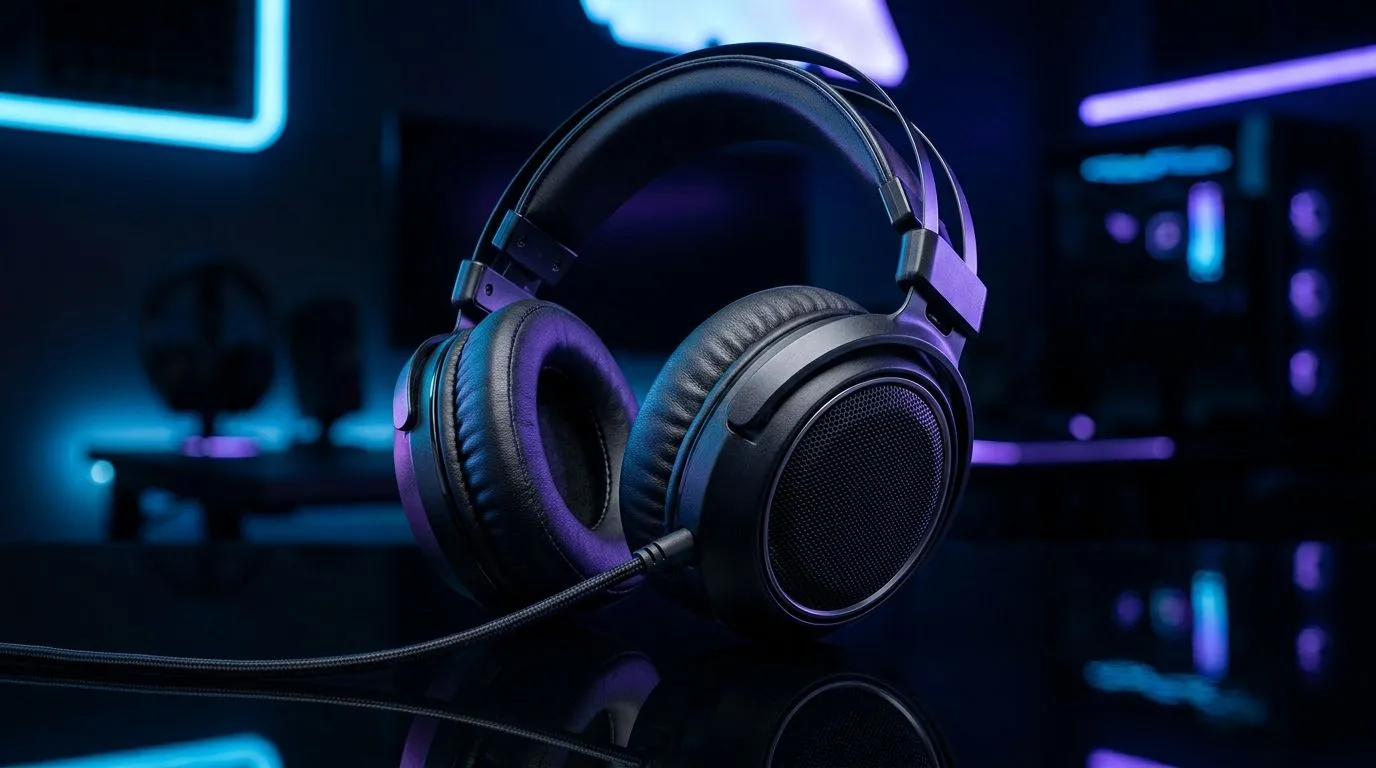
How to Clean Noise-Isolating Ear Cushions (Without Messing Them Up)
If your headphones suddenly feel “scratchy” or your ANC (active noise cancelling) feels less effective, it might not be the headset… it could be the ear cushions. South African commutes, dusty LAN venues, sweaty sessions in a HOT room… they all leave grime behind. ✨ Before you replace anything, try a proper clean. You’ll improve comfort, restore the seal, and stop that annoying “wet” smell from building up. 🔧
How to Clean Noise-Isolating Ear Cushions: Quick Prep First
Before water meets fabric, do this:
- Unplug and remove the cushions (if your model allows it).
- Check the material: leatherette (PU), fabric, or genuine leather. Each reacts differently.
- Use dry cleaning first. Dust sits deep in the seam.
What you’ll need
- Microfibre cloth
- Cotton buds (for edges)
- Soft brush (clean toothbrush works)
- Mild soap (dish soap is fine, but diluted)
- Distilled water (optional, safer for residue)
- Dry towel + air-dry rack
Avoid soaking. Most ear cushions have foam inside that can break down if you soak it.
Cleaning Pro Tip 🔧
noise-isolating cushions, always clean in two passes: first remove dry dust with a soft brush and dry microfibre cloth, then do a barely-damp wipe only on the outer surface. This reduces soap residue that can block the cushion’s seal against your ear.
How to Clean Noise-Isolating Ear Cushions: Step-by-Step by Material
For leatherette (PU) or vinyl cushions
- Wipe with a slightly damp microfibre cloth.
- If needed, add a tiny drop of diluted mild soap.
- Remove all soap residue with a second cloth dampened only with water.
- Pat dry with a dry towel.
- Air-dry fully before reattaching.
For fabric cushions
- Brush lightly to lift dust.
- Use a barely-damp cloth with diluted soap.
- Blot, don’t scrub hard.
- Let them dry completely (longer than you think).
For genuine leather
If the cushions are real leather, use a leather-safe approach: minimal moisture, light wipes, and thorough drying. If you’re unsure what you have, treat it as “gentle wipe only.”
How to Clean Noise-Isolating Ear Cushions: Restore the Seal
Noise isolation depends on the cushion making an even seal. After cleaning:
- Reattach and press lightly around the rim.
- Do a quick test: play audio low and check if outside noise drops back where it was.
- If you still hear leaks, the cushion may be worn out, especially if the foam collapsed.
If you’re shopping for replacements, Evetech lists Razer headsets and compatible options across categories like these:
And if you want a wireless option with comfortable padding for long sessions, check deals like:
How to Clean Noise-Isolating Ear Cushions: Deal With Odours and Sweat
Got a funky smell? Most odours are sweat residue trapped in the foam.
- Use a tiny amount of diluted soap on the outer surface.
- After wiping, let it air out in a ventilated spot.
- Don’t aim a heater at the cushions. Heat can warp the shape.
For frequent gamers, a monthly quick wipe is enough. If you sweat a lot, do a faster “spot clean” after sessions. Your ears will notice. 🙂
CALLTOACTION
Ready to Find Your Perfect Match? If your current headset cushions are past their best, don’t just suffer through leaks and discomfort. For South Africa’s value-focused gamers, the fastest way to get back in the groove is choosing a headset that fits properly from day one. Explore our massive range of laptop specials and pair it with the right audio setup for smoother aim, clearer comms, and better late-night raids.











