

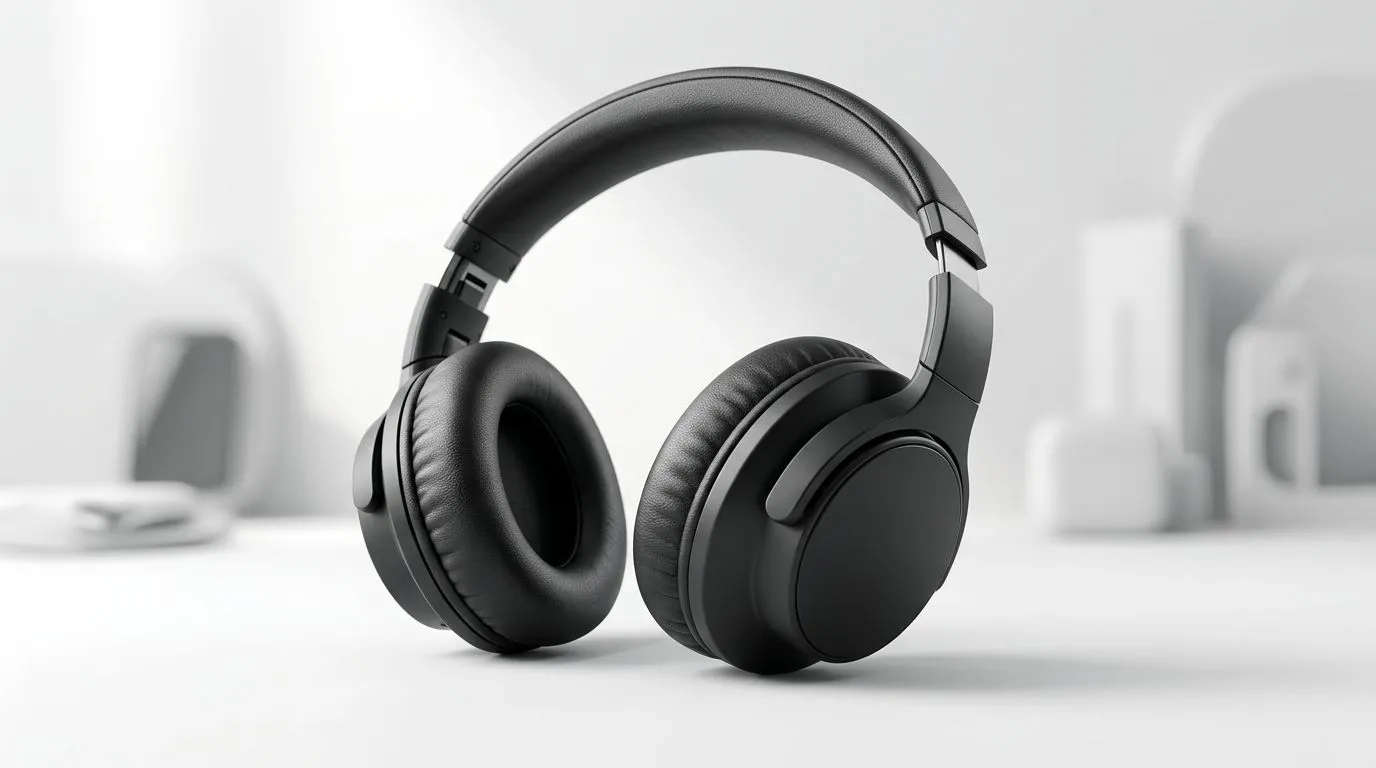
Keeping Your Headset Clean: How to Clean Synthetic Leather Over-Ear Cushions Safely
Ever notice how your over-ear cushions go from “like new” to “sticky and shiny” pretty quickly? In SA heat and dust, that’s normal… but it’s also preventable. If you’ve got synthetic leather (not real leather) pads, cleaning them the right way matters. Do it wrong and you’ll end up with cracking, colour fade, or a lingering smell. Let’s get your cushions looking fresh again, safely… so your next session feels comfortable from minute one. ✨
How to Clean Synthetic Leather Over-Ear Cushions Safely (Step-by-Step)
Synthetic leather cushions are usually a man-made outer layer over foam. The goal is to lift sweat and grime without soaking the foam or stripping the coating. 🔧
What You’ll Need
- Microfibre cloths (2 is ideal)
- Distilled water (or clean, filtered water)
- Mild soap (dish soap diluted, or a gentle hand soap)
- Isopropyl alcohol only for spot-cleaning (optional)
- Cotton buds (for seams)
- Dry towel and good airflow
The Safe Cleaning Process
- Unplug and remove pads (if possible)
If the pads detach, you’ll clean them more evenly and reduce the chance of water getting inside the headset. - Wipe first, always
Use a dry microfibre cloth to remove dust. This prevents you from turning dust into paste. - Make a gentle cleaning mix
Mix mild soap with a small amount of water. You want “barely damp”, not wet. - Wipe the surface gently
Wipe in light circles. Don’t press hard. Focus on the contact areas: top edge, sides, and around the ear opening. - Spot-clean stubborn marks
For dark stains or sticky patches, lightly dab a microfibre cloth with a tiny amount of diluted alcohol. Test in a hidden area first. - Dry properly
Use a dry cloth to remove moisture, then let pads air-dry with airflow for several hours. Avoid direct sunlight and heaters.
Productivity Pro Tip 🔧
On Windows, use the PowerToys FancyZones utility to create custom snap layouts for your windows. It's a lifesaver for managing multiple apps on an ultrawide monitor, letting you organise your timeline, preview window, and asset folders perfectly for video editing.
Common Mistakes to Avoid (Especially in SA Weather)
If you’ve ever cleaned cushions with too much water, you’ve probably noticed the foam can hold moisture. That can lead to odour and premature wear. ⚡
- No soaking: Never run pads under the tap.
- No bleach: It can damage the coating and fade colour.
- Skip harsh wipes: Many contain oils or alcohol-heavy blends that can leave residue.
- Don’t rush drying: Trapped moisture is the real enemy.
A quick micro-check after drying: press the cushion lightly. If it feels cool or damp, leave it longer.
Why Comfort Matters for Long Sessions
Comfort isn’t just “nice to have”. Poorly kept cushions can irritate skin, trap sweat, and make you adjust your headset constantly. That’s distracting in ranked matches and during voice comms. If you’re shopping for replacements or comparing models, Evetech makes it easy to browse options across headset types and styles.
If you’re thinking about upgrading your current setup, you can check out the Razer Barracuda X Chroma Wireless Headset in Phantom White here: Razer Barracuda X Chroma Wireless Headset Phantom White deal.
For more headphone choices, browse Razer headphones headsets on Evetech.
And if you want to compare different styles at once, start with headphone headsets in general.
Ready for Fresh Cushions (and a Fresh Setup)?
Once you’ve cleaned them properly, consider a simple routine: quick wipe after heavy sweat, and a deeper clean every few weeks. It’s the cheapest way to extend the life of your cushions… and it keeps your headset smelling “clean”, not “street heat”. 🚀
Ready to Find Your Perfect Match? The Mac vs Windows debate is complex, but for maximum power, choice, and value in South Africa, Windows is hard to beat. Explore our massive range of laptop specials and find the perfect machine to conquer your world.











