

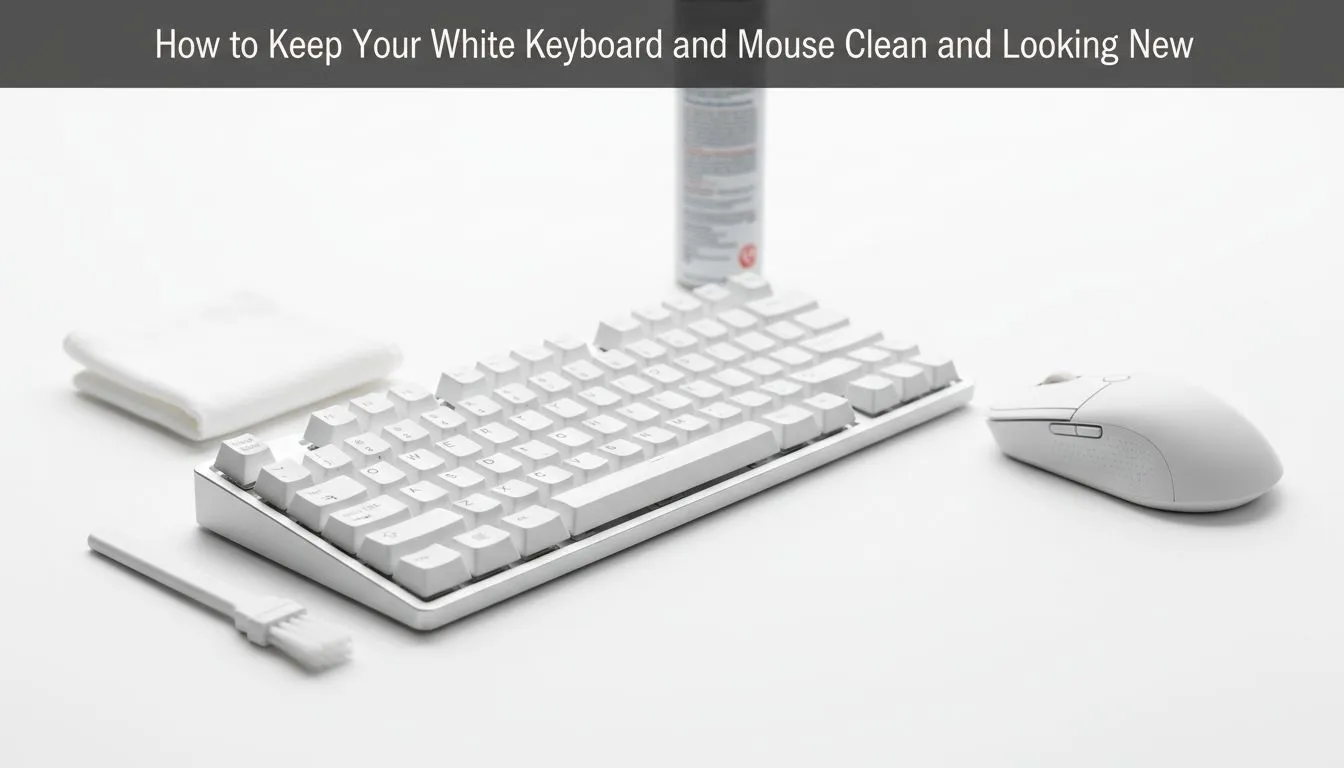
Keeping white keyboards and mice looking new for South Africans 🔧
If you game late into the night, you know how quickly white gear can look less than pristine. This quick guide helps South African gamers and buyers protect that bright look with simple daily habits, safe cleaning steps, and choices that make upkeep easier. Read on for pro tips, product links and local context so your desk stays tidy and your gear stays photogenic. ✨
Clean white keyboard and mouse: daily habits that actually work
Start simple: wipe down surfaces after every session with a microfibre cloth and a 70% isopropyl wipe for stubborn spots. Keep food and drinks off the desk where possible. For gamers who sweat during long sessions, a quick light wipe between matches prevents oils from building up.
If you’re shopping for a replacement or upgrade, browse Evetech’s best gaming keyboard deals to find durable finishes and easy-to-clean materials that hold up to heavy use.
Clean white keyboard and mouse: step-by-step deep clean 🔧
- Unplug or power off wireless gear.
- Remove keycaps if your keyboard supports it; soak keycaps in warm soapy water and air dry.
- Use compressed air to blow dust and crumbs from switch areas.
- Dampen a microfibre cloth with diluted isopropyl alcohol and gently clean the frame and keys. Avoid pouring liquid directly on electronics.
- For mice, remove feet if possible and clean seams with a cotton swab.
If you prefer a single purchase to refresh both devices, check Evetech’s selection of keyboard and mouse combos for coordinated, easier-to-maintain sets.
Cleaning Pro Tip ⚡
Use lint-free microfibre and 70% isopropyl alcohol for quick disinfecting. For mechanical keycaps, soak and air-dry for at least 24 hours before reassembly to avoid trapped moisture.
Clean white keyboard and mouse: hardware choices that reduce maintenance
Material matters. Plastics with matte finishes hide grime better than glossy shells, and PBT keycaps resist oil staining more than ABS. If you’re weighing hardware options, Evetech lists both wired and wireless budget picks—compare the cheapest wired keyboards and the cheapest wireless keyboards to suit your playstyle and maintenance preferences. These pages also help you spot models with removable keycaps and tougher finishes.
Looking for the best value? Evetech’s roundup of cheapest gaming keyboards highlights low-cost options that still offer replaceable parts and warranty support—useful if you want white peripherals that are easy to restore.
Clean white keyboard and mouse: prevention beats deep cleaning
Prevention is the easiest upkeep: a desk mat, regular wipes, and a no-snacks rule are small changes that keep white gear looking fresh. Storing unused keyboards and mice in dust-free covers also helps when you’re rotating peripherals between rigs.
Ready to Keep Yours Looking New? White gear looks best when it’s cared for. Browse our curated selections and protective combos at Evetech, then pick a model that fits your routine and budget. Explore our keyboard and mouse deals and keep your setup bright.











