

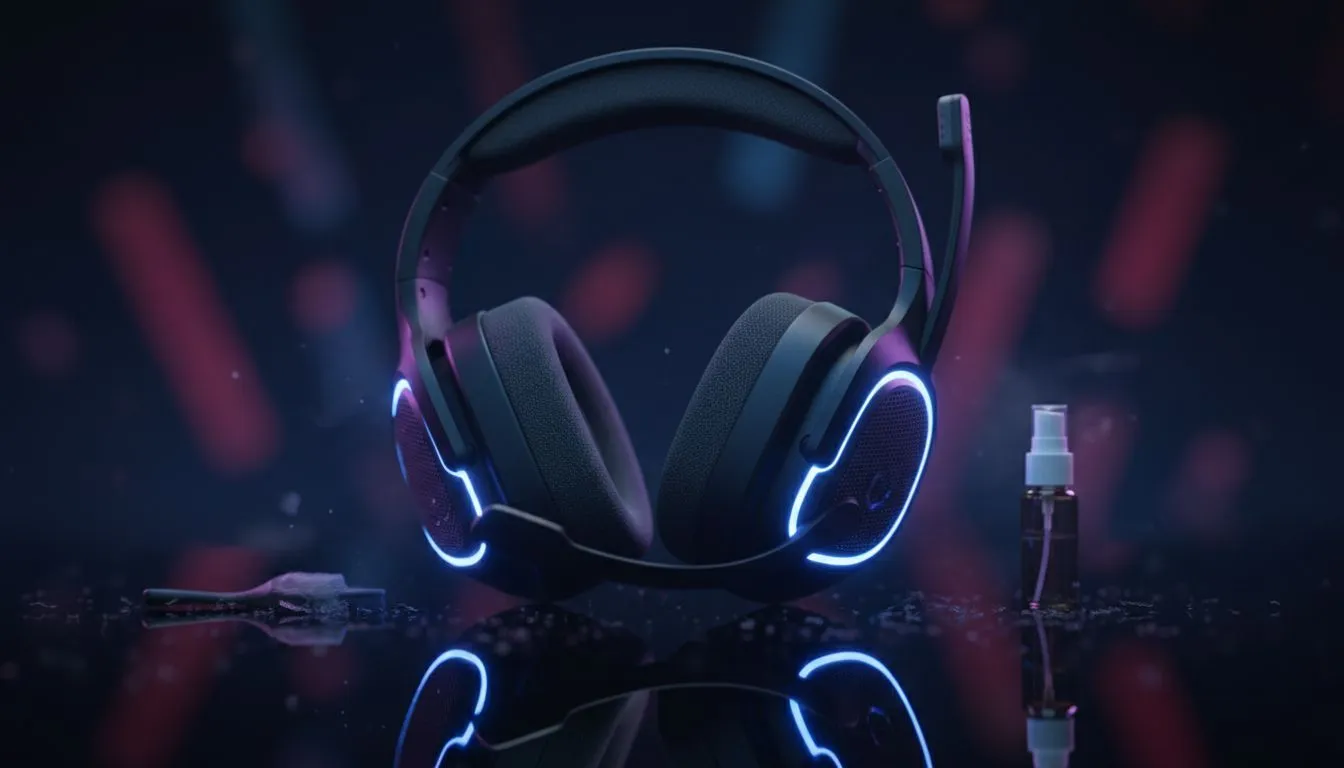
Keeping Your Clean Wireless Gaming Headset Fresh in the Heat
South African summers are legendary for two things: incredible braais and the kind of heat that turns your gaming setup into a sauna. If you are rocking a clean wireless gaming headset, you know the struggle of keeping those ear cups fresh when the humidity hits. Sweat and oils do more than just feel gross... they actually degrade your gear over time.
Why Hot-Weather Care Matters for Your Audio Gear
When the mercury rises in Jozi or Durban, your peripheral maintenance should be a priority. High temperatures can affect battery health, while moisture from sweat can seep into the acoustic foam. If you have recently browsed the Razer headphones and headsets collection, you will notice that many modern designs use breathable fabrics... but even these require a bit of love to stay hygienic.
Salt buildup from perspiration can eventually cause synthetic leathers to crack and peel. To avoid this, a simple routine of wiping down your headband and cushions after every session is essential. This ensures your clean wireless gaming headset remains as comfortable in month twelve as it was on day one.
The Silica Secret ⚡
Keep those little silica gel packets that come in shoe boxes and toss one inside your headset's carrying case or drawer. They act as a moisture magnet, pulling humidity away from the delicate electronics and internal batteries during the muggy South African summer months.
Pro Cleaning Tips for White and Light-Coloured Gear
For gamers who prefer a minimalist aesthetic, maintenance is even more critical. The Razer Barracuda X Chroma Wireless Headset in Phantom White looks incredible on any desk, but white finishes can show discolouration if neglected.
Use a slightly damp microfibre cloth with a drop of mild dish soap for the plastic frame. For the ear pads, if they are removable, a gentle hand wash in lukewarm water works wonders. Always ensure they are 100% dry before reattaching them... moisture trapped inside the ear cup is a recipe for hardware failure.
Choosing the Right Materials for the SA Climate
If you find that your current gear just can't handle the heat, it might be time to look for a more breathable alternative. Many options in the wider headphone and headsets category at Evetech feature cooling gel-infused cushions or sports-weave fabrics specifically designed to dissipate heat. These materials are much easier to keep as a clean wireless gaming headset compared to traditional thick protein leather, which tends to trap heat against your skin.
Ready to Upgrade Your Audio Experience? Don't let the heat dampen your performance. Whether you need cooling gel cushions or the latest in wireless tech, we have the gear to keep you frosty. Explore our massive range of gaming headsets and find the perfect match for your summer sessions.











