

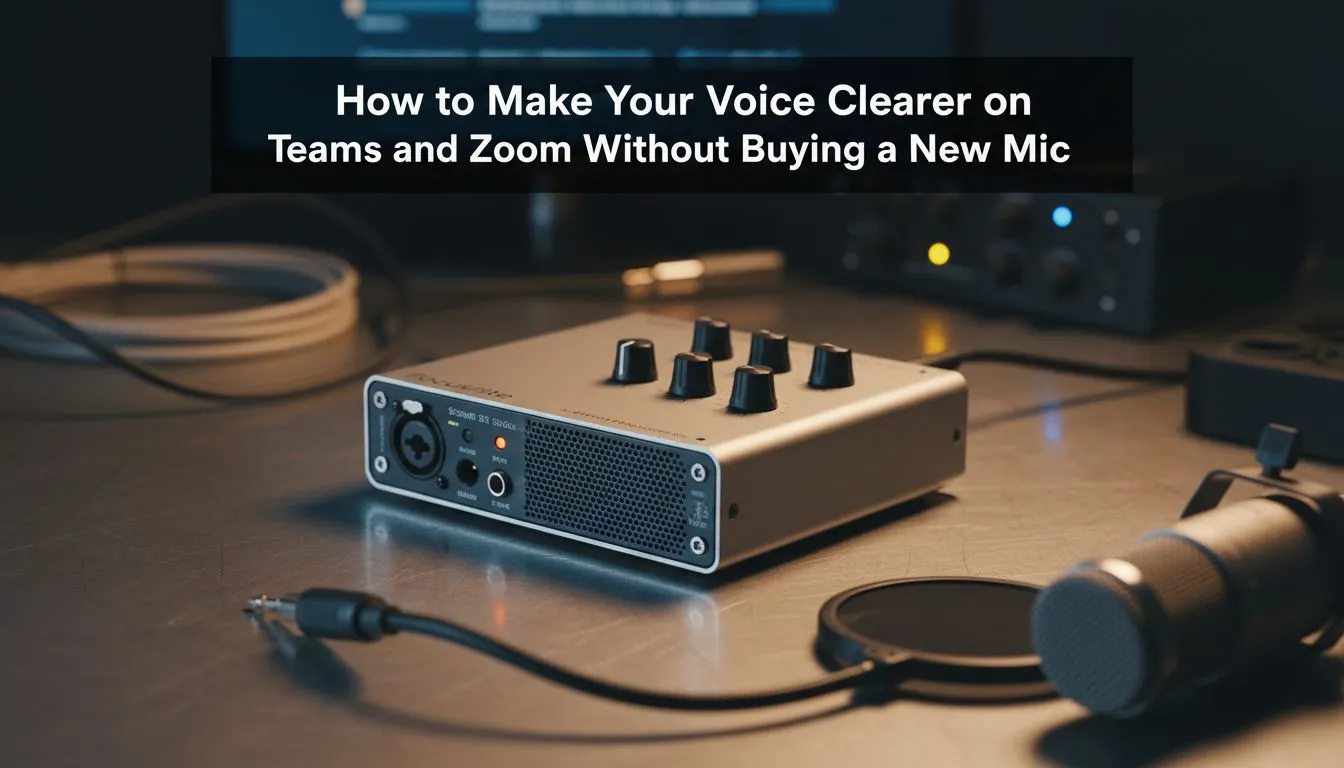
Tired of sounding like you are underwater during your morning stand-up? We have all been there... Load shedding is enough of a headache without your boss asking you to repeat yourself for the fifth time. You do not need a fancy studio setup to get a clearer voice on Zoom and Teams without buying a new mic. A few software tweaks can make your budget headset sound like professional gear.
Optimise Your Software Settings for Better Input
Before you spend a single Rand, look at your application settings. Both Zoom and Microsoft Teams have built-in "Noise Suppression" features that are often set to "Auto" by default. While "Auto" is fine, switching this to "High" can significantly cut out the hum of a desk fan or the distant sound of a lawnmower.
If you are a gamer, you might already have powerful tools at your disposal. For those using an Nvidia RTX graphics card, Nvidia Broadcast is a free download that uses AI to scrub background noise from your audio stream. It is so effective that even if you are not using high-end Razer headphones and headsets yet, your basic mic will sound remarkably crisp.
Master Your Physical Environment
The acoustics of your room matter more than the price tag on your hardware. Hard surfaces like tiled floors and bare walls reflect sound... this creates that hollow, echoey quality that makes voices hard to understand. You do not need professional acoustic foam. Throwing a rug down or closing the curtains can dampen those reflections instantly.
Mic positioning is the next step. Most people keep their headset mic too close to their mouth, which causes "plosives"... those annoying popping sounds on letters like 'P' and 'B'. Position the mic just to the side of your mouth rather than directly in front of it. While browsing the wider headphone and headsets category, you will notice many designs feature flexible boom arms specifically to help with this positioning.
Crystal Clear Audio Tip ⚡
Always check your Windows Sound Control Panel. Ensure your microphone's 'Default Format' is set to 'DVD Quality' (48000Hz) rather than 'Telephone Quality'. This simple toggle can instantly remove that muffled, low-bitrate sound without costing a cent.
Leverage Free AI Enhancement Tools
If built-in app settings are not enough, third-party tools like Krisp offer a limited free tier that performs miracles on audio quality. These tools sit between your mic and your meeting software, filtering out everything that is not a human voice.
Of course, software can only take a low-quality sensor so far. If you eventually find that your old hardware is physically failing, the Razer Barracuda X Chroma Wireless Headset in Phantom White is a brilliant upgrade that features a dedicated cardioid mic designed to ignore background noise by default. But until then, these software tricks will keep you sounding professional 🚀.
Ready to Upgrade Your Audio Experience? While software tweaks do wonders, nothing beats the clarity of a premium headset designed for South African gamers and professionals. Explore our massive range of headset specials and find the perfect gear to ensure you are always heard loud and clear.











