

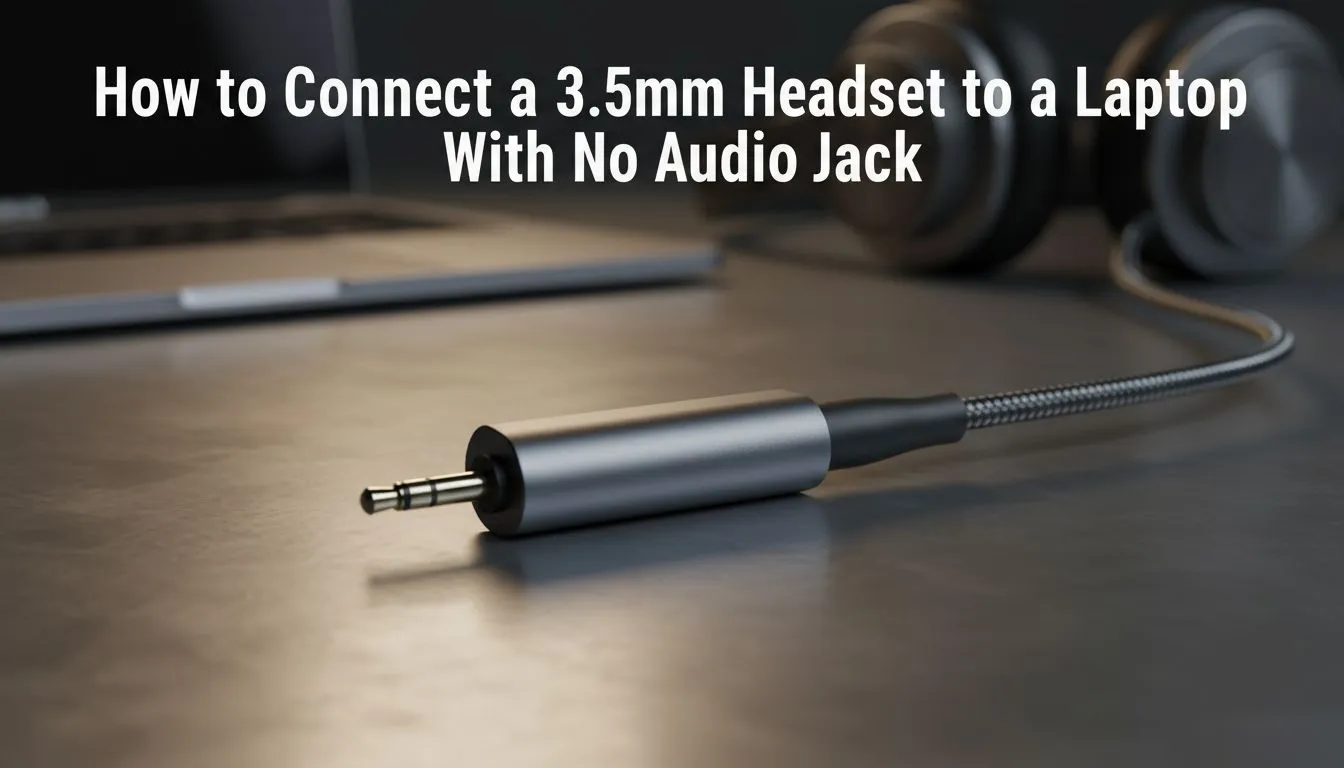
Connect 3.5mm headset to laptop without audio jack — simple, SA-friendly fixes 🔌🎧
Stranded with your favourite wired headset but your laptop has no headphone jack? South African gamers and remote workers face this all the time. This guide shows how to connect 3.5mm headset to laptop without audio jack in minutes — no jargon, just practical options and where to buy local gear that actually works.
Quick USB dongle and DAC options
The fastest fix is a USB-A or USB-C audio dongle. These plug-and-play adapters convert digital audio to analogue and restore mic functionality for headsets with inline mics. For a premium feel, consider a small USB DAC for cleaner sound and better mic routing. Check the Razer Barracuda X Chroma as an example of a modern headset alternative and to compare capabilities and prices in ZAR on Evetech: Razer Barracuda X Chroma wireless headset. (Product page for specs and current ZAR pricing.)
Audio Quick Tip 🎧
If your laptop lacks a headphone jack, choose a USB-C to 3.5mm adaptor that supports CTIA wiring. A compact USB DAC not only restores audio but often improves clarity and mic performance.
Use Bluetooth or a wireless adapter — when to go wireless ⚡
If you’re tired of dongles, Bluetooth is a neat workaround. Pair a Bluetooth headset or use a USB wireless adapter for your 3.5mm headset (via a transmitter). Wireless removes cable lag and frees up ports. For wireless headphone choices and local stock, browse Razer headphones at Evetech: Razer headphones and headsets.
Mic quirks, Windows settings and quick troubleshooting
Mic not detected after plugging an adapter? Open Windows Sound settings, set the adapter as default input/output, then test in Voice Recorder. If the mic still fails, try a different adapter; CTIA vs OMTP wiring or a passive adapter can cause mismatches. These small checks save time and keep you in the game.
When it’s time to upgrade your setup
If you want fewer adapters and better battery life, consider switching to a wireless headset or a headset with USB-C natively. Evetech has a broad selection of wired and wireless options if you’re comparing models and ZAR deals: Headphone & headset category. Shopping local makes warranty and returns easier.
Final steps — pick the right solution for you
Short-term: buy a USB-C/USB-A to 3.5mm adaptor or a compact USB DAC. Mid-term: a wireless USB adapter or Bluetooth headset. Long-term: move to a headset with native USB-C or wireless support. Want personalised advice? Match your budget and gaming needs, then choose.
Ready to Find Your Perfect Match? The Mac vs Windows debate is complex, but for maximum power, choice, and value in South Africa, Windows is hard to beat. Explore our massive range of laptop specials and find the perfect machine to conquer your world.











