

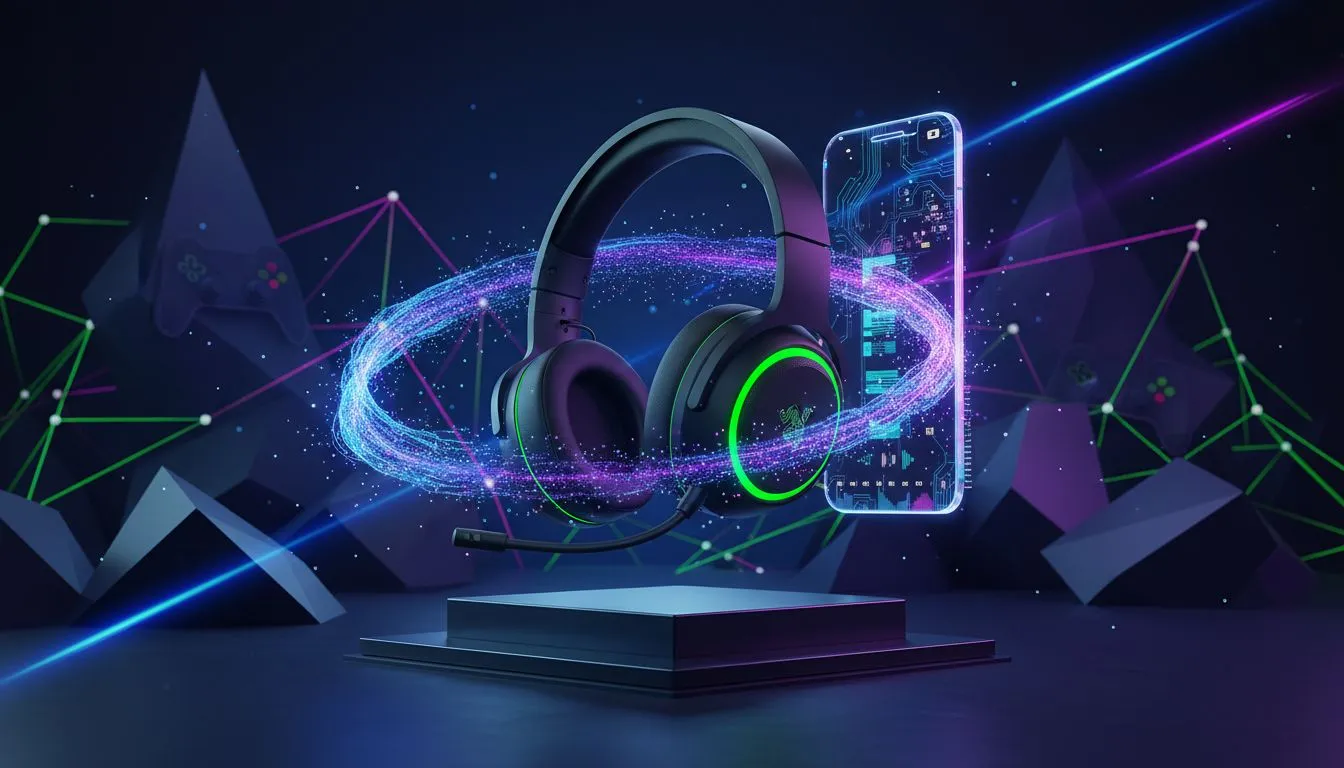
So, you've just unboxed that gorgeous Razer Barracuda X Chroma Wireless Headset and are already dominating lobbies on PC. But this headset is more than just a gaming beast... it's your new all-day audio companion. Let's get you sorted on how to quickly connect your Razer Barracuda X Chroma to your smartphone for crystal-clear calls and your favourite tunes on the move. It's simpler than you think. 🚀
Seamless Bluetooth Pairing with Your Smartphone
Forget tangled cables. The real magic of the Barracuda X is its wireless versatility. Getting it paired with your phone is a breeze, letting you switch from a heated Valorant match to taking a call from your bra without missing a beat. Here’s the simple process to get your headset connected via Bluetooth.
Step-by-Step Connection Guide
- Power On: Make sure your headset is charged and press and hold the Power button until the status indicator lights up.
- Activate Pairing Mode: This is the key step. With the headset on, triple-press the Power button and hold the last press for 2 seconds. You'll hear an audible cue, and the indicator will start blinking blue, signalling it's ready to pair.
- Find it on Your Phone: Open the Bluetooth settings on your Android or iOS device. Scan for new devices and select "Razer Barracuda X" from the list.
- Confirm & Connect: Tap to pair, and you're done! You can now use your Razer Barracuda X Chroma for calls, music, podcasts... anything.
Switching Between Devices Like a Pro ⚡
One of the best features of this headset is the Razer SmartSwitch Dual Wireless. This lets you be connected to your PC via the 2.4GHz USB-C dongle and your smartphone via Bluetooth at the same time. It’s perfect for the modern multitasker and a standout feature in Razer's lineup of audio gear.
Mastering the SmartSwitch 💡
To manually switch between audio sources, just double-press the Power button. You can swap from your game audio to a phone call in an instant. The headset will even automatically switch to your phone when a call comes in, then revert back to your game audio once you hang up. No more fumbling to take off your headset!
Why It's Worth It for Calls and Music
Beyond the easy setup, using the Barracuda X Chroma with your smartphone is a fantastic experience. The Razer TriForce 40mm drivers deliver rich, immersive sound for your music, while the detachable HyperClear Cardioid Mic ensures your voice is heard loud and clear on calls. It's the kind of performance that makes it a great all-round headset for work, play, and everything in between.
Ready to Upgrade Your Entire Setup? A great headset is just the start. For the ultimate gaming and productivity experience, you need a rig that can keep up. From crisp audio to buttery-smooth frame rates, the right gear makes all the difference. Explore our incredible Gaming PC deals and build the setup you deserve.











