

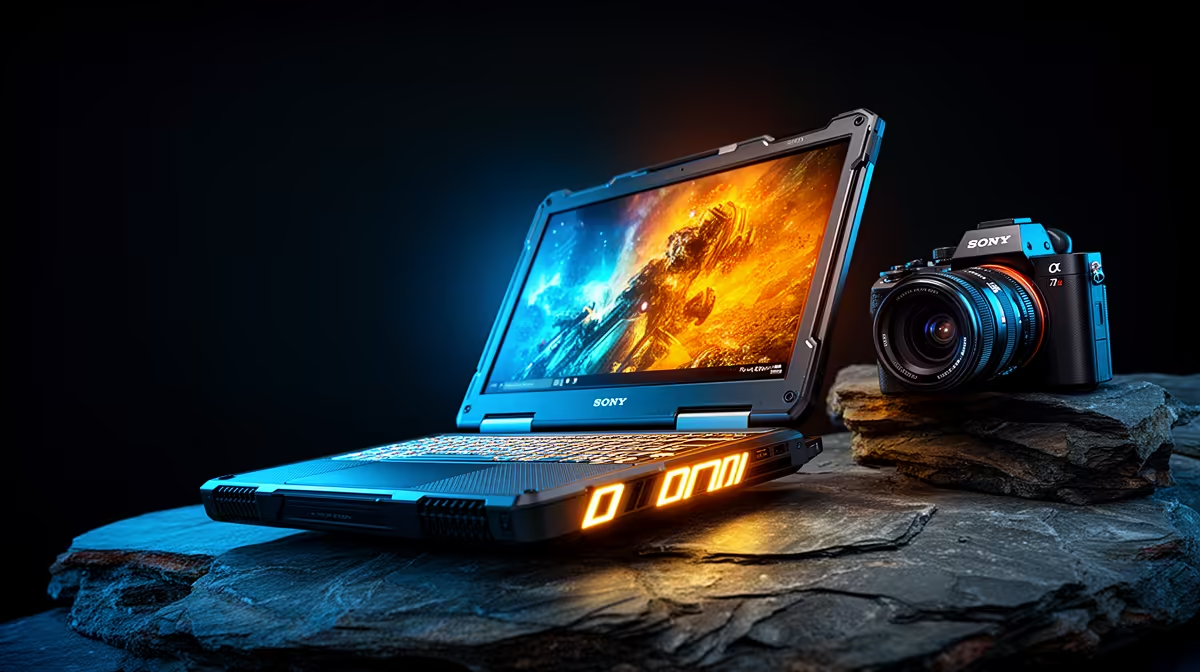
Picture this: you’ve just nailed the perfect shot of a springbok at sunset in the Karoo. You unplug your laptop to show your client, and… the screen dims instantly. The vibrant colours look flat, the contrast is gone. Suddenly, your masterpiece looks mediocre. For South African photographers working in the field, this is a real frustration. That's why investing in one of the top constant brightness laptops is no longer a luxury… it's essential. 📸
Why Consistent Brightness is Crucial
Most laptops automatically lower screen brightness when they switch to battery power. It’s a power-saving feature, but for a photographer, it’s a workflow killer. Colour grading, retouching, and even basic culling become a guessing game. You need a screen that displays your work with the same brilliance and colour accuracy, whether you're plugged in at your JHB studio or editing on the go in the Drakensberg.
These laptops with consistent brightness ensure what you see is what you get, every single time. Interestingly, many of the top-tier gaming laptops pack the high-nit, colour-accurate screens that are perfect for this kind of demanding creative work.
Features to Look for in a Rugged Photography Laptop
Beyond a bright screen that doesn't dim, what else should be on your checklist? A truly great laptop for outdoor photography needs a few key things.
Display Quality is King
Look for displays covering at least 99% of the sRGB colour gamut for web work, or a high percentage of Adobe RGB or DCI-P3 for print. An anti-glare or matte finish is also vital to combat reflections when you're working under the bright African sun. ☀️
Performance That Keeps Up
Your creative flow shouldn't be bottlenecked by slow hardware. Photo editing software like Lightroom and Photoshop loves fast processors and plenty of RAM. Whether you prefer the raw processing power of powerful Intel laptops or the multi-core efficiency of efficient AMD laptops, the key is to pair it with a speedy NVMe SSD for lightning-fast file access.
Pro Calibration Tip
Your laptop's colour might look great out of the box, but for professional work, invest in a screen calibration tool like a Spyder or ColorChecker. It creates a custom colour profile to ensure your edits are 100% accurate for print and web.
Choosing the right machine means you can edit with confidence, knowing your colours are true and your brightness is locked in. It’s about removing technical frustrations so you can focus on the creative work you love. No more second-guessing your edits because the battery icon appeared. 💻✨
Ready to Edit Anywhere with Confidence? Stop letting a dim screen compromise your creative vision. Explore our wide range of laptops built for performance and colour accuracy. Find your perfect mobile studio today and see your work in its true light.











