

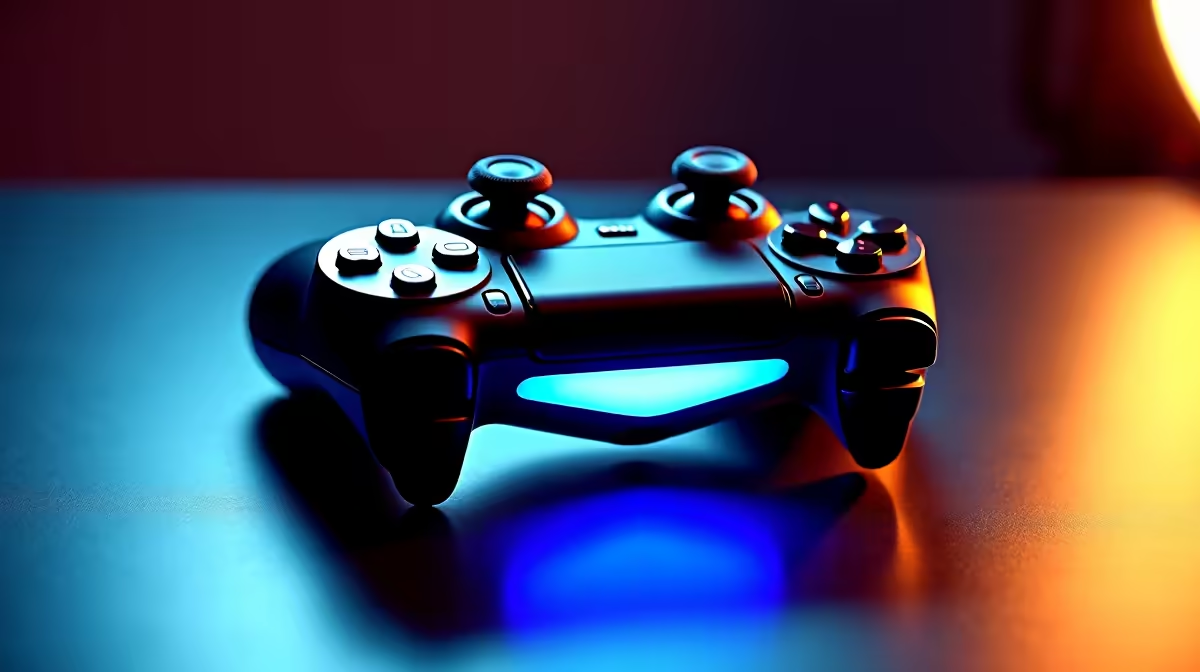
Controller disconnects during gameplay are one of the most frustrating interruptions a PC gamer can face, and in many cases the culprit is not the controller itself but the USB power management on your system. If your gamepad keeps cutting out mid-session, a USB power issue is the most common cause and one of the easiest to resolve.
Quick Answer
Controller disconnects are frequently caused by Windows putting USB ports into low-power mode to save energy. Disabling USB selective suspend and adjusting power settings in Device Manager usually resolves the issue permanently.
Check USB Power Management Settings 🔧
Windows has a feature called USB selective suspend that cuts power to USB ports that appear idle. Controllers can trigger this by briefly pausing input, causing Windows to kill the connection. To fix it, open Device Manager, expand Universal Serial Bus controllers, right-click each USB Root Hub, go to Properties, then the Power Management tab, and uncheck "Allow the computer to turn off this device to save power." Repeat this for every USB Root Hub listed.
You should also go to Control Panel > Power Options > Change plan settings > Change advanced power settings, find USB settings, and set USB selective suspend setting to Disabled. This ensures the setting persists after restarts.
Try Different USB Ports and Cables ⚡
Not all USB ports on your PC deliver equal power. Rear motherboard ports connected directly to the chipset provide more stable power than front-panel headers, which are often wired through cheaper internal connectors. If your controller is plugged into a front port, move it to a rear port and test again.
USB hubs are another common culprit. Unpowered hubs cannot supply consistent current to multiple devices simultaneously. If you are using a hub, plug the controller directly into the PC instead. For wireless controllers using a USB dongle, the same rules apply - rear ports are more reliable.
A worn or low-quality USB cable can also cause intermittent power delivery. Swap the cable for a known-good alternative before assuming the hardware is faulty.
Update Drivers and Firmware 💡
Outdated USB controller drivers or controller firmware can cause disconnect behaviour that mimics power problems. Open Device Manager, expand the Universal Serial Bus controllers section, and right-click to update drivers on any flagged devices. For the controller itself, check the manufacturer's support site for firmware updates.
Windows updates occasionally reset power management settings, so if disconnects return after an update, revisit the USB Root Hub settings. Running a well-built gaming PC with up-to-date chipset drivers from your motherboard manufacturer also helps ensure stable USB power delivery across all ports.
Frequently Asked Questions ❓
Q: Why does my controller only disconnect during intense gameplay? A: High GPU and CPU load can cause slight power fluctuations on the USB bus. Ensuring your PSU is not overloaded and that USB power management is disabled usually resolves this.
Q: Does using a powered USB hub fix the problem? A: Yes - an externally powered USB hub supplies its own power rather than drawing from your PC, which can stabilise controllers and other peripherals.
Q: Will disabling USB selective suspend affect battery life on a desktop? A: Desktops draw from the wall so the impact is negligible. On laptops, the effect on battery life is minor but present.
Evetech stocks Graphics Card Deals and Evetech Best Sellers — shop online with fast delivery across South Africa.
Ready to Find Your Perfect Match? Explore relevant Evetech options, compare current South African pricing, and choose hardware that fits your setup. Shop now











