

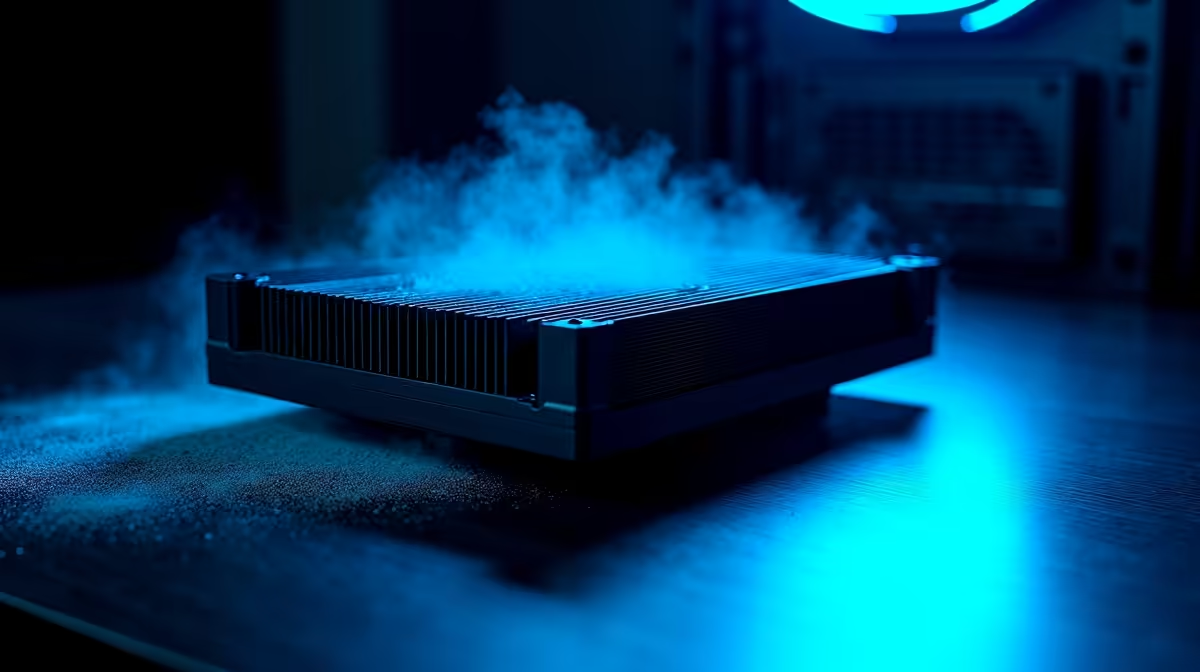
Is your rig sounding like a jet taking off from OR Tambo? South African summers are brutal on hardware. When ambient temperatures rise, your framerates drop. If you are dealing with thermal throttling, you are not alone. Let us dive into effective cooling troubleshooting and explore the most common issues keeping your PC from running at peak performance.
Diagnosing Common Cooling Issues 🔧
Before you spend your hard-earned ZAR on new parts, check the basics. Dust is the ultimate enemy of electronics. A clogged heatsink restricts airflow and traps heat. Grab some compressed air and clear out those intake fans.
Another frequent culprit is dried-out thermal paste. If your processor is hitting 90 degrees under heavy load, it might be time for a quick repaste. Sometimes, the stock cooler simply cannot handle intense gaming sessions. If you are pushing your system to the absolute limit, investing in high-quality CPU coolers is a brilliant move to protect your hardware.
Airflow and Case Ventilation ❄️
Your fans might be spinning, but are they working together? Poor case airflow is a classic mistake. You want cool air coming in the front and hot air exhausting out the back.
If your cables look like a messy web, they are blocking the breeze. Tidy them up to let air pass freely. If your current chassis feels like a literal oven, you might want to look at our best gaming PC deals. These feature modern cases with mesh fronts and optimised airflow designs.
Airflow Pro Tip ⚡
Always maintain positive air pressure in your case. Having more intake fans than exhaust fans helps keep dust from being sucked in through unfiltered gaps. It keeps your components cleaner and cooler for much longer.
Laptop Thermal Limitations
Mobile hardware runs hot by nature. If you are gaming on a notebook, keep it on a hard surface. Beds and couches block bottom intakes instantly... leading to rapid overheating.
Even with proper care, older notebooks struggle with modern titles. If your portable setup is constantly overheating, it might be time to browse the latest laptops for sale in South Africa. Modern chassis designs handle thermal loads far better than their older predecessors.
Liquid vs Air: Finding Your Balance
Many gamers wonder if they should switch to liquid cooling. A standard air cooler is reliable and cost-effective. However, high-end processors generate incredible amounts of heat. An All-In-One liquid cooler absorbs thermal spikes much faster.
If your CPU runs hot during intensive rendering, liquid cooling offers better stability. It also keeps your system quieter. Just remember to check your pump speeds in the BIOS... a failing pump is a silent killer for system temperatures.
When to Upgrade Your Setup 🚀
Sometimes cooling troubleshooting reveals a harsh truth. Your hardware might just be too old or poorly configured. If you are tired of battling high temperatures, starting fresh is often the smartest route.
You can grab pre-built PC deals where expert technicians have already balanced the thermal dynamics for you. No stress... just plug and play.
Do not forget to keep an eye on our weekly tech specials to score massive discounts on fans, liquid coolers, and essential thermal compounds.
Ready to Beat the Heat? Do not let thermal throttling ruin your next gaming session. Whether you need a massive liquid cooler or a completely new rig with superior airflow, we have you covered. Upgrade your cooling setup today and keep your framerates high all summer long.











