

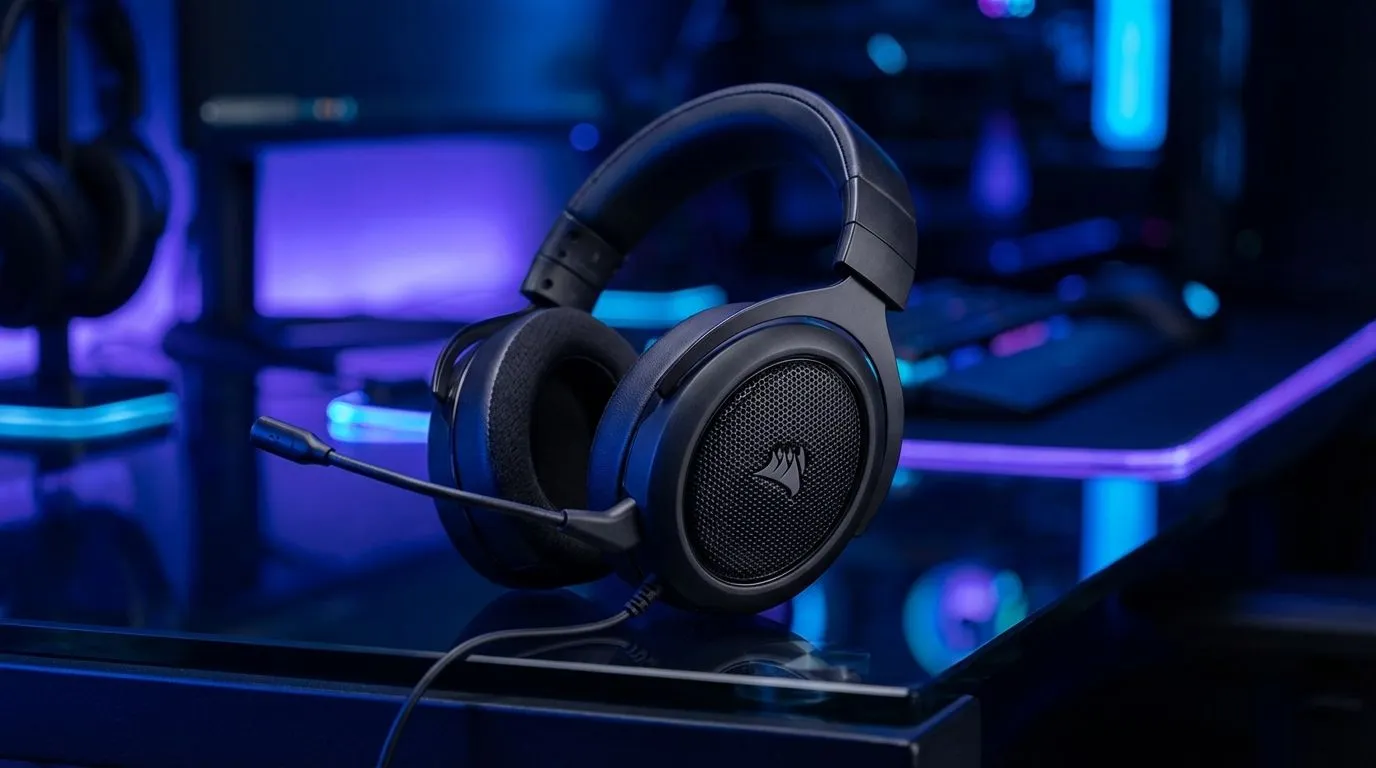
Getting the perfect audio cue in a high-stakes match of Counter-Strike 2 or Valorant is everything. If you just picked up a Corsair HS65, you are halfway there. But to truly hear your enemies before they see you, you need to configure your Corsair HS65 7.1 setup correctly on Windows. Let’s get your spatial audio sorted so you can dominate the local servers.
Installing Corsair iCUE for Enhanced Audio
To unlock the full potential of your headset, you must install the Corsair iCUE software. This is the heart of your Corsair HS65 7.1 setup... it allows you to toggle between stereo and multi-channel audio. Once installed, connect your headset using the included USB 7.1 surround sound adapter. Windows should recognise the device immediately, but iCUE provides the necessary drivers to simulate that 360-degree soundstage. 🔧
If you prefer a different brand, the Razer Barracuda X Chroma Wireless Headset offers a fantastic alternative for those wanting RGB flair with their audio. Both brands offer excellent software support to ensure your immersion remains unbroken.
Spatial Audio Pro Tip ⚡
For the best experience, disable any third-party "enhancements" in Windows Sound settings if you are using Corsair iCUE. Running two different spatial processing engines at the same time can cause audio distortion or strange echoing effects during your gaming sessions.
How to Enable Surround Sound on Windows
After installing the software, you need to ensure Windows is communicating correctly with your hardware. Right-click the speaker icon in your system tray and select "Sound settings". Under the output section, ensure your Corsair headset is selected as the default device. To truly enable surround sound on Windows, click on "Device properties" and look for the Spatial Sound tab. ✨
You can browse our full selection of Razer headphones and headsets to see how they compare to Corsair's offerings in terms of Windows integration. Most modern gaming headsets rely on these specific Windows protocols to deliver precise positional data.
Why 7.1 Surround Sound Matters for Competitive Play
In South Africa, where competitive gaming is growing rapidly, every advantage counts. Whether you are spending R1,200 or R5,000 on gear, correct configuration is key. The Corsair HS65 7.1 setup provides a wide soundstage... this helps in identifying the exact direction of footsteps or distant gunfire. Without 7.1 enabled, audio can feel "flat," making it harder to judge distance in open-world titles or tactical shooters.
Finding quality headphone and headsets in South Africa is easier than ever with our curated deals. Proper configuration ensures you aren't just buying expensive earmuffs, but a genuine tool for your gaming arsenal 🚀.
Ready to Find Your Perfect Match? The right audio setup can transform your gaming experience from average to elite. Explore our massive range of headphone specials and find the perfect gear to hear every footstep and reload.











