Quick Answer
CS2 crashes during long matches usually trace back to CPU or GPU thermal throttling, not the game itself. The fix is verifying cooler contact, replacing dried thermal paste, and confirming case airflow. A R599 to R1,499 cooler upgrade resolves most cases for SA rigs older than two years.
Diagnosing the Crash
Open HWiNFO64 or MSI Afterburner before launching CS2, then play a Premier match and watch peak CPU and GPU temps. Anything north of 95°C on Ryzen or 100°C on a 13th/14th gen Intel chip is a thermal violation, and CS2's Source 2 engine surfaces it as a sudden CTD or "engine error" message. GPU hotspots above 105°C trigger driver resets that look identical to game crashes. Loadshedding also matters: if your PC just resumed off a UPS, fans may not have ramped, leaving you in thermal soak.
The Fix, Step by Step
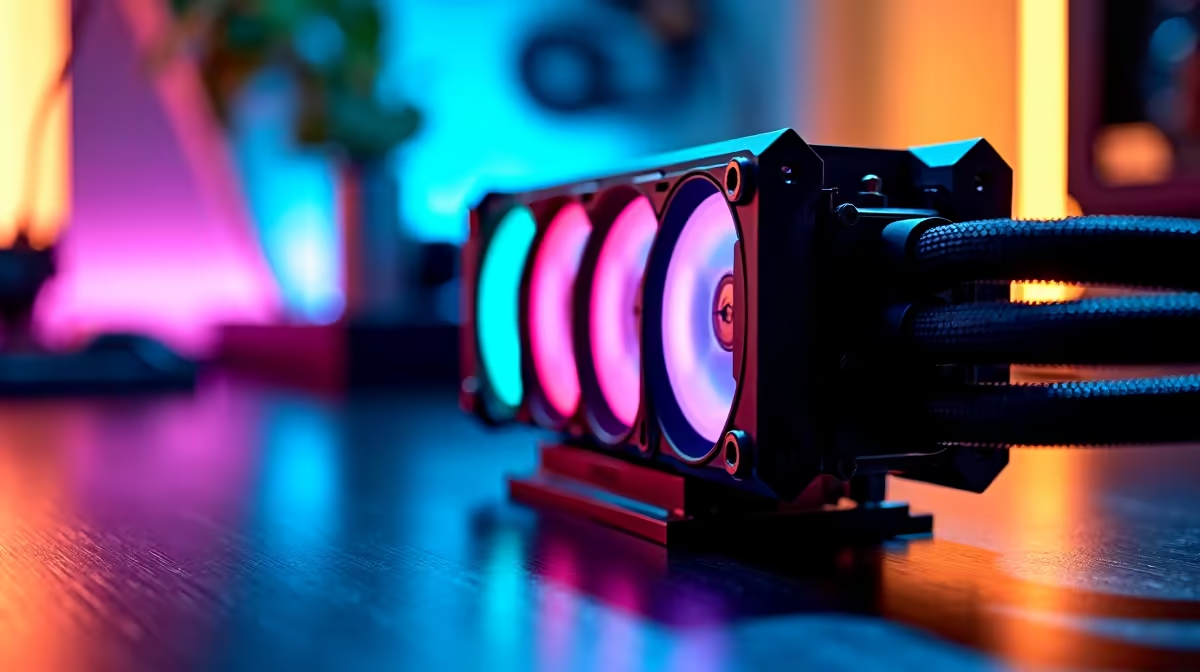
First, blow out dust with compressed air, focusing on CPU cooler fins, GPU heatsink and front intake filters. Joburg and Pretoria dust loads are brutal on rigs older than 18 months. Second, repaste the CPU with Arctic MX-6 or Thermal Grizzly Kryonaut Extreme; dried paste alone causes 8 to 12°C of unnecessary heat. Third, if you're still on a stock AMD Wraith or Intel cooler, upgrade to a Thermalright Peerless Assassin 120 SE or DeepCool AK620 in the R599 to R899 range. For RTX 4070-class and above, ensure case intake is positive-pressure with at least two front fans.
When to Call in a Pro
If reapplied paste and a new tower cooler still leave you crashing, check whether the GPU is sagging and breaking heatsink contact, whether your PSU is delivering clean voltage on the EPS rail, or whether your case has a fundamentally bad airflow design. At that point a build inspection at an Evetech-approved technician saves time. Repeated thermal events can degrade silicon over months.
Frequently Asked Questions
How do I fix CS2 crashing due to cooling?
Clean dust, repaste, and if necessary swap to a tower cooler rated for at least 200W TDP. Verify case airflow direction and confirm GPU temperatures aren't exceeding 85°C edge or 105°C hotspot. Most CS2 thermal crashes resolve at this stage.
What causes CS2 cooling-related crashes?
The biggest culprits are dried thermal paste (typical at 2 to 3 years), undersized stock coolers paired with high-TDP CPUs, dust-clogged radiators, and cases with poor airflow. CS2 keeps the CPU loaded for 30+ minute matches, exposing weak cooling that older Source 1 games hid.
Should I repair or replace cooling parts in SA?
Repair first, replace second. A R150 tube of MX-6 and a can of compressed air resolve most cases. If you're still crashing, a R899 Thermalright PA120 SE is the cheapest meaningful upgrade in the SA market and beats most R1,500 AIOs in CS2 thermals.
Ready to Find Your Perfect Match?
Pick a quieter, cooler CPU cooler and stop the CS2 crashes for good. Shop CPU Coolers