

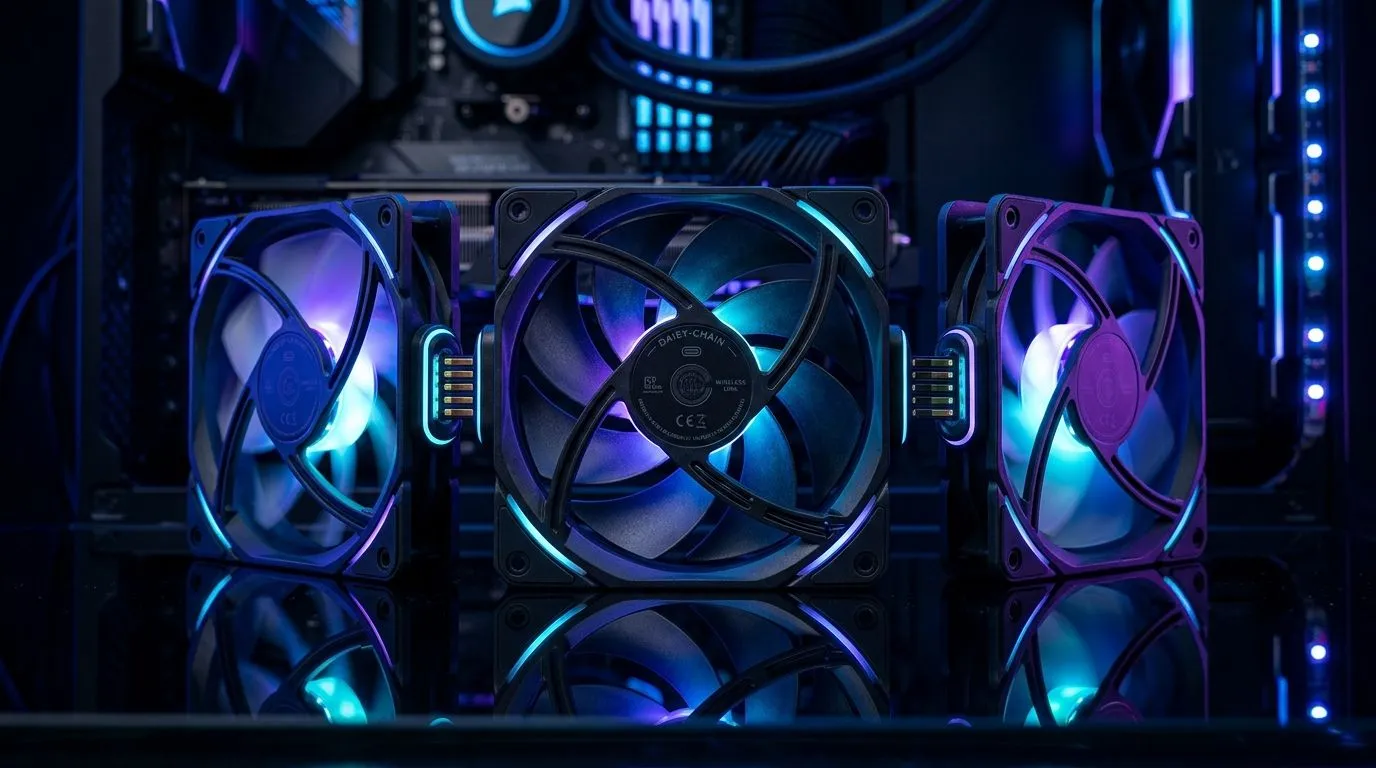
Can You Daisy-Chain Wireless Case Fans Together? (The short answer, in SA terms)
If you’re building a new rig (or rescuing an old one), cable clutter is the real boss fight. You want clean airflow… and you don’t want a rat’s nest of fan cables dangling behind the desk. The big question for many gamers is simple: Can you daisy-chain wireless case fans together? 🤔
Wireless fans are popular because setup feels easier. But “wireless” can mean different things. Some are controlled by a hub (not by direct fan-to-fan connections), while others may support specific daisy-chain style setups using proprietary controllers.
Let’s break down what to check before you buy, so you don’t end up with fans that look great… but won’t sync the way you hoped. 🔧
Wireless doesn’t always mean daisy-chain… and here’s what to verify
Before you attempt to daisy-chain, confirm three details:
- Controller type: Many wireless case fans still need a central controller to talk to your system or motherboard header. If there’s a hub requirement, daisy-chaining won’t work in the way you expect.
- Signal protocol: RGB syncing is separate from fan power/control. Even when lighting can be daisy-chained, fan speed control might not.
- Connector support: Some fan kits provide a daisy-chain option only within the same brand and model family. Mixing brands (or fan generations) can break sync.
If you’re aiming for a tidy build, start by choosing your fan ecosystem first, then build around it.
Checklist to prevent the “why won’t it sync?” moment ✨
- Look for “hub included” in the kit description.
- Check whether the fan package mentions “daisy chain” or “PWM sharing”.
- Confirm whether lighting is “RGB” compatible with controller software.
Productivity Pro Tip 🔧
On your next build, lay out fans in a quick diagram first (front intake, top exhaust, rear exhaust). Then check each fan’s control requirement (hub, controller, or direct header). This takes 5 minutes and saves you hours of rework when your wiring plan doesn’t match the hardware.
Explore Evetech’s case fans to match control + lighting needs
Different fan lines support different control methods. If your goal is simpler control and consistent lighting, it helps to shop within a known ecosystem.
Start with Evetech’s full case fans selection here: All case fans for your build
If you want a specific ecosystem, browse brand options like: CORSAIR case fans
Or go with alternatives such as: Deepcool case fans
To keep things cohesive, filter by the lighting style you actually want: Case fans with RGB lighting effects
If you’re going more stealth (no lighting, just airflow), check: Case fans with no lighting effects
And for size matching (because airflow and radiator support depend on it), consider: 120mm case fans
Or: 140mm case fans
What to do if you can’t daisy-chain (a practical workaround)
If your wireless fans require a hub or controller, don’t fight the design. Instead:
- Use the included hub and connect fans according to the kit instructions.
- Plan for one control point (hub or PWM input) rather than expecting fan-to-fan chaining.
- If you want multiple lighting zones, ensure the controller supports multiple channels.
In other words, your goal isn’t just “daisy-chain”. It’s consistent control. Many builds end up cleaner and smoother once you accept the hub workflow.
A quick memory from my own desk setup… I once tried to force “simple chaining” and spent an entire evening undoing it. When I switched to a single brand family and used the included controller exactly as specified, everything synced properly. No drama. Just airflow. 🚀
CALLTOACTION
Ready to Find Your Perfect Match? The Mac vs Windows debate is complex, but for maximum power, choice, and value in South Africa, Windows is hard to beat. Explore our massive range of laptop specials and find the perfect machine to conquer your world.











