

Load shedding just finished. The power is back. You boot up to join your squad for a ranked match... but your screen flashes a dreaded message. Your connection is dead. Nothing ruins a Friday night faster than a random disconnect. If you're stuck staring at a "Device Offline" error, don't panic. This device offline troubleshooting guide will get you back in the game quickly.
Why Does the Device Offline Error Happen?
Sometimes your router struggles to assign an IP address after a power trip. Other times, your network drivers are hopelessly out of date. It can happen to anyone. Even gamers who just spent 20,000 ZAR on a premium rig face this issue. If you're tired of old hardware dropping your connection, looking at the best gaming PC deals might save you future headaches. But before you open your wallet... let's try some free fixes.
Step One in Your Device Offline Troubleshooting Guide
Start with the basics. Unplug your router for thirty seconds. Plug it back in. While you wait, check your LAN cable. A damaged cable is a common culprit. Pets love chewing them. If you prefer wireless gaming, ensure your Wi-Fi adapter is seated properly. Modern pre-built PCs usually come with robust built-in Wi-Fi 6. Older machines might need a dedicated dongle or a replacement card.
Network Reset Pro Tip 🔧
Open your Windows Command Prompt as an administrator. Type "ipconfig flushdns" and hit Enter. Next, type "netsh winsock reset" and restart your PC. This clears out corrupted network data and often fixes stubborn offline errors instantly.
Updating Drivers and Checking Components ⚡
Windows updates can sometimes break network drivers. Right-click your Start button and open Device Manager. Look for your network adapters. If you see a yellow warning triangle, you need a driver update. You can download the latest drivers on your phone and transfer them via USB. This is crucial whether you're rocking a desktop or one of the latest notebooks for sale in South Africa.
Hardware conflicts also cause network drops. Components sometimes share PCIe lanes and cause unexpected errors. If you recently installed a powerful new graphics card, ensure your motherboard BIOS is updated. A fresh BIOS helps optimise your system to handle the new hardware distribution properly.
Knowing When Hardware is Actually Dead 🚀
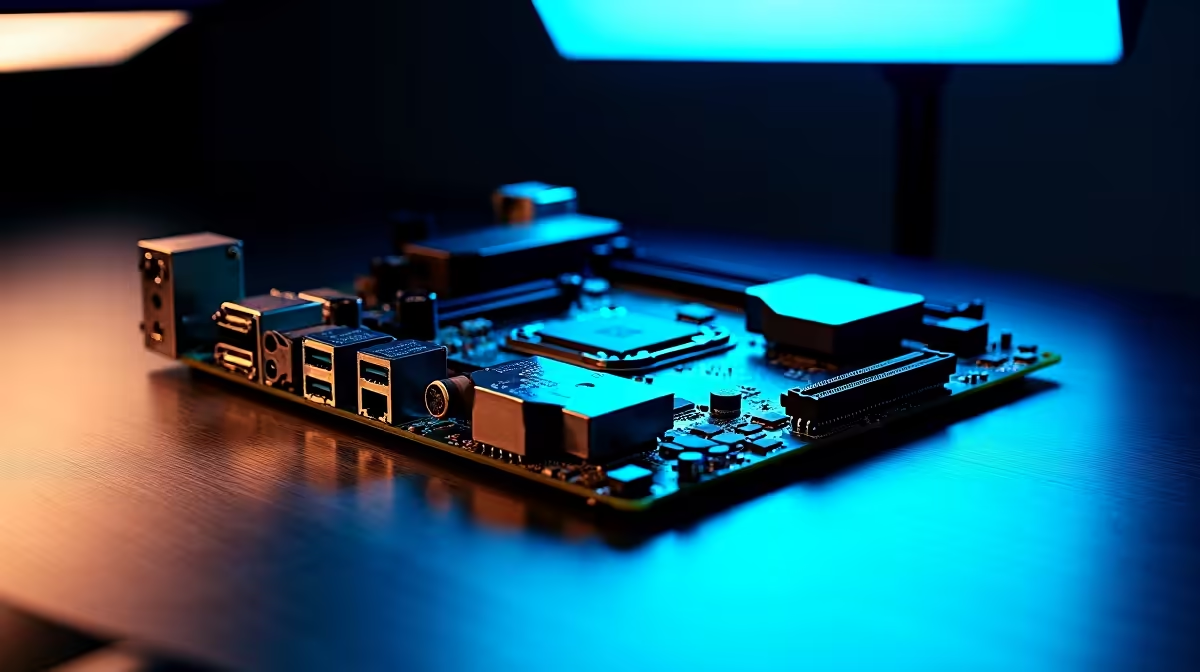
Motherboard network ports can fry during electrical surges. Stage 6 load shedding is notorious for this. If your LAN port has no blinking lights when plugged in... it might be dead. You could buy a cheap PCIe network card for a few hundred ZAR to bypass the issue.
Alternatively, it might be the perfect excuse to upgrade your entire setup. Keep an eye on the latest tech specials to find a replacement motherboard or system that fits your budget. Getting back online doesn't have to break the bank.
Ready to Find Your Perfect Match? The Mac vs Windows debate is complex, but for maximum power, choice, and value in South Africa, Windows is hard to beat. Explore our massive range of laptop specials and find the perfect machine to conquer your world.











