

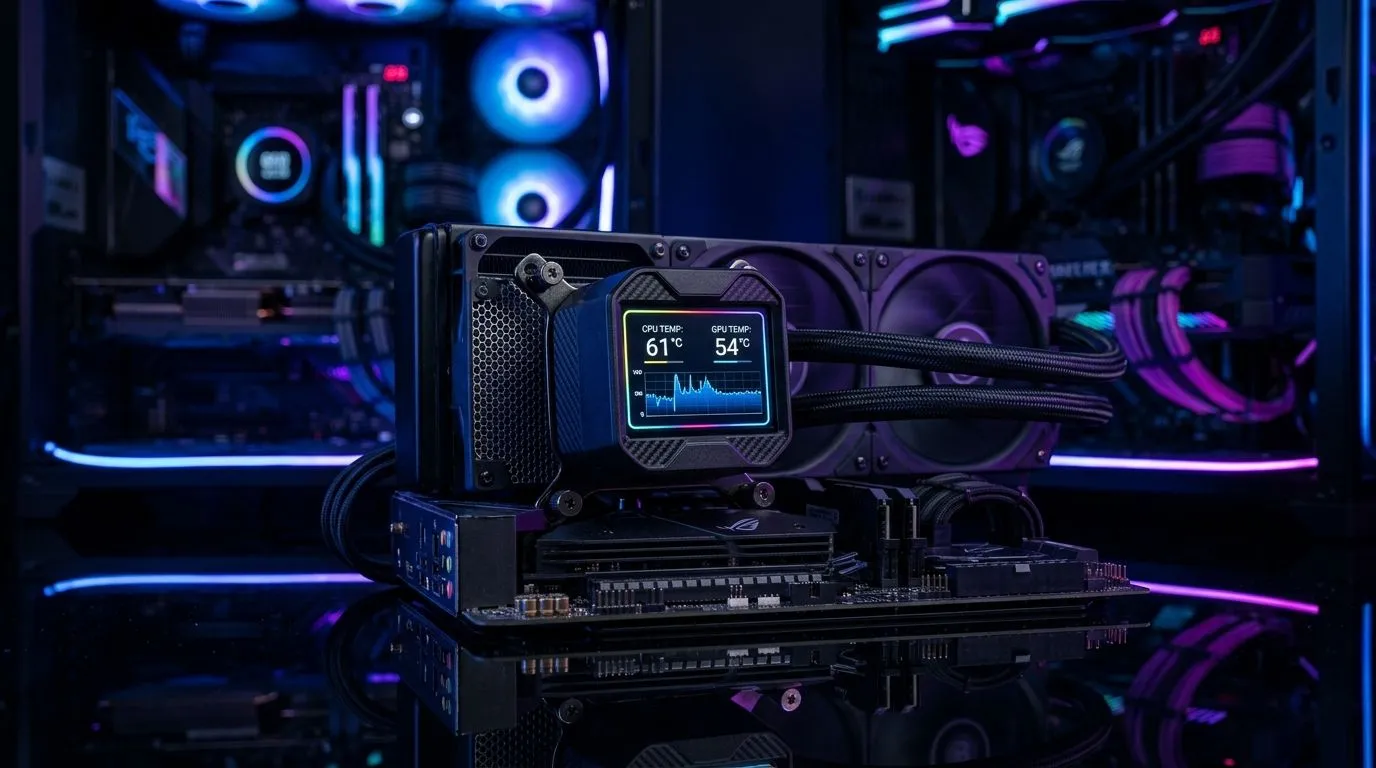
Digital display CPU cooler: quick reality check 🔧✨
South African gamers love flashy rigs, but is a digital display CPU cooler more than eye-candy? If you crave real-time temps, clock readouts and on-the-fly info on your loop, a built-in screen looks tempting. Before you splash cash, here’s a concise, practical guide to whether a display-equipped cooler gives useful monitoring, or just another RGB showpiece.
What a display actually shows and why it matters
A small OLED or LCD can show CPU temperature, pump RPM, or custom graphics. For live monitoring during long Apex or rendering sessions, that instant glance matters. Displays paired with quality fans and headers improve visibility. Check fan options and RGB variants when building around a display; Evetech lists 120mm fans for compact and airflow-focused setups respectively.
Real-world impact for gaming and overclocking
If you overclock or run intensive tasks, seeing temps at a glance reduces guesswork. A display won't lower temperatures by itself; proper fans and airflow will. Browse RGB fans for aesthetics or non-RGB fans for quieter performance to match your cooler's goals. Brands matter too — Corsair products and Deepcool products both make premium cooling components you can pair with a display unit.
I remember a local streamer noticing an intermittent spike; the cooler’s tiny screen showed a sudden pump RPM drop and she avoided a crash by switching profiles mid-raid. That quick glance saved the stream and some hardware stress. For everyday users, that’s the real value: immediate, visual clues that let you act before temps climb or throttling starts. Small wins add up. Consider it insurance for long SA gaming nights ahead.
Monitor Smarter ✨
If you use a display cooler, set a conservative temperature threshold in your motherboard software and link it to fan curves. That way the screen becomes a live alert, not just decoration.
Installation, software and compatibility
Displays often require vendor software to configure readouts and custom images. Confirm your motherboard headers and USB internal ports before buying. If your case is tight, check fan sizes and clearance; Evetech’s pages list sizes and lighting options so you can match the cooler to your chassis: 120mm fans, 140mm fans. Also consider fan brands available locally when planning a ZAR-conscious build.
Bottom line: are digital display CPU coolers worth it?
If you value instant visual feedback, take plenty of screenshots for bragging rights, or stream hardware stats, a digital display CPU cooler is worth considering. If you prioritise raw thermal performance and low cost, invest first in a quality heatsink and airflow, then add a display later. For many South African builders, balancing ZAR budgets with performance gives the best result.
Next steps
Want to compare fans, RGB options or brands before you decide? Evetech’s case fans and brand pages are an excellent place to start: case fans, Corsair products, Deepcool products, RGB case fans. Pick the parts that match your goals and budget, then decide if a display adds meaningful monitoring to your setup. 🚀
Ready to Find Your Perfect Match? The Mac vs Windows debate is complex, but for maximum power, choice, and value in South Africa, Windows is hard to beat. Explore our massive range of laptop specials and find the perfect machine to conquer your world.











