Whether you need a 240mm AIO for the Ryzen 7 9800X3D for streaming to Twitch and YouTube comes down to one honest question: does it remove a real limit, or just add cost? Here is the straight SA-buyer answer, with the numbers and local pricing that actually decide it.
Quick Answer
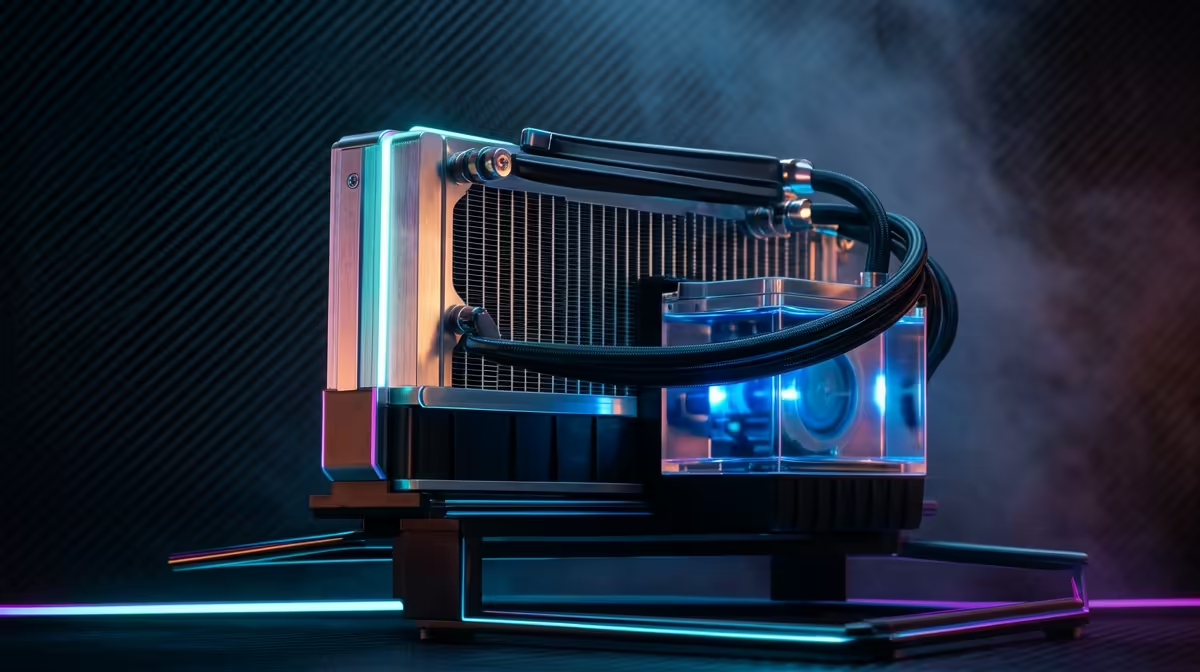
A 240mm AIO is plenty for the Ryzen 7 9800X3D, even with streaming to Twitch and YouTube added. The chip caps around 120W and runs cooler than non-X3D parts, so a good 240mm radiator holds it comfortably under 80C. Expect to keep the chip under 80C in gaming on the right cooler, which protects boost clocks during streaming to Twitch and YouTube.
Why the 9800X3D cooling target is what it is
The Ryzen 7 9800X3D has a 120W TDP and, thanks to its 3D V-Cache layout, throttles if it runs hot. The good news is it generates less heat than non-X3D chips, so a 240mm AIO or a strong dual-tower air cooler keeps it under 80C in games. Going bigger barely lowers temperatures because the chip simply does not produce enough heat to need it.
How streaming to Twitch and YouTube loads the 9800X3D
Streaming to twitch and youtube is a relatively light thermal load on the 9800X3D — gaming and most workloads keep it well below its 120W ceiling. So your cooler choice is about quiet, stable operation rather than raw survival. A quality dual-tower air cooler (around r600) or a 240mm aio (around r1,400) handles it with margin.
Air versus liquid, the SA angle
In a warm SA room, a quality dual-tower air cooler matches a 240mm AIO on the 9800X3D with zero pump-failure risk and no maintenance. If you want lower noise and a cleaner look, the AIO wins. Either way, repaste with a good thermal compound and make sure case airflow feeds the radiator with cool air.
FAQ
What temperature should the 9800X3D run at?
Aim to keep it under 80C in gaming. The X3D cache is the part that throttles, so cooler is better for sustained boost clocks during streaming to Twitch and YouTube.
Can I use air cooling on the 9800X3D instead?
Yes — a strong dual-tower air cooler matches a 240mm AIO on the 9800X3D and avoids any pump risk.
Does streaming to Twitch and YouTube need a bigger cooler than gaming?
No — streaming to Twitch and YouTube stays within the same thermal range the 240mm AIO already handles on the 9800X3D.
Pro Tip
Set a custom fan curve so the AIO ramps with CPU package temperature — it keeps the 9800X3D quiet during streaming to Twitch and YouTube and only spins up when needed.
Cooling a 9800X3D for streaming to Twitch and YouTube?
Compare 240mm AIO coolers and high-end air coolers at Evetech, and pick the one that keeps your 9800X3D in its boost window.