

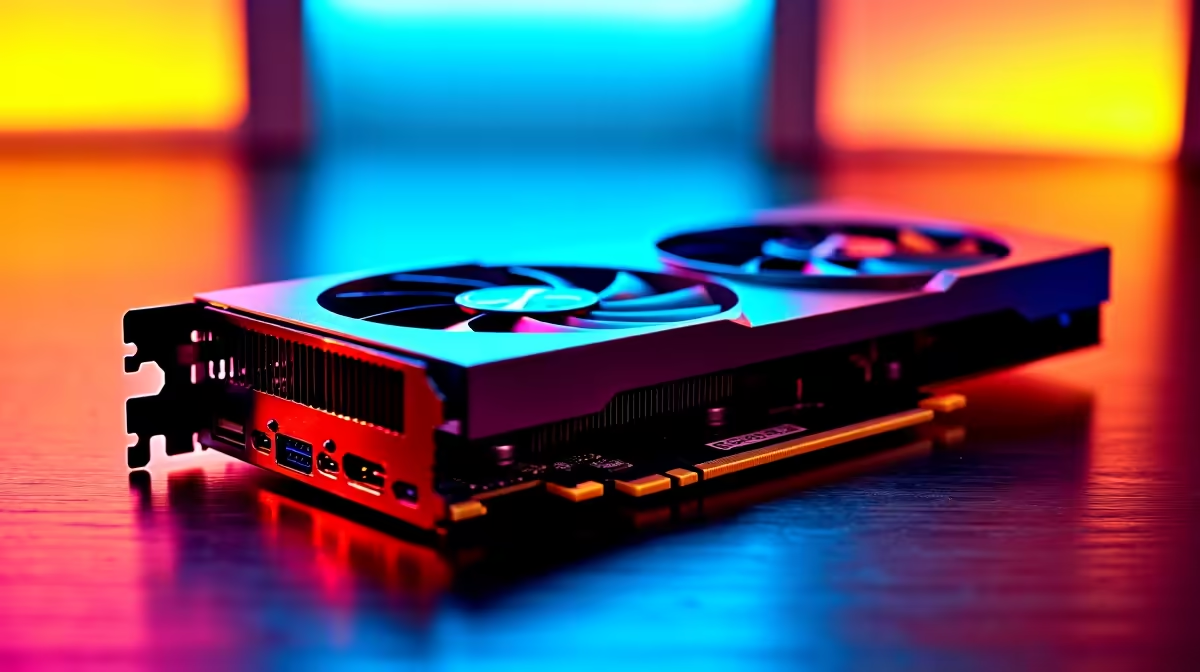
Why Elden Ring Crashing Due to GPU Happens and How to Fix It 🚀
Nothing kills immersion faster than Elden Ring crashing mid-boss fight. If you’re in South Africa and face Elden Ring crashing due to GPU issues, you’re not alone. Many gamers hit sudden shutdowns or freezes when their graphics hardware struggles under heavy load. Let’s break down the most common GPU causes for these crashes and how to fix them without upgrading your whole PC right away.
Common GPU Causes of Elden Ring Crashes and Quick Fixes 🔧
Elden Ring demands a lot from your GPU, pushing it to close to 100% usage during intense scenes. Here’s what usually causes the crashes linked to your graphics card:
- Overheating: If your GPU temps soar past 85°C, shutdowns happen to protect your card. Proper airflow or cleaning dusty fans can cool it down fast.
- Driver conflicts: Outdated or corrupt drivers trip up Elden Ring’s performance. Always grab the latest GPU drivers from official sources or trusted sellers.
- Too high graphics settings: Running at ultra settings without a top-tier GPU can cause instability – tweak shadows, textures, or resolution for smoother play.
- Power supply issues: An underpowered or failing PSU can mean your GPU can’t sustain peak power while gaming.
If you want to explore replacement GPUs, check out Evetech’s wide selection of buy graphics cards. They stock models that perfectly match Elden Ring’s demands from budget options to high-end beasts.
How to Optimise Your GPU for Elden Ring Stability ⚡
It’s not just about buying new hardware. Sometimes optimising what you have is all it takes to stop Elden Ring crashing due to GPU problems:
- Keep your graphics drivers up to date using reliable sources.
- Underclock your GPU slightly if overheating is persistent.
- Lower game settings like shadows, anti-aliasing, or effects to reduce load.
- Ensure your PC is clean inside—dust and poor airflow will throttle your GPU.
- Check your power connections and PSU wattage; a quality power supply can make a difference.
South African gamers often combine tweaks with smart upgrades. For those looking at ready rigs balancing price and power, our best gaming PC deals provide optimised systems designed for peak gaming performance in SA.
Quick GPU Stability Tip
In Elden Ring, setting frame rate caps and enabling V-Sync can reduce GPU strain. You’ll get more consistent performance and fewer crashes. {{/TipBox}}
Pre-Built PCs and Laptops That Handle Elden Ring Smoothly ✨
If constant troubleshooting isn’t your style, a pre-built machine might be the solution. Evetech offers a strong lineup of pre-built PC deals with tested components that handle Elden Ring and other AAA titles without fuss.
Prefer gaming on the go? Explore our laptops for sale in South Africa that come ready with powerful GPUs and cooling solutions fine-tuned for mobile gamers.
Regular specials and upgrades come around often here: check the Evetech specials page to grab deals that boost GPU performance without blowing your budget.
Wrapping Up: Ending Elden Ring Crashes from GPU Issues
Crashing due to GPU problems can easily break your Elden Ring journey. The keys to fixing these issues? Maintain your GPU well, update drivers, and adjust settings for your specific hardware. Or consider a targeted upgrade with our curated options to get back to smooth gameplay the South African way.
Ready to fix Elden Ring crashes and boost your gaming experience? Get your ideal GPU today with reliable stock and competitive prices—Shop now at Evetech for performance that leaves lag in the dust.











