

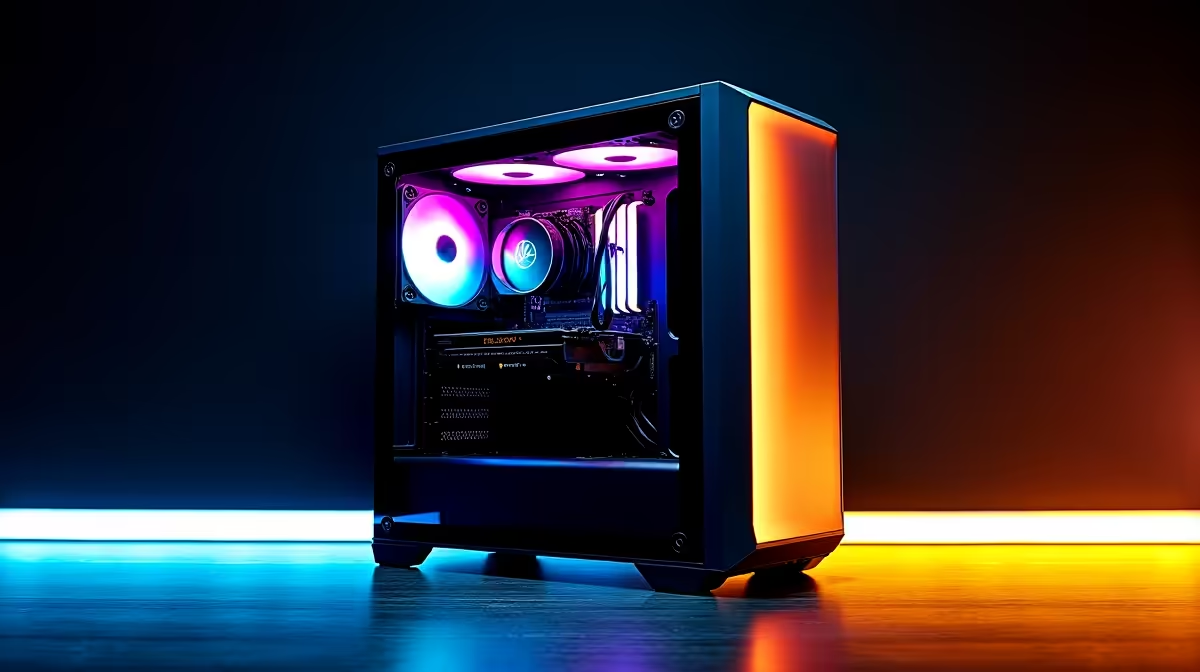
A black screen on your esports PC is one of the most disruptive failures a South African competitive gamer can face - whether it hits mid-match or at boot, the cause is rarely obvious and the solution depends on correctly diagnosing whether the problem is display, GPU, software, or hardware. This guide walks you through the most common causes and their fixes in a logical order that narrows down the fault efficiently.
Quick Answer
Esports PC black screens are most commonly caused by a faulty or loose display cable, GPU driver corruption, a power supply failing under load, or a GPU hardware fault. Start by testing with a different cable and port, then move to driver reinstallation via DDU, then check PSU health under load. Only rule out hardware last, after software causes are eliminated.
🖥️ Step-by-Step Black Screen Diagnosis
Step 1 - Determine when the black screen occurs. On boot (before Windows loads) points to hardware or BIOS. During Windows startup points to driver or software. During gaming/load points to GPU, PSU, or thermal throttling. On monitor wake from sleep points to display connection or driver.
Step 2 - Test your display connection first. Swap to a different cable (DisplayPort to HDMI or vice versa). Try a different port on the GPU. Try the monitor on a different PC. A faulty cable is the most common cause of sudden black screens and takes under 2 minutes to rule out.
Step 3 - Check if the PC is actually running. If fans spin, RGB lights are on, but the screen is black, the PC is posting - the problem is display output, not a system crash. If the PC appears fully off (no fans, no lights), check power - PSU switch, power cable, and wall outlet.
Step 4 - Boot into Safe Mode and reinstall GPU drivers. If you get a black screen after the Windows logo, boot Safe Mode (hold Shift during restart → Troubleshoot → Advanced → Startup Settings → F4). Download Display Driver Uninstaller (DDU), run it in Safe Mode to completely remove GPU drivers, restart, and reinstall the latest driver from AMD or NVIDIA's official website. Driver corruption is a frequent cause of black screens, especially after Windows updates.
Step 5 - Monitor GPU temperatures and PSU health under load. Use HWiNFO64 to log GPU temperature and power draw while running a benchmark. If the black screen coincides with peak GPU load, your power supply may not be delivering adequate wattage. An undersized or degrading PSU will cut output under peak load, causing an instant black screen. Test with a known-good PSU if available.
Step 6 - Reseat the GPU. Power down completely, remove the GPU from the PCIe slot, clean the contacts gently, and reseat firmly. Ensure the PCIe power connectors are fully clicked in. A partially connected GPU is surprisingly common after cleaning or moving a PC.
Step 7 - Test the GPU in another system or with an iGPU. If your CPU has integrated graphics, remove the dedicated GPU and connect the monitor directly to the motherboard output. If Windows runs stably, the dedicated GPU is the fault. If black screens continue with iGPU, the issue is elsewhere - RAM, motherboard, or OS.
❓ FAQ
Q: My esports PC black screens only in specific games - what causes this? A: Game-specific black screens usually indicate a GPU driver crash (game triggers a specific code path that exposes a driver bug) or the game exceeding available VRAM. Update GPU drivers, reduce in-game settings, and check for game-specific patches.
Q: Can a faulty HDMI cable cause a black screen mid-game? A: Yes. HDMI cables can develop internal faults that only manifest under high bandwidth (high refresh rate, HDR). Swapping to a certified Premium High Speed HDMI or DisplayPort cable resolves this.
Q: How do I know if my PSU is failing vs just undersized? A: A failing PSU often produces instability across multiple components (random reboots, USB disconnects, not just black screens). An undersized PSU typically black-screens only at peak load. Use a PSU calculator to confirm your build's wattage requirements, then add 20% headroom.
Evetech stocks Graphics Card Deals and Evetech Best Sellers — shop online with fast delivery across South Africa.
Ready to Find Your Perfect Match? Build or upgrade your esports rig with confidence - browse Evetech's gaming PCs, GPUs, and PSUs.











