

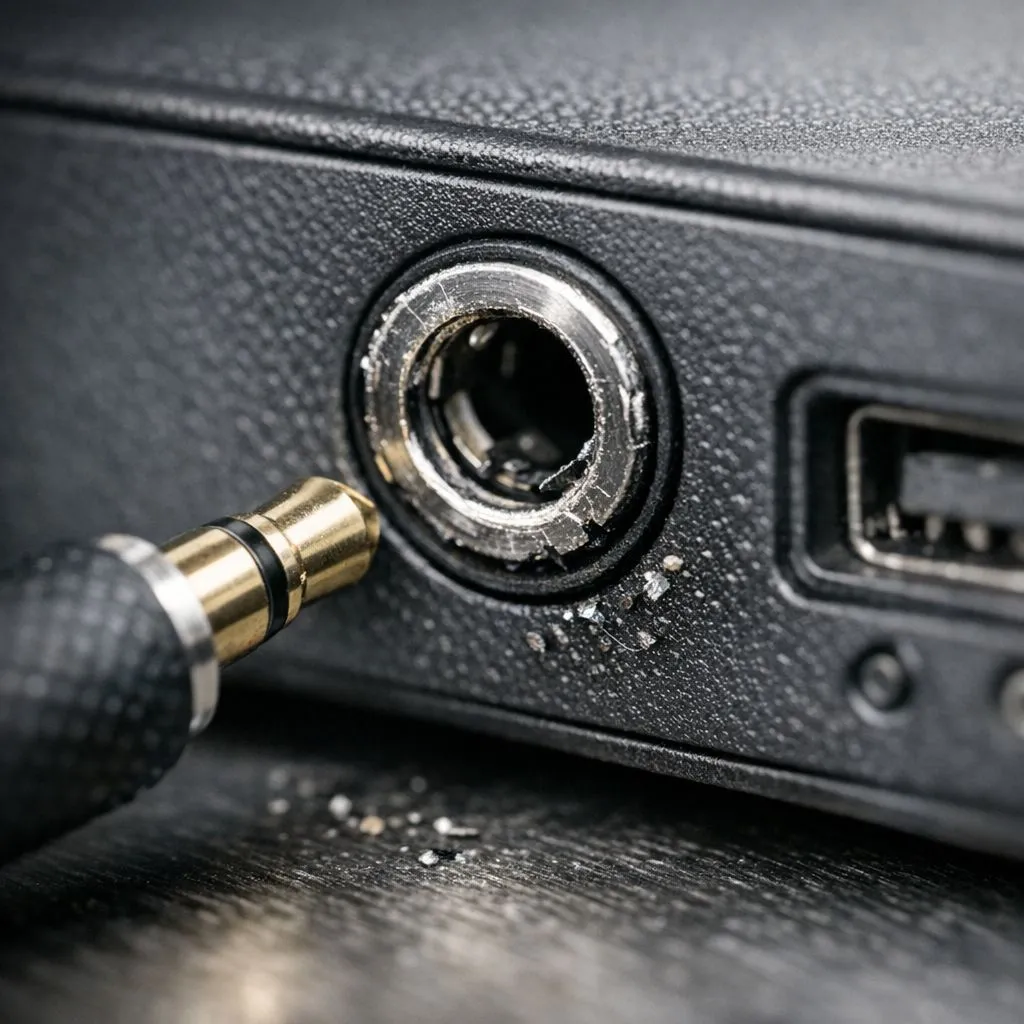
There is nothing more frustrating than sitting down for a session of Apex Legends and hearing only silence. A dodgy audio port can ruin your immersion or your comms with the squad. Before you send your rig for repairs, try these steps. Learning how to fix 3.5mm headphone jack issues is easier than you think. Most problems are caused by simple dust or software glitches. 🔧
Clean the Port to Restore Audio
The most common culprit is actually just dirt. Over time, lint and dust settle inside the port. This prevents the jack from making a solid connection. Use a wooden toothpick or a can of compressed air. Be very gentle to avoid damaging the internal pins. If your current headset is truly broken, you can buy gaming accessories that offer better durability for your setup.
Maintenance Pro Tip 🔧
Use a small amount of isopropyl alcohol on a cotton swab to clean the actual metal plug of your headphones. Oils from your skin can create a thin film that causes crackling audio. Keeping the connector shiny ensures a crisp signal every time you plug in.
Update Your Windows Audio Drivers
Sometimes the issue isn't physical at all. Windows updates can occasionally mess with your audio drivers. Right-click the Start button and open Device Manager. Look for "Sound, video and game controllers" to find your device. Try updating the driver or rolling it back if the problem started recently. Checking for gaming accessories deals might also reveal USB-based headsets that bypass the jack entirely. This is a great way to optimise your audio without a motherboard repair. ⚡
Check for Physical Connection Issues
Ensure your plug is pushed all the way in. It sounds obvious... but a tight PC case can sometimes block the connector. If the port feels loose, it might be a hardware failure on the motherboard. In these cases, a USB sound card is a cheap and effective workaround. You can find many gaming accessories like these that plug into a standard USB port. This bypasses the faulty 3.5mm jack completely and often improves sound quality. ✨
Test With Other Devices
Always test your headphones on a phone or another laptop. This confirms if the issue is the jack or the headset itself. If the headphones work elsewhere, your PC port needs attention. If they do not work anywhere, it is time for a replacement. South African gamers deserve the best audio to hear those footsteps in the brush. 🚀
Ready to Upgrade Your Audio Experience? If your DIY fix didn't do the trick, it might be time for a fresh start. Whether you need a new headset or a dedicated sound card, we have you covered. Explore our massive range of gaming accessories and get back into the game with crystal clear sound.











