

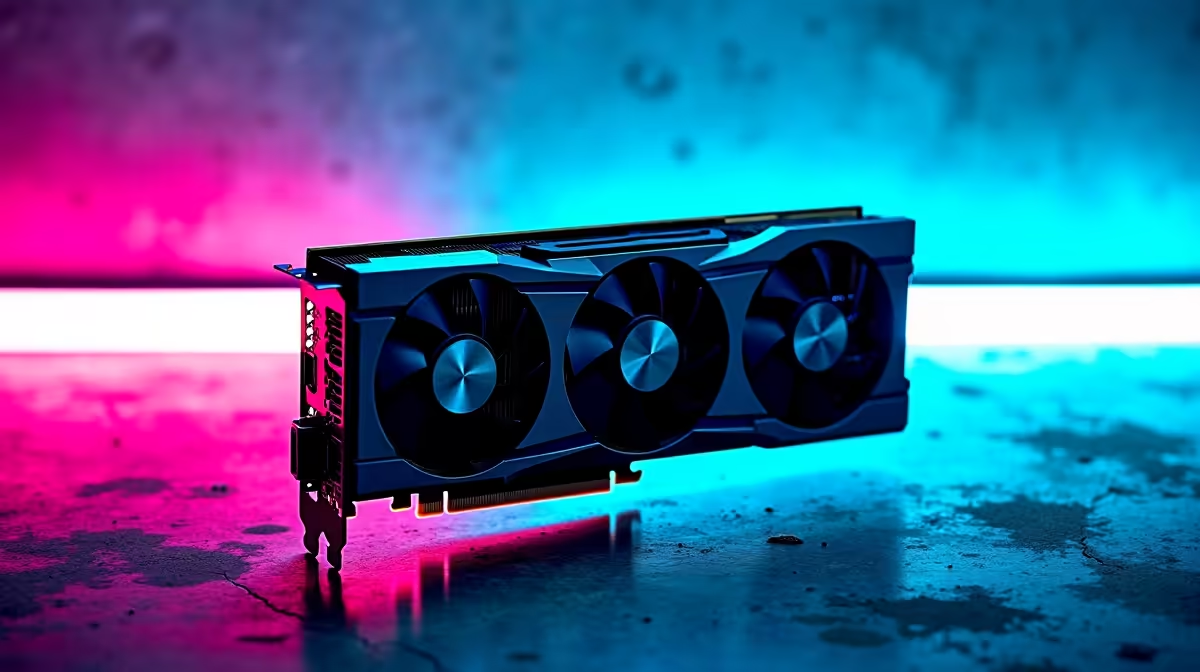
You hit the power button. The fans spin up... but your monitor stays pitch black. Few things terrify South African gamers more than a blank display. Between loadshedding surges and general hardware wear, display issues are incredibly common. If you need to Fix GPU Connectivity: South Africa Support is right here. Let us walk through getting your rig pushing pixels again without spending a single ZAR.
Identifying the Root Cause ✨
Before you panic and assume your graphics card is fried, check the basics. A loose HDMI or DisplayPort cable is the culprit nine times out of ten. Make sure your monitor is plugged directly into the graphics card. Do not plug it into the motherboard. Are you running an older, struggling system? It might be time to browse the latest graphics cards to replace failing hardware. However... let us try to save your current setup first.
Reseating Your Hardware 🔧
Heavy cards often sag over time. This pulls the gold pins away from the PCIe slot. Turn off your PC and unplug it from the wall. Gently unscrew the bracket... press the PCIe release latch... and pull the card out. Put it back in until you hear a solid click. Reconnect the power cables firmly.
Tired of opening up your chassis to fix physical connection drops? Looking at pre-built PC deals with professional cable management and anti-sag brackets is a smart move.
Hardware Pro Tip ⚡
Use a clean pencil eraser to gently rub the gold contacts on your graphics card before reseating it. This removes invisible oxidation and dust buildup... ensuring a flawless connection to your motherboard.
Software Glitches and Driver Conflicts
Sometimes the physical connection is perfect but Windows refuses to cooperate. Corrupted drivers cause massive GPU connectivity headaches. Boot into Safe Mode and use a tool like Display Driver Uninstaller. This safely wipes your old display files. Reinstall the latest drivers fresh.
Are you a student who cannot afford this downtime? You might want to explore reliable notebooks for sale in South Africa. Laptops completely bypass the hassle of seating dedicated desktop GPUs.
Power Supply Problems
Modern GPUs are incredibly power-hungry. If your power supply is degrading, it will drop the connection. This usually happens under heavy gaming loads. Check that your 8-pin connectors are fully seated. Avoid daisy-chaining a single cable for multiple power slots.
Does your system keep crashing during intense gaming sessions? Your hardware might be severely bottlenecked. Upgrading through our best gaming PC deals ensures you get a balanced system with reliable power delivery.
Knowing When to Upgrade 🚀
You have reseated the card. You have wiped the drivers. You have swapped the cables. If your screen still shows strange colours, the GPU memory might be permanently damaged.
Replacing parts does not have to drain your wallet. You can easily find massive discounts on our daily specials page. Get your system back online for less ZAR.
Ready to Find Your Perfect Match? The Mac vs Windows debate is complex, but for maximum power, choice, and value in South Africa, Windows is hard to beat. Explore our massive range of laptop specials and find the perfect machine to conquer your world.











