

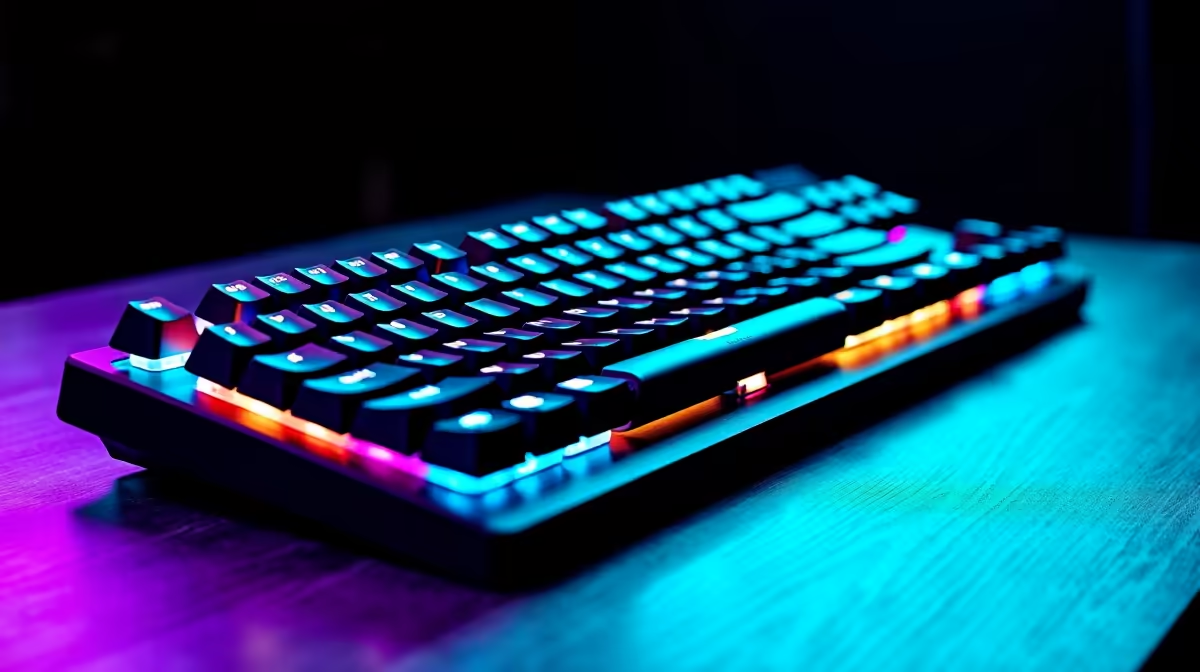
Why Your Keyboard Might Overheat and How South African Gamers Can Fix It 🔧
Gaming keyboards are built to handle intense sessions, but overheating can sneak up even on the toughest rigs. Whether you’re smashing out a marathon Apex Legends run or grinding in League of Legends, a hot keyboard not only feels uncomfortable but can also cause hardware damage. South African gamers often face unique challenges—higher room temperatures and limited local cooling options mean keyboard overheating requires swift action to keep the game going strong.
Common Causes of Keyboard Overheating and How to Spot Them
Dust, Dirt and Poor Ventilation
Dust buildup under keys or inside your keyboard housing restricts airflow and traps heat. If your keys feel sticky or sluggish alongside rising warmth, dirt might be the culprit.
Intense RGB Lighting and High Polling Rates
Fancy backlighting is great but can generate extra heat, especially on cheaper mechanicals without proper heat dissipation. Similarly, keyboards running at very high polling rates can draw more power and heat up faster.
Inadequate Desk Setup
Placing your gaming keyboard on a soft surface like a bed or couch reduces ventilation underneath, causing heat to build up. Make sure your desk or table provides a flat, hard surface for better airflow.
How South African Gamers Can Cool Down Their Keyboards ⚡
Keep It Clean and Dust-Free
Regularly remove keycaps if possible and clean your keyboard with compressed air or a soft brush. This simple step maintains airflow and reduces heat traps, extending your keyboard’s life.
Adjust RGB Settings
Dial down brightness or switch off unnecessary RGB zones. Most gaming keyboards allow software customisation—this reduces power draw and heat output.
Elevate Your Keyboard
Pump up your desk setup by adding a keyboard stand or wrist rest with ventilation gaps. This small tweak improves airflow and keeps internal components cooler.
Upgrade Your Rig for Efficiency
If overheating persists, consider investing in a better keyboard designed for robust gaming. South African gamers can find top-tier options in popular categories; check out Evetech’s range of gaming keyboards curated for performance and durability.
Monitor Room Temperature and Cooling
South African summers get hot, so your gaming room’s AC or fan settings can impact your peripherals’ temperature. Don’t overlook good fibre internet and setup optimisation; lag-free gaming indirectly means less frantic key presses—and less heat generation.
Pro Tip for Cooler Keyboard Action
Keeping your keyboard elevated by just 2 cm can improve ventilation noticeably — and your fingers will thank you during long sessions.
When to Consider a New Keyboard or a Complete Gaming Upgrade 🚀
If your keyboard overheating continues despite cleaning and adjustments, the issue may be power inefficiency or old hardware. Low-cost units with weak internal components often overheat under high load.
South African gamers who want to break free from overheating woes should consider exploring premier builds. Whether you prefer assembling your own system or want a plug-and-play experience, explore these premium options at Evetech:
- Customisable powerhouses in best gaming PC deals
- Ready-to-roll machines via pre-built PC deals
- Portable powerhouses on the go at our notebooks for sale
Get the Best Deals to Keep Your Gear Cool and Game On
Evetech’s specials page always has sizzling ZAR discounts on peripherals and full systems. Combine a high-quality keyboard with efficient hardware and your setup will stay cool under pressure, no matter how intense the sessions get.
Stay Cool, Game Harder Don't settle for overheating keyboards or slow rigs. Upgrade your setup today—Shop now at Evetech for performance that leaves lag in the dust.











