

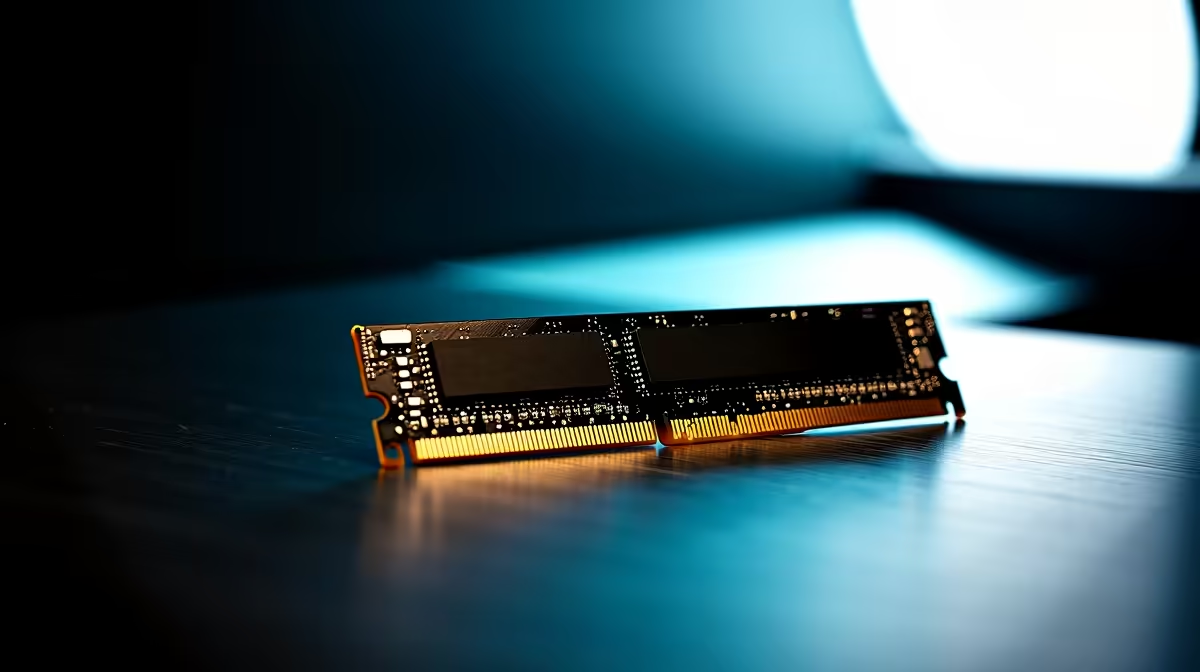
Why Fixing RAM Connectivity Matters for South African Gamers ⚡
Nothing ruins a gaming session faster than stuttering or random crashes. Often, these issues stem from faulty RAM connectivity. If you’ve ever wondered why your rig occasionally hiccups or refuses to boot, you might be facing RAM connection problems. Luckily, South African gamers can fix RAM connectivity issues with straightforward troubleshooting—no need to send your PC halfway across the world. Let’s get your machine running smooth and fast again.
Common Causes of RAM Connectivity Issues in South Africa
South Africa’s warm climate and occasional power fluctuations can affect PC components, including memory modules. Dust buildup in desktop or laptop RAM slots reduces contact quality, while improperly seated modules cause instability. Even using incompatible memory sticks can create conflicts that degrade performance.
If your system randomly reboots, shows blue screens, or fails POST, start by confirming your RAM is recognised correctly in BIOS. This quick check often reveals if connection or compatibility is the culprit.
How to Diagnose RAM Problems Quickly 🔧
Use Windows Memory Diagnostic or MemTest86 to scan for errors. These tools pinpoint faulty modules or connection problems. If multiple sticks are installed, test one at a time to find the faulty piece or slot.
If your laptop is affected, dust can be harder to access — professional cleaning might be necessary. Check out Evetech’s range of reliable notebooks for sale in South Africa for machines with robust build quality that reduce these hardware issues.
Steps to Fix RAM Connectivity Issues
- Power down and unplug your PC or laptop.
- Open the case or back panel carefully.
- Remove the RAM sticks gently.
- Clean the gold contacts with a soft, lint-free cloth. Avoid liquids or abrasive materials.
- Blow out dust from slots using compressed air.
- Firmly reinsert the modules until you hear a click.
- Close the case and reboot.
Ensure you’re installing memory compatible with your motherboard’s specifications. Evetech’s PC memory components listing helps you pick the right speed, type, and size for your setup. Avoid mixing brands or different RAM speeds, as this can cause instability.
Quick RAM Fix Tip
Properly reseating RAM can fix up to 70% of connectivity issues. Always check twice for a firm fit—your PC should boot smoothly with no beeps or freezes.
Upgrade or Replace RAM for Better Performance 🚀
If your system runs on outdated or minimal RAM, connection fixes might only be temporary. Consider upgrading to faster or larger RAM kits available in South Africa. For a plug-and-play experience, browse Evetech’s best gaming PC deals. These bundles often include optimal RAM choices tuned for stability and peak performance.
Not ready to build? Evetech’s pre-built PC deals offer quality-assured components tested for proper RAM installation and connectivity out of the box.
Lastly, check out Evetech’s specials for limited-time discounts on crucial upgrades to ensure your rig is ready for any challenge. Investing properly in RAM stability protects your hardware and gaming experience long-term.
Upgrade Your RAM with Confidence Don’t let RAM glitches slow your gameplay. Shop now at Evetech for South Africa’s trusted memory upgrades and fix RAM connectivity the smart way.











