

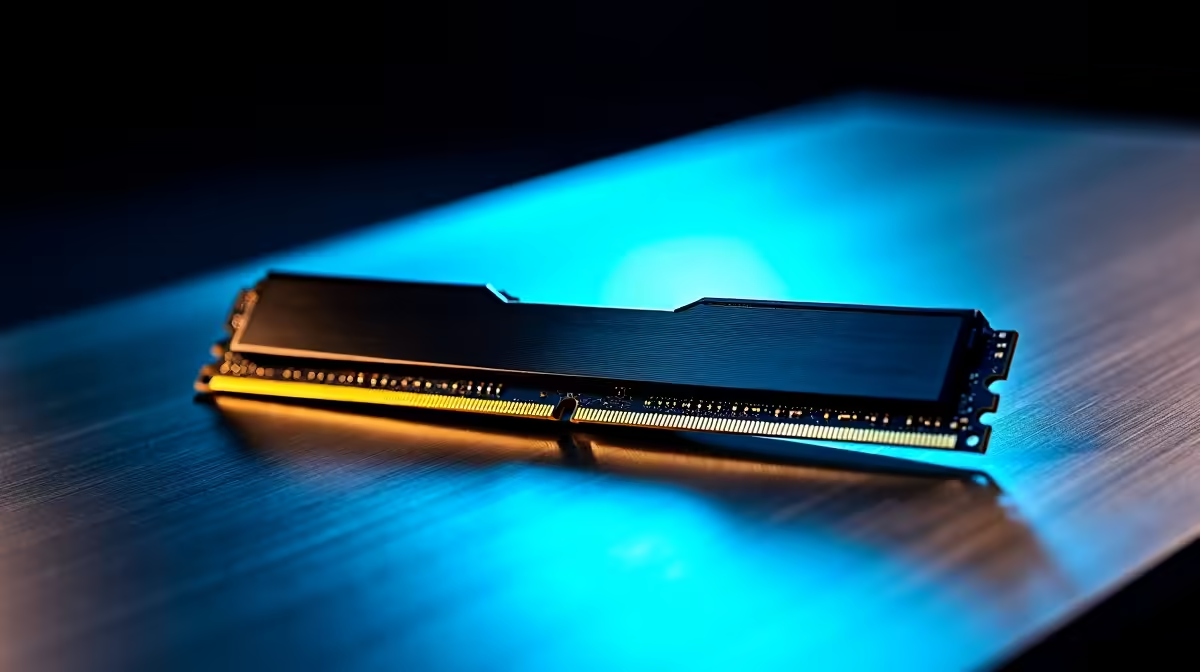
Why Your RAM Might Not Be Detected: Common Issues in South Africa 🔧
If your PC or laptop suddenly stops recognising RAM, don’t panic. For South African gamers and tech lovers, missing memory can feel like a critical roadblock to an epic session or project. Yet, a few simple checks can resolve most issues before you consider replacements. Understanding why RAM isn’t detected is the first step to smooth fixes and better performance—whether you’re upgrading or troubleshooting.
How to Diagnose RAM Not Detected Issues Quickly
Check the Physical Installation First
RAM modules can loosen over time, especially if you move your PC or laptop often. Start by powering down your system, unplugging it, and opening up the case or access panel. Give your RAM sticks a gentle push to reseat them firmly in their slots—sometimes a shaky connection is all it takes to cause detection failure.
Use BIOS or UEFI to Confirm RAM Status
Boot into your BIOS or UEFI firmware settings to verify if your system detects the RAM hardware. If it’s showing less memory than installed, or none at all, problems might be deeper—like faulty RAM sticks or motherboard issues. South African users can benefit from BIOS updates specific to local models, which Evetech experts recommend checking on manufacturer sites.
Test with a Single RAM Module
Remove all but one RAM stick and try booting again. If your PC or laptop recognises just one, test each module individually to identify any faulty ones. This method helps isolate defective memory without guesswork.
DIY RAM Check
Make sure power is disconnected before handling RAM and discharge static by touching grounded metal. A grounded workspace prevents damage while swapping memory sticks.
When to Upgrade RAM or Buy New Memory in South Africa ⚡
If your system still doesn’t detect RAM after reseating and testing modules, it might be time for an upgrade or replacement. South African gamers seeking new memory should note that faster and larger RAM modules improve multitasking and gaming smoothness. For the best deals and variety of desktop memory, check out Evetech’s specialised memory component selection.
Upgrading your rig might also mean considering pre-built options if DIY isn’t your thing. Evetech offers pre-built PC deals that come optimised with tested RAM setups tailored for South African gamers’ needs—powerful, stable, and ready out of the box.
RAM and Laptop Compatibility: A South African Shopper’s Guide 🚀
Laptop RAM upgrades can be trickier than desktop fixes. South African users should first verify whether their laptop supports additional RAM or specific module types. Refer to the laptop’s manufacturer specs or use Evetech’s selection of notebooks for sale to gauge the right configurations.
If you’re buying a new laptop but want the best value for gaming, consider bundles or special offers on local stores. The Evetech specials page frequently has competitive prices that help upgrade your game without breaking the bank.
Expert Tips: Avoid RAM Detection Problems in Future Builds
- Handle components gently and use anti-static precautions.
- Match RAM sticks (brand and frequency) for the best compatibility.
- Regularly clean your motherboard’s RAM slots with compressed air to fend off dust.
- Keep your BIOS updated with the latest firmware from your PC or motherboard maker.
These habits protect your system and extend the lifespan of your components—so you can focus on gaming or work, not troubleshooting.
Discover Great PC Builds that Include Reliable RAM Configurations
For gamers who want a reliable system without guesswork, exploring Evetech’s curated best gaming PC deals can be a smart move. Every build comes with RAM properly installed and tested to avoid detection issues out of the gate.
Whether you want to tinker or buy ready-to-go, Evetech supports South African enthusiasts with exceptional choices that strike the balance between price, power, and peace of mind.
Upgrade or Replace Your RAM with Confidence Don’t let undetected RAM hold you back. Shop now at Evetech for reliable memory upgrades and a smoother gaming experience.











