

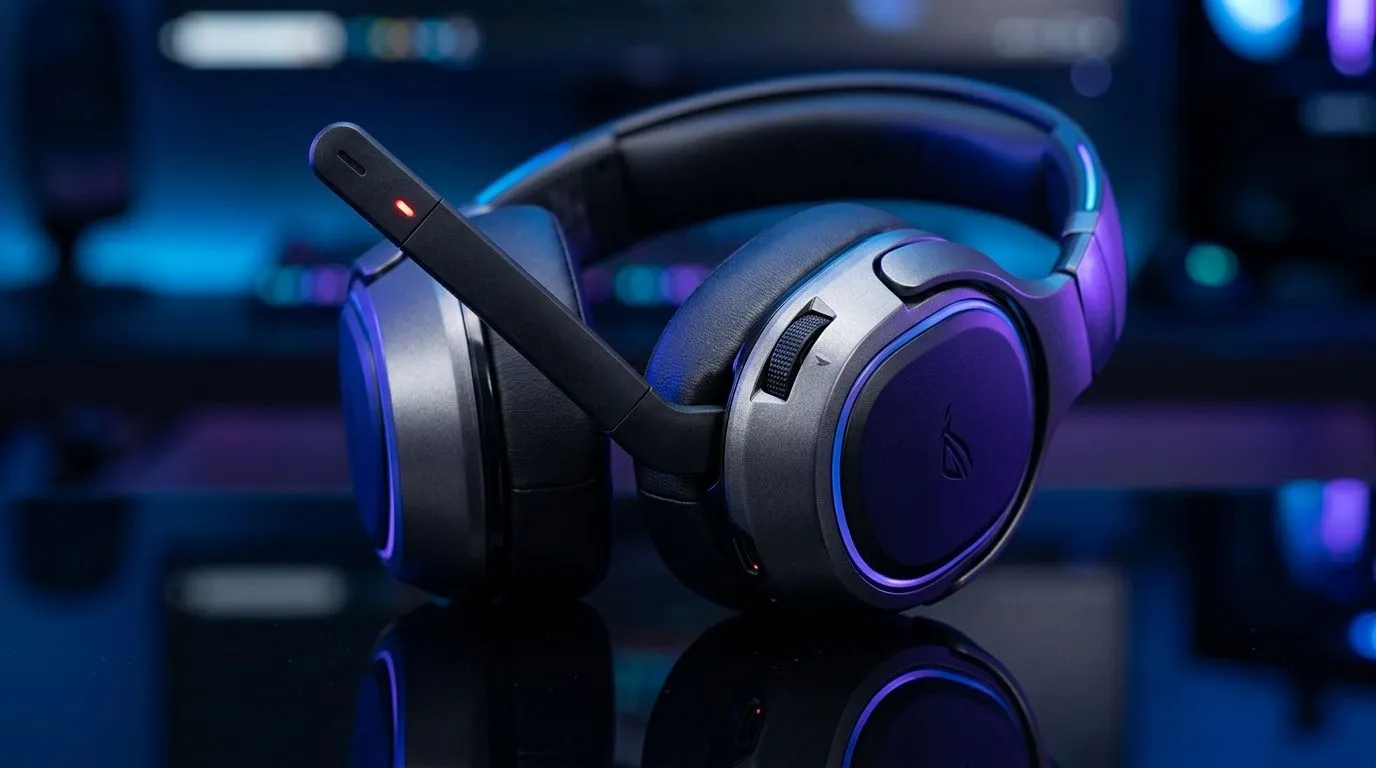
Flip-to-Mute Guide for Gaming Headsets
Flip-to-Mute Guide for Gaming Headsets: Why South African Gamers Love It
Ever been mid-clutch, only to realise your mic is picking up the TV volume, the kettle, or the neighbour’s lawn mower? 🙃 Flip-to-mute is the simple fix: you physically flip the boom or touch an integrated sensor, and your teammates instantly know you’re muted.
In South Africa, where load-shedding schedules and kitchen noises are… real life… this feature matters. Let’s set you up with a reliable, no-fuss routine for using flip-to-mute on gaming headsets.
Flip-to-Mute Guide for Gaming Headsets: How It Works (And When It Doesn’t)
Most flip-to-mute designs use either:
- A mechanical switch in the boom arm (flip up, mic mutes)
- A magnetic or touch sensor (movement or contact triggers mute)
The catch? Not every headset behaves the same on every device or app. Discord, in particular, can override system mute settings depending on your input device and settings.
Quick setup sanity check (60 seconds)
Before your next match:
- Confirm your headset is selected as the input in your voice app.
- Use flip-to-mute while you watch the mic level meter.
- If the meter doesn’t change, your app may be ignoring the hardware mute.
Productivity Pro Tip ✨
If your headset “mutes” but Discord still shows your voice activity, open Discord Settings → Voice & Video and make sure the Input Device is your headset (not “Default”). Then test mute unmute again.
Flip-to-Mute Guide for Gaming Headsets: The Best “Feel Test” Before You Buy
Here’s the micro-story many players relate to. You buy a headset, everything sounds great… then you flip the mic once and it doesn’t fully engage. Annoying, right?
Use this buyer checklist when comparing models:
- Distance and travel: Does the mic reliably “click” into mute?
- Consistency: Does the mute engage on the first flip every time?
- Indicator clarity: Is there an LED or audible confirmation?
- Comfort during gunfights: Can you reach it without bumping the arm mid-aim?
If you want a solid starting point for your next upgrade, check the Razer Barracuda X Chroma Wireless headset options here: https://www.evetech.co.za/razer-barracuda-x-chroma-wireless-headset-phantom-white/best-deal/24367 (You’ll be shopping within a curated Evetech deal page, which makes comparisons easier in ZAR.)
Flip-to-Mute Guide for Gaming Headsets: 2 Common Fixes for Mute Issues
If flip-to-mute feels inconsistent, try these fixes 🔧:
1) Match mute to the correct input device
- In your voice app, set the input explicitly to your headset.
- Avoid “Default” input when possible. It can swap between mic devices after reconnects.
2) Re-check headset connection mode
Wireless headsets can switch profiles when they reconnect. That can change how Windows or macOS maps the mic. If your system supports it, reconnect and re-select the headset input.
For broader options across brands and styles, browse Evetech’s headphone range here: https://www.evetech.co.za/PC-Components/razer-headphones-headsets-105 and https://www.evetech.co.za/components/headphone-headsets-100. These pages are a practical way to compare what you’re actually paying for in South African Rand, not just on spec sheets.
Flip-to-Mute Guide for Gaming Headsets: A Reliable Routine for Ranked
Once it’s working, keep it simple:
- Flip-to-mute before you open a second window.
- Unmute only when you’re ready to talk.
- Do a quick mic meter check before ranked starts. Your squad hears the “signal”, not the chaos. ⚡
Ready to Find Your Perfect Match? The Mac vs Windows debate is complex, but for maximum power, choice, and value in South Africa, Windows is hard to beat. Explore our massive range of laptop specials and find the perfect machine to conquer your world.











